
Essential Weather Widgets for Commuters: A Beginner's Guide
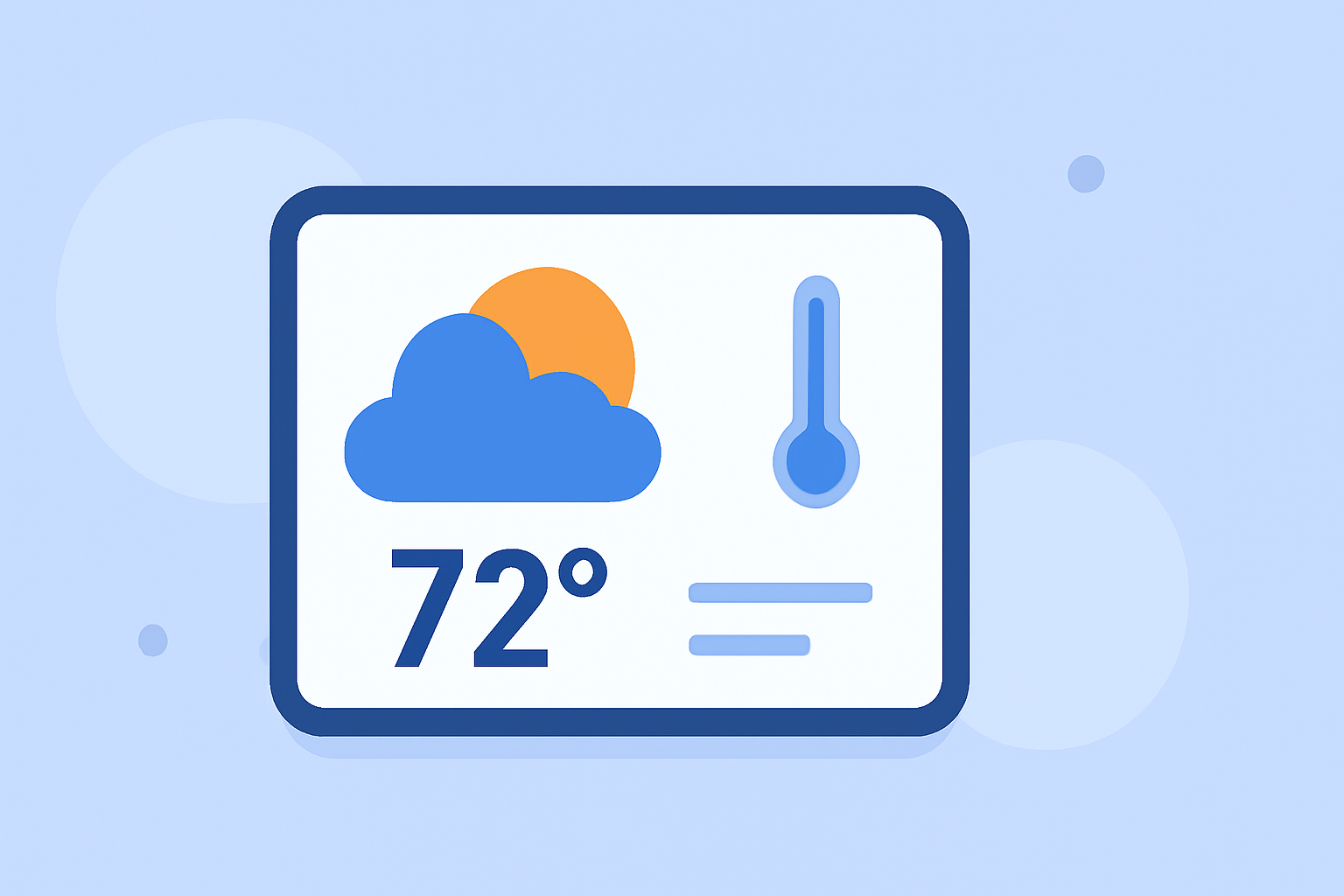
As a commuter, staying informed about the weather is crucial for a smooth journey. Weather widgets provide real-time updates and personalized forecasts, helping you plan your day effectively.
What Are Weather Widgets?
Weather widgets are small applications that display current weather conditions, forecasts, and alerts directly on your device's home or lock screen. They offer quick access to essential weather information without opening a full app.
Why Are They Important for Commuters?
For commuters, weather widgets are invaluable. They provide timely updates on conditions that can affect your commute, such as rain, snow, or extreme temperatures. By having this information readily available, you can make informed decisions about your travel plans, attire, and departure times.
Key Features to Look for in a Weather Widget
When selecting a weather widget, consider the following features:
- Real-Time Updates: Ensure the widget provides current weather conditions and forecasts.
- Customizable Alerts: Set up notifications for severe weather events that may impact your commute.
- Location Accuracy: The widget should use your device's location services to deliver precise, localized weather information.
- User-Friendly Interface: A clean, intuitive design allows for quick and easy access to weather data.
How to Choose the Right Weather Widget
Selecting the right weather widget depends on your specific needs and preferences. Here are some factors to consider:
- Device Compatibility: Ensure the widget is compatible with your device's operating system.
- Customization Options: Look for widgets that allow you to adjust settings such as update frequency, alert types, and display styles.
- Data Sources: Widgets that source data from reputable meteorological services tend to provide more accurate information.
How to Install and Set Up a Weather Widget
Installing and setting up a weather widget is typically straightforward:
- Download the Widget: Visit your device's app store and download the weather widget app.
- Install the Widget: Follow the on-screen instructions to install the widget on your device.
- Configure Settings: Customize the widget's settings to match your preferences, such as selecting your location and setting up alerts.
- Add to Home or Lock Screen: Place the widget on your home or lock screen for easy access.
Best Practices for Using Weather Widgets
To maximize the benefits of your weather widget:
- Regularly Update the App: Keep the widget app updated to ensure access to the latest features and improvements.
- Enable Notifications: Allow the widget to send notifications for severe weather alerts relevant to your commute.
- Customize Display Settings: Adjust the widget's appearance and information displayed to suit your preferences.
Conclusion
Incorporating a weather widget into your daily routine can significantly enhance your commuting experience. By providing timely and accurate weather information, these widgets help you make informed decisions, ensuring a safer and more efficient journey.
Remember, the key to a successful commute is preparation, and having the right tools, like a reliable weather widget, can make all the difference.