
Evening Weather Check Tips on Wear OS
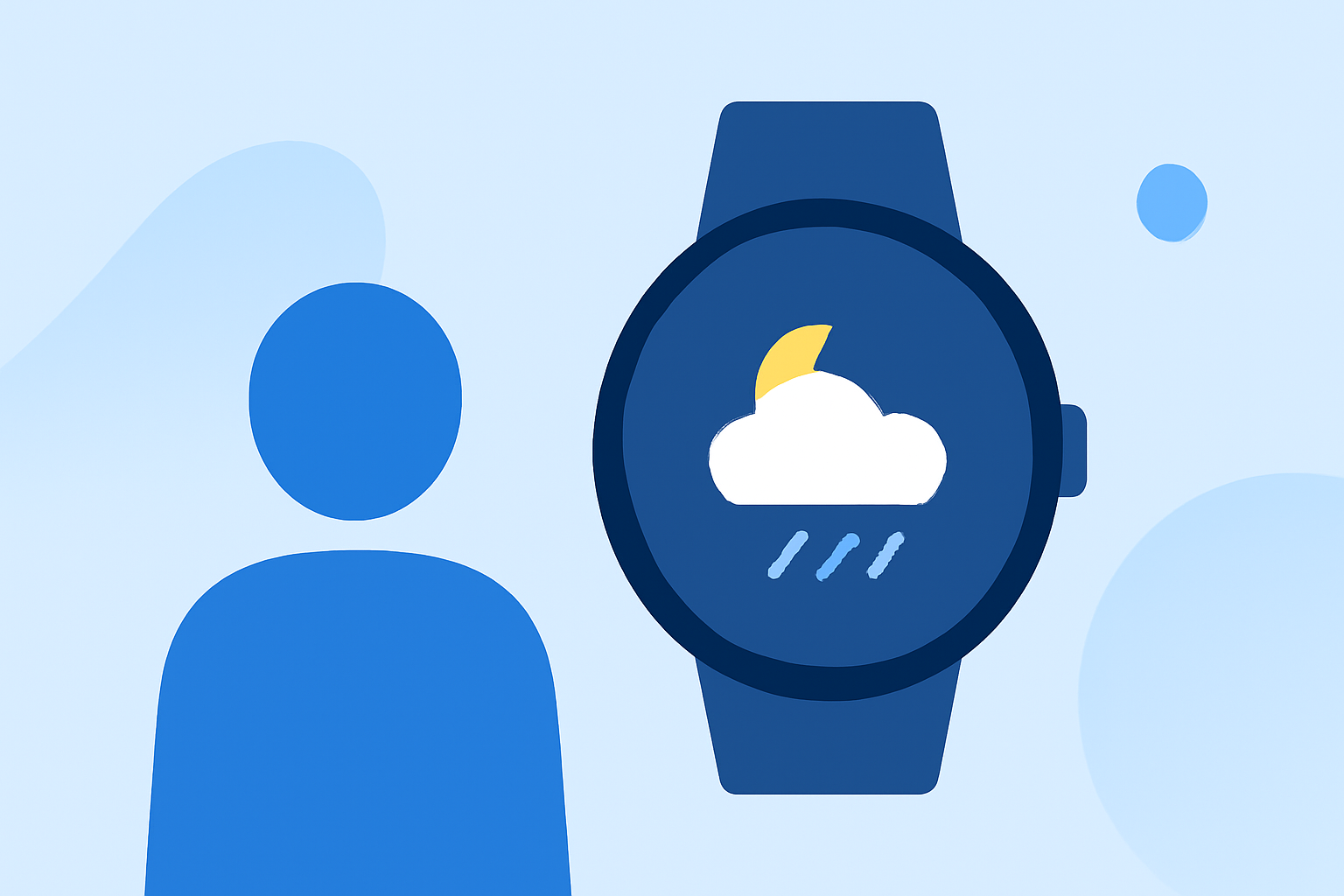
Checking the evening weather on your Wear OS smartwatch is a convenient way to prepare for the night ahead. Here's how to make the most of your device:
1. Utilize Built-in Weather Apps
Most Wear OS devices come equipped with a native weather application that provides current conditions, forecasts, and alerts. To access it:
- Press the power button to open the app menu.
- Locate and tap on the "Weather" app.
This app typically displays real-time data, including temperature, humidity, and precipitation forecasts.
2. Add a Weather Tile or Watch Face Complication
For quicker access, consider adding a weather tile or complication to your watch face:
-
Weather Tile:
-
Swipe left or right to access your tiles.
-
Press and hold a tile to edit.
-
Tap "Add Image" and select the "Weather" tile.
-
Watch Face Complication:
-
Press and hold your current watch face.
-
Tap "Customize".
-
Navigate to the complication section and assign the "Weather" app to a desired position.
This setup allows you to view weather updates at a glance.
3. Adjust Screen Brightness for Evening Viewing
In low-light conditions, reducing screen brightness can enhance visibility and conserve battery life:
- Swipe down from the top of the watch face to access Quick Settings.
- Tap the brightness icon and adjust the slider to a comfortable level.
Alternatively, covering the watch face with your hand can quickly dim the screen. (wareable.com)
4. Extend Battery Life During Evening Use
To ensure your watch lasts through the night, consider these tips:
-
Disable Always-On Display:
-
Open the Settings menu.
-
Navigate to "Display" and toggle off "Always-On Display".
-
Reduce Screen Timeout:
-
In "Display" settings, select "Screen Timeout" and set it to 15 seconds.
-
Limit Background Processes:
-
Close unused apps running in the background.
These adjustments can significantly prolong battery life during evening hours. (makeuseof.com)
5. Use Third-Party Weather Apps for Enhanced Features
For more detailed weather information, consider installing third-party apps:
-
WhetherWear: Offers real-time weather data and personalized outfit recommendations based on current conditions. (whetherwear.com)
-
Breeze: Provides smart outfit suggestions tailored to the weather, helping you dress appropriately for the evening. (breezeweather.app)
By integrating these tools and settings, you can effectively monitor evening weather on your Wear OS smartwatch, ensuring you're always prepared for the night ahead.