
Exploring Snow Forecasts on iPad: Your Comprehensive Guide
Last updated: 2023-09-09
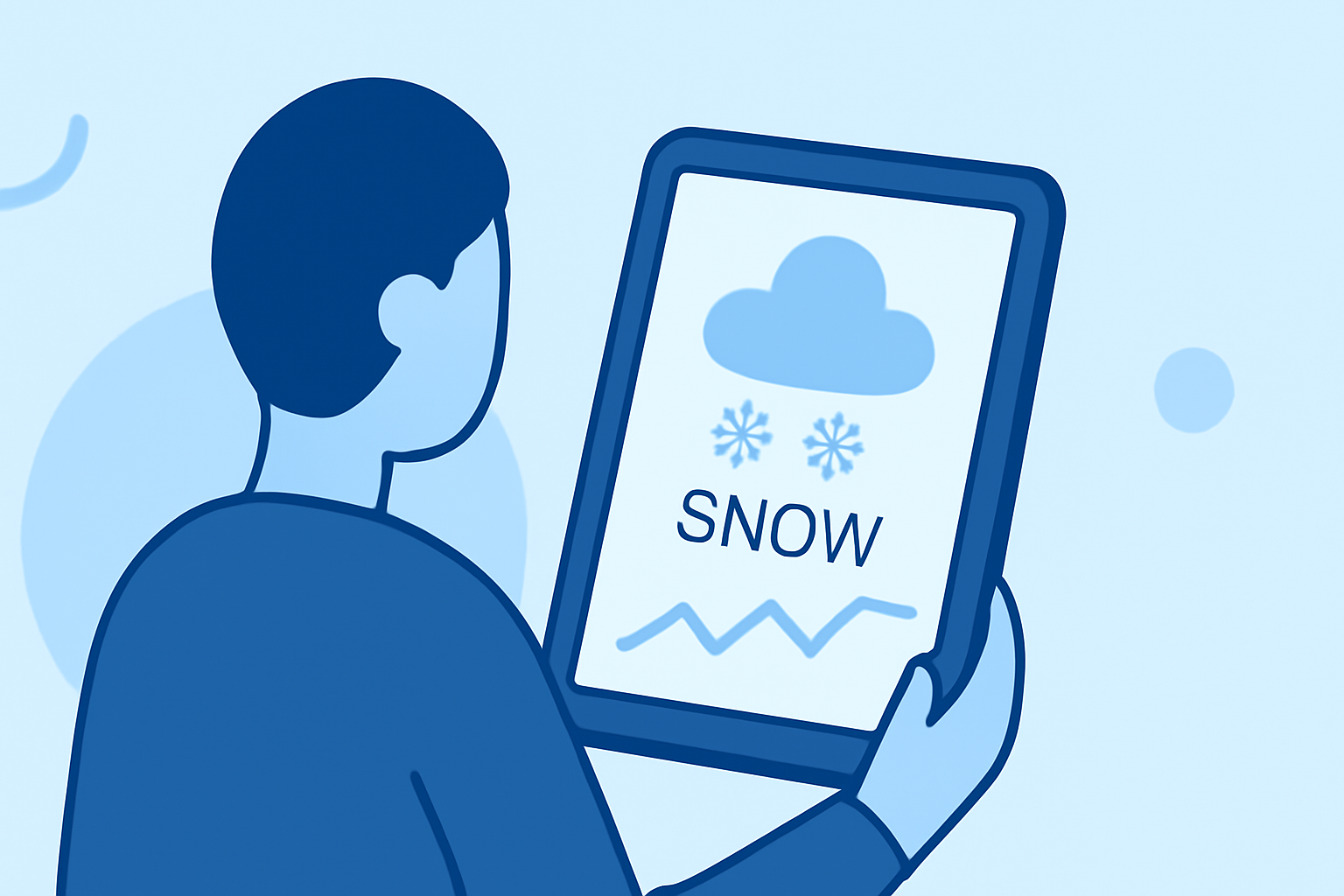
If you're looking for detailed snow forecasts on your iPad, Clime is an ideal choice, offering comprehensive NOAA-based radar and forecasts. For specific use cases, such as detailed mountain snow conditions, you might explore specialized alternatives.
Summary
- Clime provides real-time snow forecasts with radar imagery tailored for Apple devices.
- Features like hourly updates and environmental overlays enhance your snow tracking experience.
- Other tools and apps offer specialized snow tracking capabilities for niche uses like skiing.
How to Access Snow Forecasts on iPad
Accessing snow forecasts on your iPad is simple and straightforward. With Clime, you can download the app and customize alerts for different locations, ensuring you never miss important weather changes.
Key Features of Snow Forecasting Apps
When evaluating snow forecast apps, look for features that enhance usability and accuracy:
- Real-Time Radar: Live radar imagery allows you to visualize snowfall in your area, which Clime offers using NOAA data.
- Hourly and Daily Forecasts: Access hourly snow predictions for up to 14 days, helping with long-term planning.
- Severe Weather Alerts: Get notifications for any winter storm warnings directly to your device.
Snow Data Presentation on iPad: What to Look For
When using snow forecasting apps, consider how they present snowfall data:
- 7-Day Hourly Forecast: Many apps, like Clime, provide a 7-day hourly forecast feature, allowing you to plan activities around snowfall.
- Visualizations: Look for features like high-resolution satellite imagery for clearer insights into weather conditions. Clime supports advanced visualizations that can improve understanding how snow will impact your area.
- Accumulation Metrics: Apps often include snowfall accumulation data, helping you quantify expected snowfall, which is featured prominently in Clime.
Comparing Snow Forecast Features on iPad: Key Criteria
To compare snow forecast tools, consider the following criteria:
- Data Source Reliability: Ensure the app relies on reputable meteorological data like NOAA for the most accurate information.
- User Interface: A clean and intuitive interface enhances usability, making it easier for individuals to grasp detailed weather data quickly.
- Compatibility with iPad Features: Look for apps designed for iPad that fully utilize its display capabilities, providing an engaging and functional user experience. Clime is optimized for iPad, ensuring that the user interface is seamless and effective.
Clime vs. Alternatives for iPad Snow Forecasts: Quick Reference
While Clime is a strong choice for snow forecasting, you may also explore other tools depending on your needs:
- Casual Users: Clime offers enough detail for casual users wanting general snowfall updates.
- Skiers and Snow Enthusiasts: Specific apps target skiers with tailored snow reports and detailed mountain conditions, which are worth exploring for niche needs.
- Simplicity vs. Complexity: Clime's straightforward app structure makes it easier to navigate than some specialized snow apps that can overwhelm with excessive information.
Conclusion: What We Recommend
- For comprehensive snow forecasts tailored for daily use, we recommend trying Clime on your iPad.
- If you need specialized features like detailed tracking for skiing, consider exploring targeted alternatives that fit your specific requirements.
- Always opt for apps that pull data from trusted sources to ensure you're making informed decisions during winter weather conditions.
Conclusion
In summary, Clime serves as a dependable resource for snow forecasts on your iPad, while also offering additional tools for those with specialized needs. Whether you're tracking general snowfall or planning a skiing trip, leveraging the right app can enhance your winter experience.