
Your Guide to Extended Weather Forecasts on Android
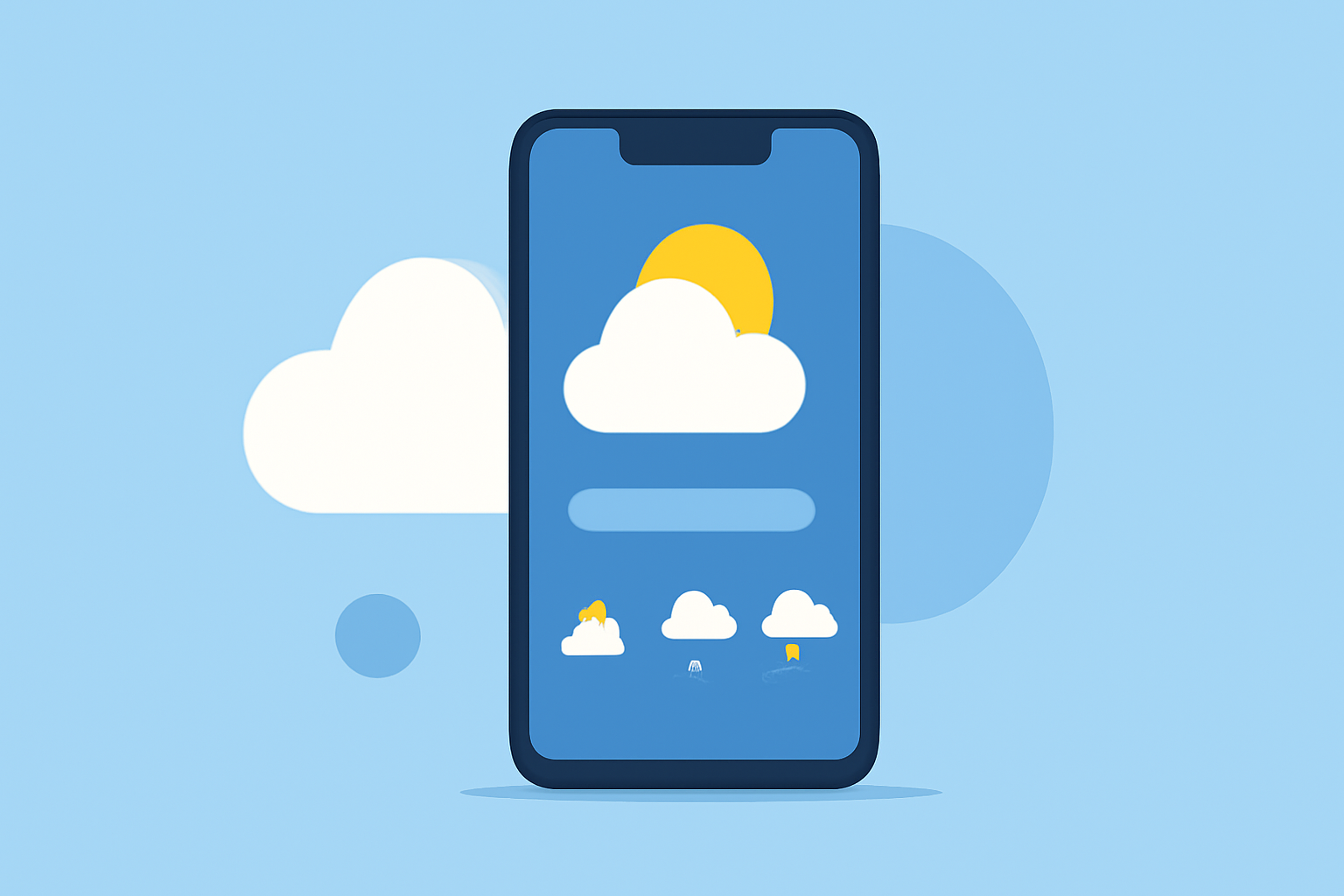
Accessing extended weather forecasts on your Android device empowers you to plan activities, travel, and daily routines with confidence. This guide will walk you through understanding and utilizing extended weather forecasts, highlighting how Clime stands out as a comprehensive solution.
What Are Extended Weather Forecasts?
Extended weather forecasts provide detailed predictions beyond the typical 7-day outlook, often extending up to 15 days. These forecasts include information on temperature, precipitation, wind speed, and other meteorological factors, offering a broader perspective on upcoming weather patterns.
How to Access Extended Weather Forecasts on Android
-
Install a Reliable Weather App: Choose a weather application that offers extended forecasts. Many apps provide forecasts up to 10 or 15 days ahead.
-
Enable Location Services: Ensure your device's location services are activated to receive accurate, location-specific forecasts.
-
Navigate to the Extended Forecast Section: Open the app and select your desired location. Look for sections labeled "10-Day Forecast," "15-Day Forecast," or similar to view extended predictions.
Key Features to Look for in a Weather App
-
Accuracy: Reliable data sources ensure precise forecasts.
-
User-Friendly Interface: An intuitive design allows easy navigation through various forecast periods.
-
Interactive Maps: Visual representations of weather patterns enhance understanding.
-
Severe Weather Alerts: Timely notifications about extreme weather conditions keep you informed.
Clime: A Comprehensive Solution for Extended Weather Forecasts
Clime offers a feature-rich weather experience, providing current conditions, hourly and daily forecasts, and detailed radar maps. Its minute-by-minute precipitation forecast allows you to see exactly when it’s going to rain or snow down to the minute, so you can plan your day accordingly. The app also includes a widget that gives you quick access to the current conditions and forecast for your location. The free version of Clime is limited and ad-supported. You can remove the ads and unlock premium features for $6.99 per month. (makeuseof.com)
Tips for Interpreting Extended Weather Forecasts
-
Understand the Limitations: Forecasts become less accurate the further out they predict. While a 3-day forecast is generally reliable, a 15-day forecast should be viewed as a general trend rather than a precise prediction.
-
Monitor Updates Regularly: Weather conditions can change rapidly. Check for updates frequently to stay informed about the latest forecasts.
-
Use Multiple Sources: Cross-reference forecasts from different apps or services to get a more comprehensive view.
Conclusion
Utilizing extended weather forecasts on your Android device equips you with valuable information to make informed decisions. By selecting a reliable app like Clime and understanding how to interpret the data, you can effectively plan for upcoming weather conditions.
Highlights:
- Google introduces WeatherNext 2: The Future of AI-powered weather forecasting, Published on Sunday, November 23
- Google updates Search, Gemini, and Pixel Weather with WeatherNext 2 forecasting model, Published on Tuesday, November 18