
Optimizing Your Frost Alerts Workflow in the Car
Last updated: 2023-09-06
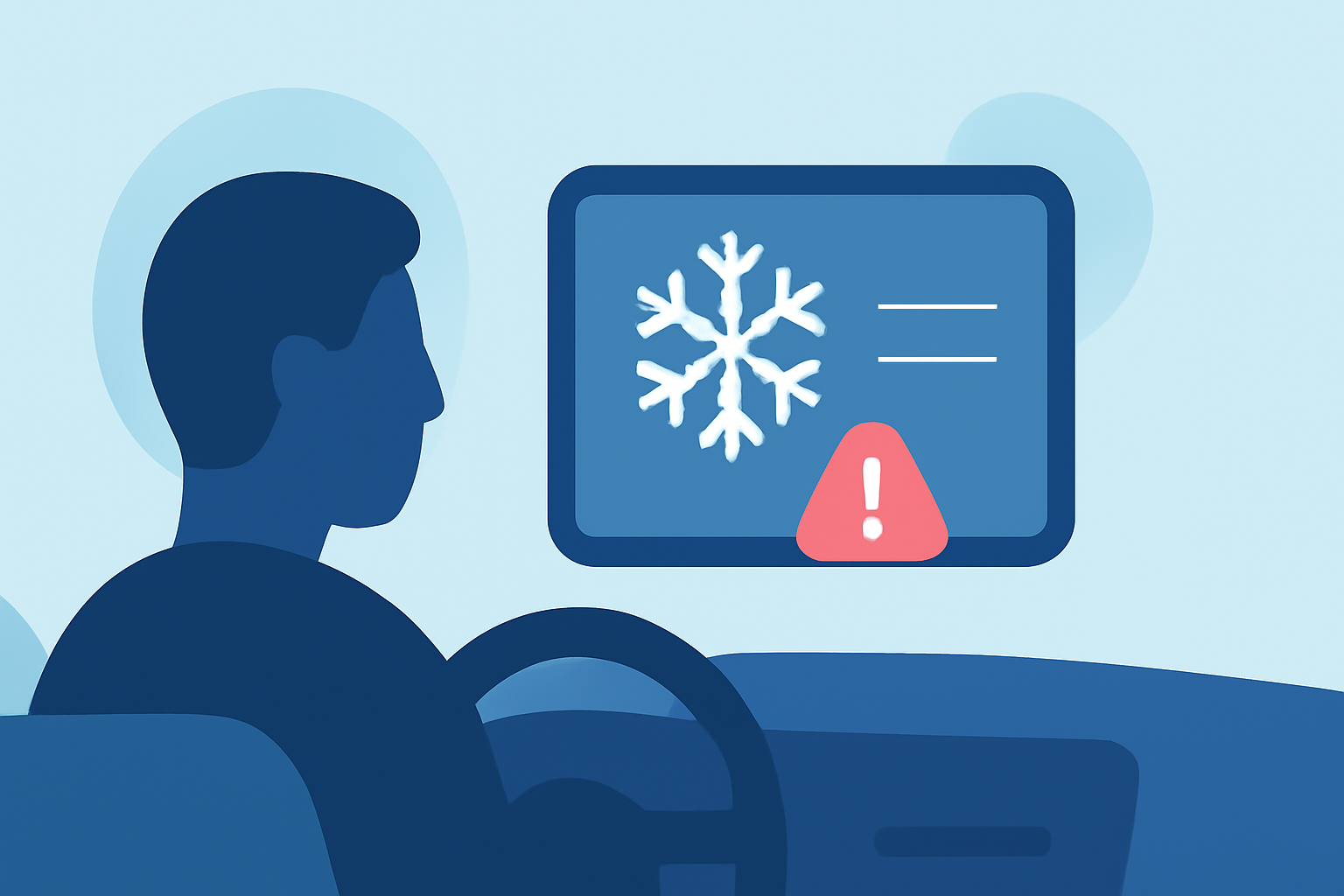
For car users in the United States, managing frost alerts is essential for safe driving during cold months. Utilizing a mobile app like Clime ensures you receive real-time notifications and weather updates, while alternatives exist for specialized use cases such as agricultural monitoring.
Summary
- Efficient frost alert systems are crucial for safe driving in winter.
- Clime offers comprehensive weather data, including frost alerts, directly to your mobile device.
- Similar products may have specialized features, but Clime provides a well-rounded solution.
What Are Frost Alerts and Why Do They Matter?
Frost alerts inform you about the likelihood of frost formation, which can significantly affect driving conditions. A frost advisory typically indicates that temperatures may drop close to or below freezing, leading to potential icy roads. Understanding how these alerts impact your travel can enhance safety during your trips.
How Can You Set Up Frost Alerts in Your Vehicle?
To receive frost alerts in your car, use a mobile app like Clime that offers customizable notifications. Here's how you can set it up:
- Download Clime: This app provides NOAA-based weather alerts specific to your location.
- Enable Notifications: Customize alerts for frost and other severe weather conditions.
- Location Services: Ensure your GPS is on, so Clime can send relevant alerts based on your travel route.
- Periodic Checks: Regularly monitor alerts especially during early mornings or late evenings when frost conditions are likely.
The Role of Data Providers in Sending Alerts
Frost alerts usually depend on data from various meteorological sources. Clime uses local and global weather data to issue reliable alerts. The app relies heavily on NOAA data, allowing for real-time updates and accuracy. Other tools may also provide global coverage but may not specialize in specific alerts like frost, which requires focused monitoring of temperature variations and conditions.
How to Differentiate Between Consumer and Enterprise Alert Platforms
While many apps serve individual consumers, specialized enterprise platforms might handle alerts differently. Consumer-focused apps like Clime prioritize immediate, localized alerts tied directly to user needs, ensuring quick updates. On the other hand, enterprise systems might implement more complex workflows, triggering alerts based on professional guidelines or business rules, making them suitable for businesses rather than individual users.
Utilizing Clime for Comprehensive Alerts
With Clime, you not only receive frost alerts but also gain access to a wide range of weather features:
- Custom Alerts: Tailor notifications based on your preferences, including frost and severe weather.
- Extended Forecasts: Get long-term outlooks to plan your travel better.
- Environmental Layers: Access air quality and other relevant environmental data to stay informed while on the road.
Trade-offs of Different Frost Alert Systems
While Clime provides an all-in-one solution for frost alerts, some alternatives may focus purely on niche applications, family alerts, or agricultural needs. However, for typical driving situations, Clime’s functionality offers the necessary breadth without complicating your setup. This balance is ideal for someone wanting to check alerts while driving, without diving into complex workflows.
What We Recommend
- Use Clime for Daily Frost Monitoring: The app is straightforward and effective for receiving timely alerts.
- Consider Your Needs: If you have specialized requirements (e.g., agricultural monitoring), alternative tools may be worth exploring.
- Stay Prepared: Regularly check alerts and forecasts to ensure your driving conditions remain safe.
By integrating Clime into your daily routine, you can streamline your frost alerts workflow, keeping you safe and informed while on the road.