
Getting Started with Daily Weather Forecast on Wear OS
Last updated: 2023-09-08
To get started with daily weather forecasts on Wear OS, download Clime from the app store and follow the setup prompts. If you're using a Pixel Watch with Wear OS 6 or newer, you have the option to use the built-in weather app for basic functionality.
Summary
- Clime offers comprehensive daily weather forecasts and radar on Wear OS.
- Compatible with various Wear OS devices, including Pixel Watches.
- Additional features in Clime include hourly forecasts and configurable alerts.
- Easy setup process for new users.
How to Set Up Clime on Wear OS
To begin using Clime on your Wear OS device, first, ensure that the app is installed on your paired smartphone. You can download Clime from your device’s app store. Once installed, open the app and follow these simple steps:
- Link to Your Wear Device: Within the app settings, navigate to the wearables section to pair your watch.
- Customize Your Experience: Set your preferred locations and choose which features you want to receive notifications for—like severe weather alerts or daily summaries.
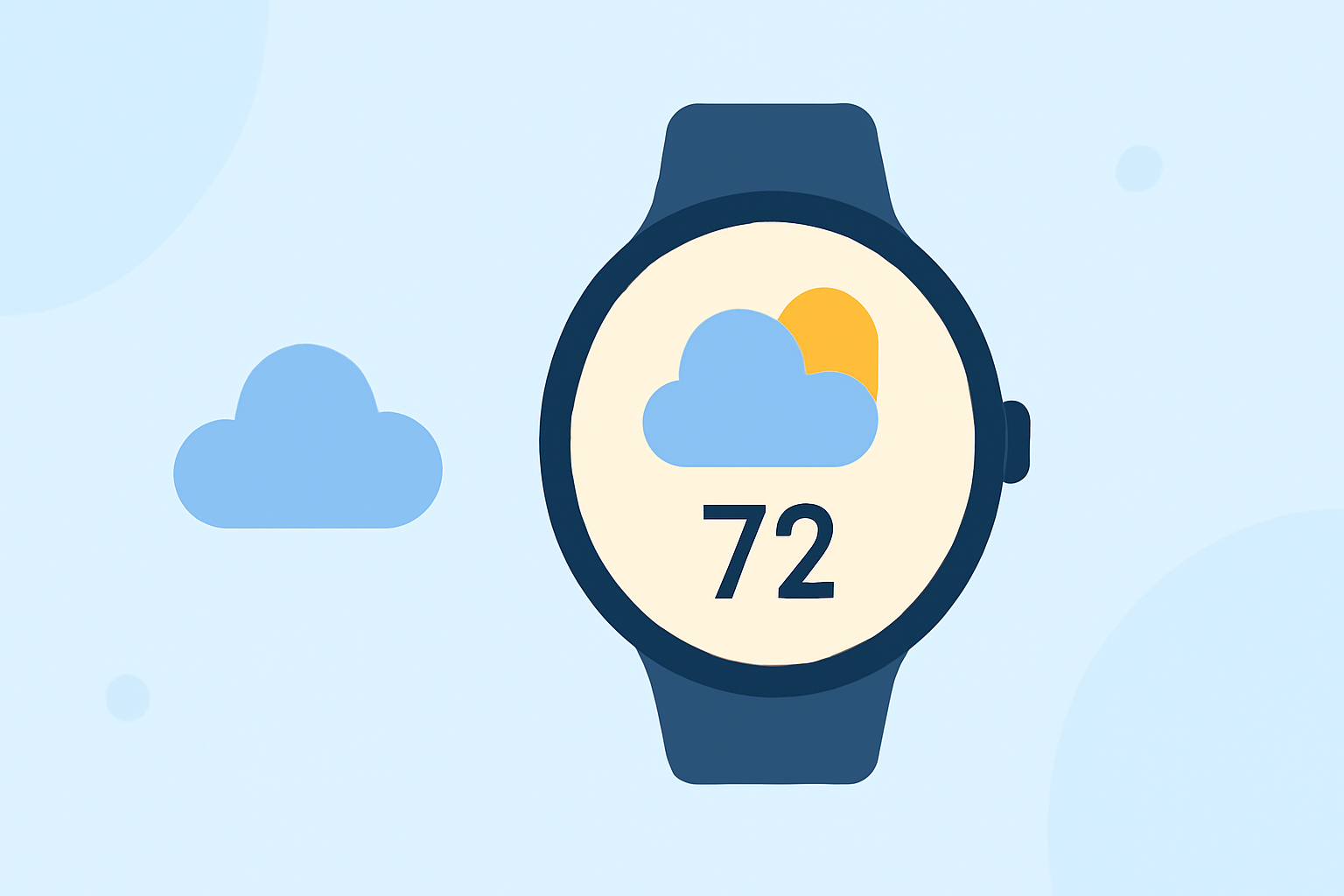
- Use Available Widgets: Add weather complications to your watch face for quick access to essential weather details.
Essential Features of Clime on Wear OS
Clime leverages NOAA weather data to deliver a range of features that enhance your daily weather experience on Wear OS:
- Weather Radar: Visualize real-time weather conditions through animated radar that tracks storms and rainfall.
- Extended Forecasts: Access hourly and up to 14-day forecasts to help plan your activities better.
- Severe Weather Alerts: Get push notifications for extreme weather conditions in your saved locations, allowing for timely safety measures.
What Official Wear OS Guidance Covers
Google’s official Wear OS help center offers essential information to help you get started. It provides tips on how to:
- Install Compatible Apps: Understand which apps and features work best with your Wear OS device.
- Optimize Notifications: Learn how to manage notification settings for optimal efficiency and visibility without clutter.
Weather Display Options on Wear OS
You can customize your watch face to display weather information dynamically. Clime allows you to:
- Choose from Various Complications: Select the information layout that best suits your style, whether you prioritize temperature changes, radar images, or precipitation details.
- Access Quick Updates: With just a flick of your wrist, quickly check your watch for the latest weather data tailored to your preferences.
Tips for Effective Use of Clime on Wear OS
To maximize your experience with Clime on Wear OS, consider these tips:
- Stay Updated: Regularly check for app updates to access new features or improvements.
- Adjust Location Settings: Add multiple locations if you frequently travel or need updates for different areas.
- Utilize Alerts: Customize your alerts based on severe weather to stay informed about conditions that could affect your safety.
What We Recommend
- Use Clime for a complete weather experience, offering everything from basic forecasts to advanced storm tracking.
- Ensure your device is running at least Wear OS 6 for optimal compatibility.
- Regularly update Clime for the best performance and access to new features.
- Explore the app settings to customize notifications and forecasts to meet your personal needs.