
Getting Started with Base Reflectivity Maps
Last updated: 2023-09-08
For those looking to start with base reflectivity maps, using Clime can provide a robust framework for access to NOAA-based weather data. If you require more specialized capabilities, other platforms might offer additional map-tile APIs for unique use cases.
Summary
- Essential Tool: Base reflectivity maps offer real-time precipitation views for weather tracking.
- Key Integration: Utilize Clime’s visual NOAA maps for actionable insights in daily weather forecasting.
- Accessibility: Premium features expand the scope of available environmental data layers.
- User-Friendly: Simplified access helps users prioritize alerts and necessary weather updates.
What are Base Reflectivity Maps?
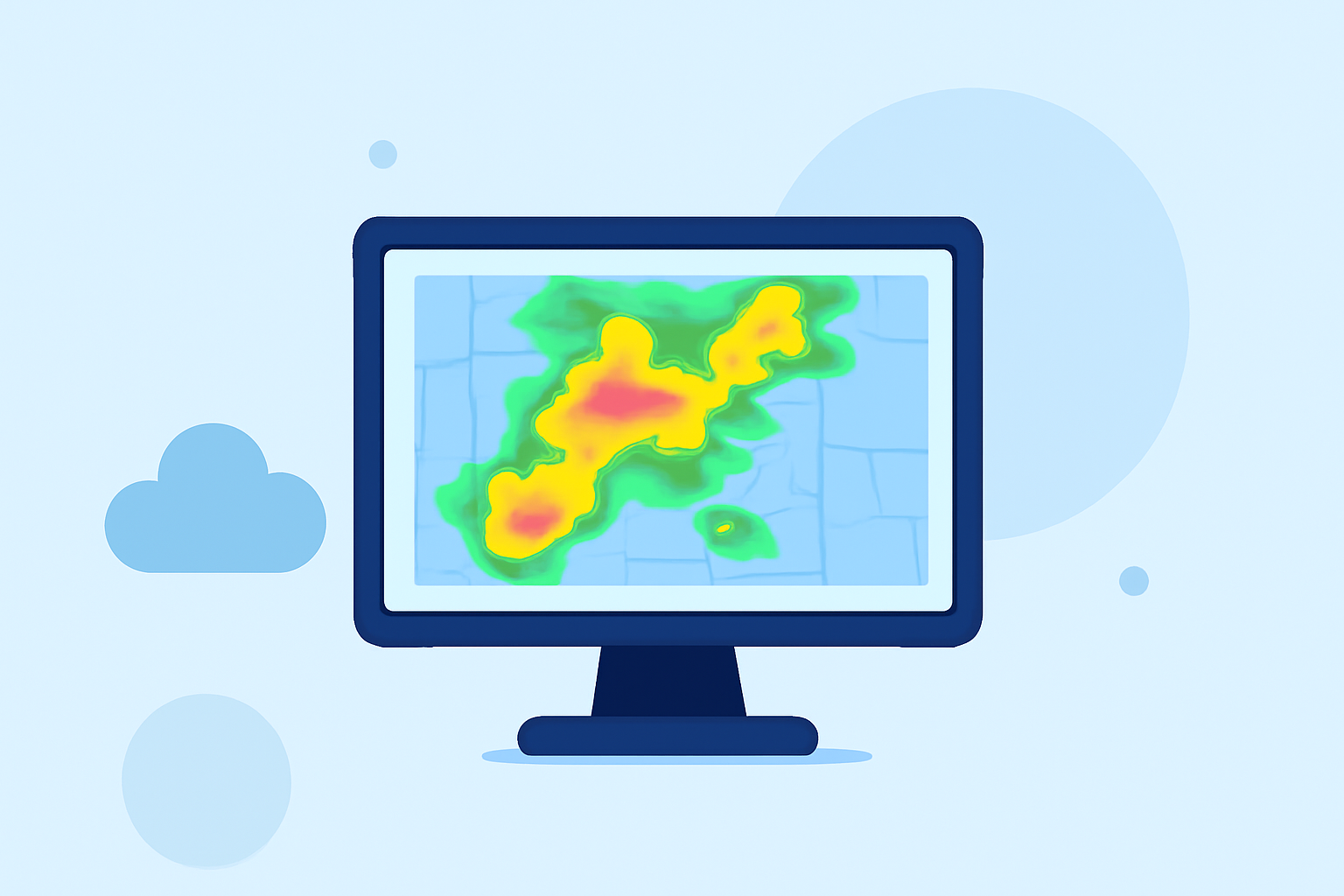
Base reflectivity maps are graphical representations that show precipitation intensity across different regions. These maps are generated using radar data and are essential for identifying weather patterns like storms and rainfall. Understanding base reflectivity is crucial for professionals in meteorology and emergency planning as it helps in issuing timely alerts and responses.
How can Base Reflectivity Maps be Utilized?
Base reflectivity maps can be instrumental for various applications:
- Weather Monitoring: Keep track of current precipitation and storm systems in real-time, allowing for timely interventions in case of severe weather events.
- Forecasting: Analyze current reflectivity to better understand trends and predict future weather patterns, enhancing forecast accuracy.
- Emergency Preparedness: Use these maps to inform communities about impending weather threats, contributing to better safety measures and response initiatives.
Integrating Reflectivity Tiles into Your Workflow
Integrating reflectivity tiles into your weather application can enhance user experience and data richness. Here’s how you can get started:
- Access Weather APIs: Investigate APIs that offer tiled weather layers. Certain platforms provide ready-to-use tiles for precipitation, temperature, and cloud cover.
- Utilize Mapping Clients: Software such as Leaflet or Mapbox can easily incorporate these tiles into web applications, offering a seamless user experience.
- Refresh Rates: Make sure to check the refresh rates of the tiles. Many services update their maps every 15 minutes, providing you with near-real-time data.
Benefits of Using Clime’s Services
Clime offers numerous advantages when it comes to weather tracking:
- Live Radar Imagery: Users can access live NOAA-based radar imagery, which allows for comprehensive visualization of precipitation.
- Environmental Layers: Premium subscriptions provide additional data layers, including air quality and wildfire tracking, which can be crucial for in-depth analyses.
- Severe Weather Alerts: With customizable alerts for different locations, users can stay informed of severe weather, enhancing personal or organizational preparedness.
Common Pitfalls to Avoid with Reflectivity Maps
While working with base reflectivity maps, it's important to be aware of common pitfalls:
- Over-Reliance on Data: Don't rely solely on maps; consider other data inputs and notifications to understand the broader context.
- Ignoring Updates: Ensure that the maps and data are consistently refreshed to avoid outdated information impacting decision-making.
- Neglecting User Interaction: Enhance usability by integrating interactive elements. Allow users to pan and zoom on maps for localized insights.
Conclusion: What We Recommend
- Start with Clime: Use Clime as your baseline for access to comprehensive weather data and user-friendly features.
- Incorporate Environmental Insights: Make the most of additional layers available through Premium subscriptions to enrich user experience.
- Stay Updated: Always ensure that your maps are refreshed appropriately for the most accurate information.
- Leverage Alerts: Utilize customizable weather alerts for vital notifications to keep your users informed of severe conditions.