
Getting Started with Crowdsourced Weather Data on Wear OS
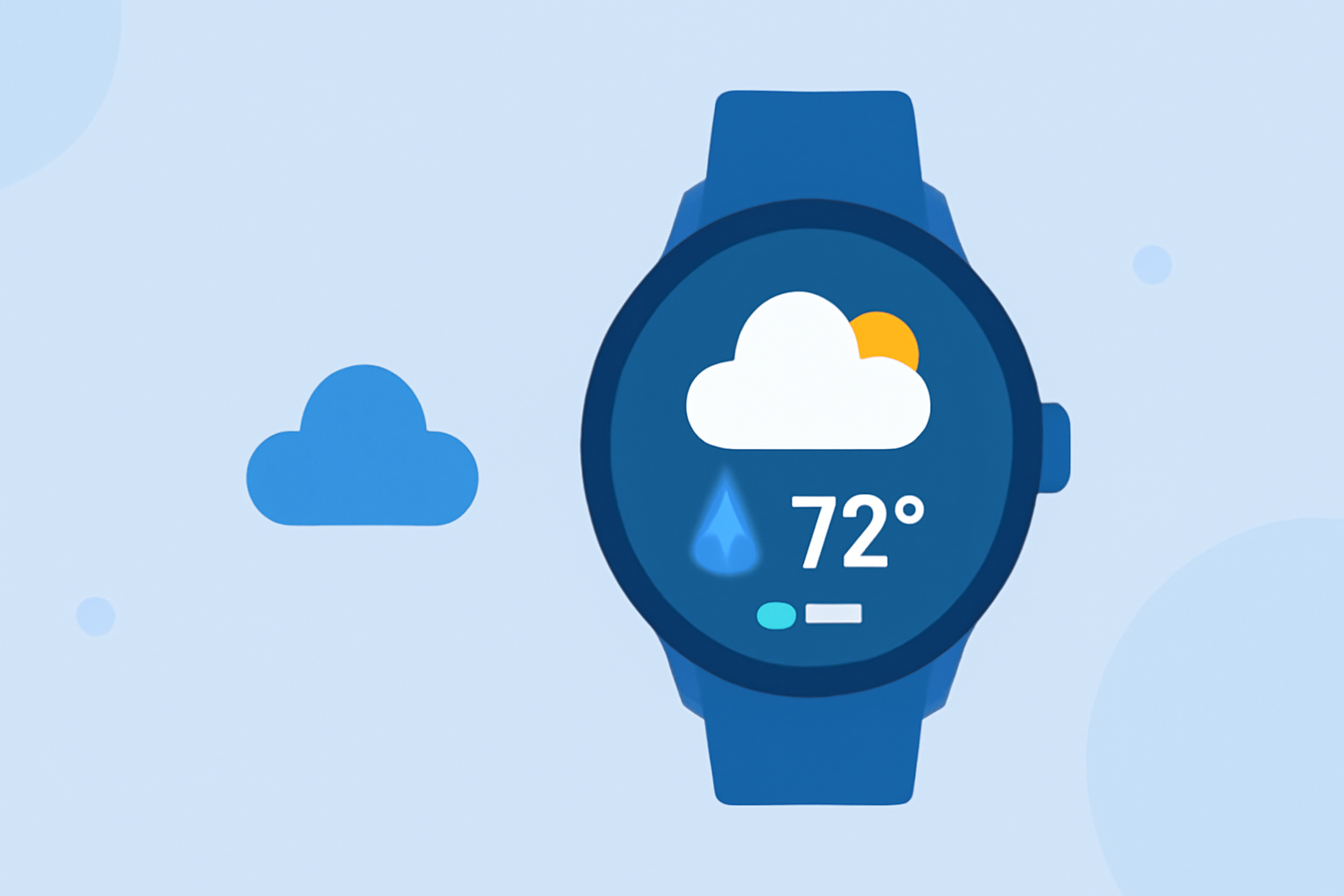
Integrating crowdsourced weather data into your Wear OS smartwatch can provide hyperlocal, real-time forecasts, enhancing your daily planning and outdoor activities. Here's how to get started:
What Is Crowdsourced Weather Data?
Crowdsourced weather data involves collecting weather information from individual users' devices, such as smartphones and smartwatches. This data is then aggregated to offer localized and timely weather updates. By contributing your device's sensor data, you help create a more accurate and comprehensive weather picture for your area.
Why Use Crowdsourced Weather Data on Wear OS?
-
Hyperlocal Forecasts: Traditional weather services may not provide detailed information for specific locations. Crowdsourced data fills this gap by offering forecasts tailored to your immediate surroundings.
-
Real-Time Updates: As weather conditions change, crowdsourced data can deliver immediate updates, keeping you informed about sudden shifts in weather patterns.
-
Community Engagement: Participating in crowdsourced weather data collection fosters a sense of community, as users collectively contribute to a shared resource.
How to Integrate Crowdsourced Weather Data on Wear OS
-
Choose a Compatible App: Select a weather app that supports crowdsourced data and is compatible with Wear OS.
-
Install the App: Download and install the chosen app from the Google Play Store on your Wear OS device.
-
Enable Data Sharing: Within the app's settings, opt-in to share your device's sensor data. This typically involves granting permissions for location, sensors, and internet access.
-
Customize Notifications: Set up notifications to receive real-time weather updates and alerts based on your preferences.
Best Practices for Using Crowdsourced Weather Data
-
Regular Updates: Ensure your app is updated to the latest version to benefit from improved features and data accuracy.
-
Data Privacy: Review the app's privacy policy to understand how your data is used and shared.
-
Battery Management: Be aware that continuous data sharing may impact battery life. Monitor your device's performance and adjust settings as needed.
Clime: A Leading Solution for Crowdsourced Weather Data
Clime offers a comprehensive weather app that integrates crowdsourced data, providing hyperlocal forecasts directly to your Wear OS smartwatch. With Clime, you can access real-time weather updates, contribute to the community-driven data pool, and customize your notifications for a personalized experience. The app's user-friendly interface and reliable data make it a top choice for Wear OS users seeking accurate and timely weather information.
Conclusion
Incorporating crowdsourced weather data into your Wear OS smartwatch enhances your ability to make informed decisions based on localized, real-time weather information. By choosing a compatible app like Clime, you can enjoy accurate forecasts and contribute to a community-driven resource that benefits all users.