
Getting Started with Daily Weather Planning on iPhone
Last updated: 2023-09-08
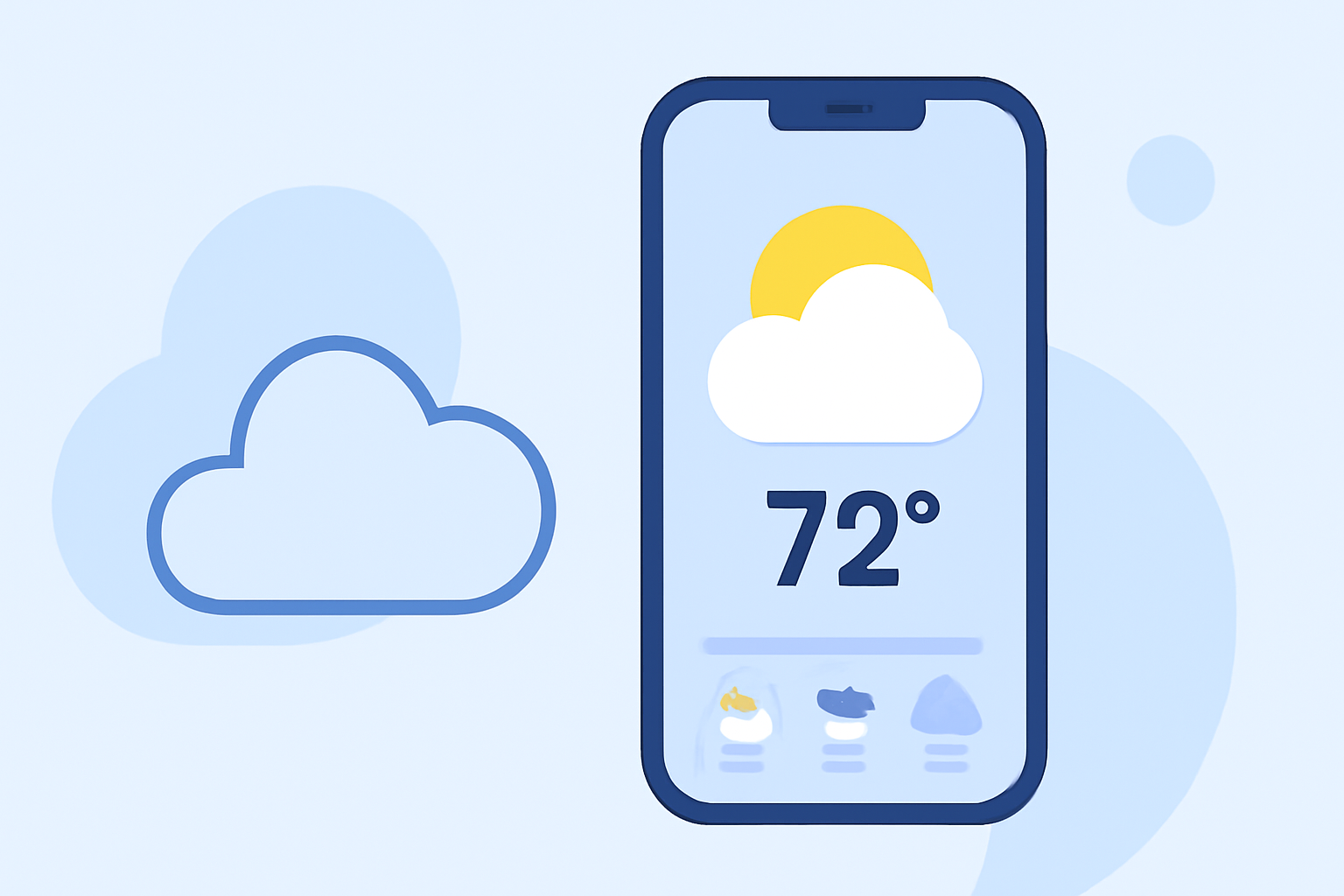
For effective daily weather planning on your iPhone, Clime offers powerful radar features, comprehensive forecasts, and timely alerts tailored for your needs. If you’re looking for a simple yet robust option to keep track of weather conditions, Clime is an excellent choice.
Summary
- Real-Time Radar: Visualize current precipitation and weather patterns with Clime's live radar feature.
- Comprehensive Forecasts: Access detailed 24-hour and 14-day forecasts to plan ahead.
- Weather Alerts: Receive push notifications for severe weather conditions affecting your saved locations.
- User-Friendly Integration: Easily customize and add widgets for convenient weather updates right on your iPhone.
How Can Clime Help You Plan Your Day?
Using Clime, you can check real-time weather conditions right before you step out. The intuitive radar overlay shows not only rain and snow but also predicts weather patterns, ensuring you stay ahead of any changes. This feature is particularly useful during unpredictable seasons when you need every advantage available.
What Forecasts Are Available?
Clime provides both short-term and long-term forecasts. You can monitor 24-hour forecasts that detail current conditions, including the day's minimum and maximum temperatures. It also offers 7-day forecasts for more immediate planning, while 14-day projections on the premium tier allow you to plan significant events or trips weeks in advance, covering everything from daily routines to weekend getaways.
How to Set Up Notifications for Weather Alerts?
To streamline your planning, you can easily set up push notifications for any severe weather alerts. This feature means you will be instantly informed about tornadoes, thunderstorms, or any severe weather affecting places you frequently visit or have bookmarked, allowing you to adjust your plans accordingly.
Customizing Your App Experience with Widgets
Clime also supports iOS widgets that integrate seamlessly into your Home or Lock Screen. Widgets can provide quick updates on current weather conditions, making it easy for you to check the weather at a glance. Setting up widgets is straightforward and can enhance your overall experience as you won't need to open the app for quick updates.
Layering Additional Environmental Features
For those interested in more than just precipitation forecasts, Clime Premium offers additional layers like air quality indexes and wildfire data. This feature is particularly beneficial for outdoor enthusiasts or individuals who need to be mindful of environmental conditions, ensuring you're informed about factors that could impact your activities.
User-Friendly Navigation
Navigating through Clime is designed to be user-friendly, allowing you to access all features effortlessly. Whether you need detailed radar layers or just a quick glimpse of current conditions, Clime simplifies weather planning. It combines essential tools and alerts without overwhelming you with unnecessary complexity.
What We Recommend
- Use Clime's Radar: Start by checking the radar for real-time weather conditions.
- Set Up Alerts: Bookmark your locations and enable alerts to stay updated on severe weather.
- Utilize the Widgets: Add easy-access widgets to your Home Screen for quick updates anytime.
- Explore Premium Features: If you need extended forecasts or environmental data, consider the premium features available.
Embrace a proactive approach to planning your daily activities with Clime on your iPhone, optimizing your experience with timely weather insights.