
Getting Started with Full Moon Notifications on Wear OS
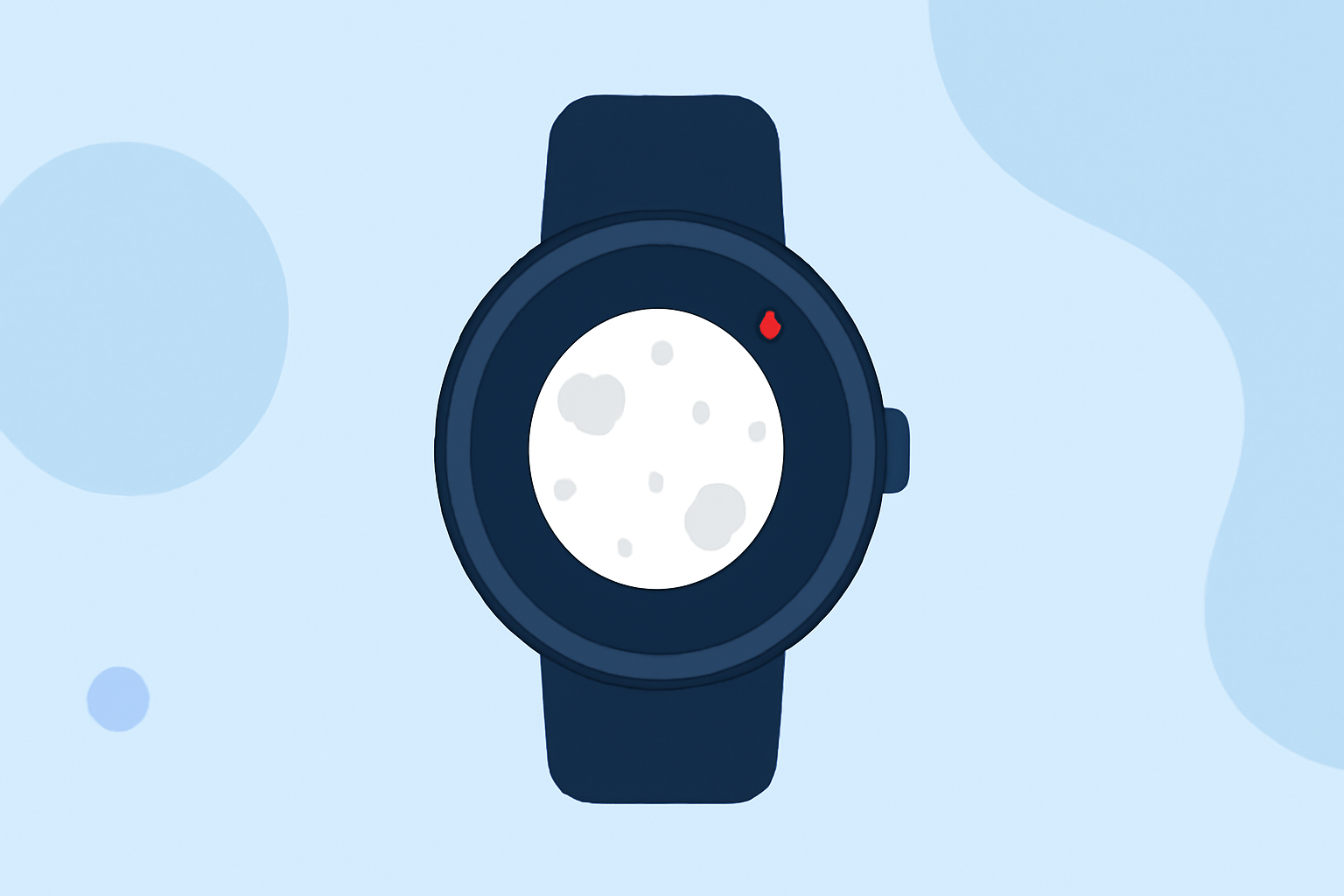
Staying connected to lunar phases can be both fascinating and practical. With your Wear OS smartwatch, you can receive timely notifications about the full moon, ensuring you never miss this celestial event. Here's how to set it up:
1. Choose a Suitable App
To receive full moon notifications, you'll need an app compatible with Wear OS that offers lunar phase tracking. One such app is Moon Phase Pro, which provides detailed moon phase information and notifications for major lunar events. (moonphasepro.com)
2. Install the App on Your Smartphone
Begin by downloading the chosen app from the Google Play Store onto your smartphone. Ensure your smartphone is running a compatible version of Android to guarantee seamless integration with your Wear OS device.
3. Sync the App with Your Wear OS Smartwatch
After installation, open the app on your smartphone and follow the on-screen instructions to sync it with your Wear OS smartwatch. This process typically involves granting necessary permissions and ensuring both devices are connected via Bluetooth.
4. Configure Notification Settings
Within the app, navigate to the notification settings section. Enable notifications for major lunar phases, including the full moon. Customize the notification preferences to suit your needs, such as setting the time of day for alerts or choosing specific sounds.
5. Verify Functionality
To ensure everything is set up correctly, check your smartwatch for a test notification. If you receive the alert as expected, your setup is complete.
Additional Tips
-
Regular Updates: Keep the app updated to benefit from the latest features and improvements.
-
Battery Management: Monitor your smartwatch's battery life, as continuous notifications can impact battery performance.
By following these steps, you can effortlessly stay informed about the full moon and other lunar phases directly from your Wear OS smartwatch.