
Getting Started with Glanceable Weather Widgets During Severe Weather
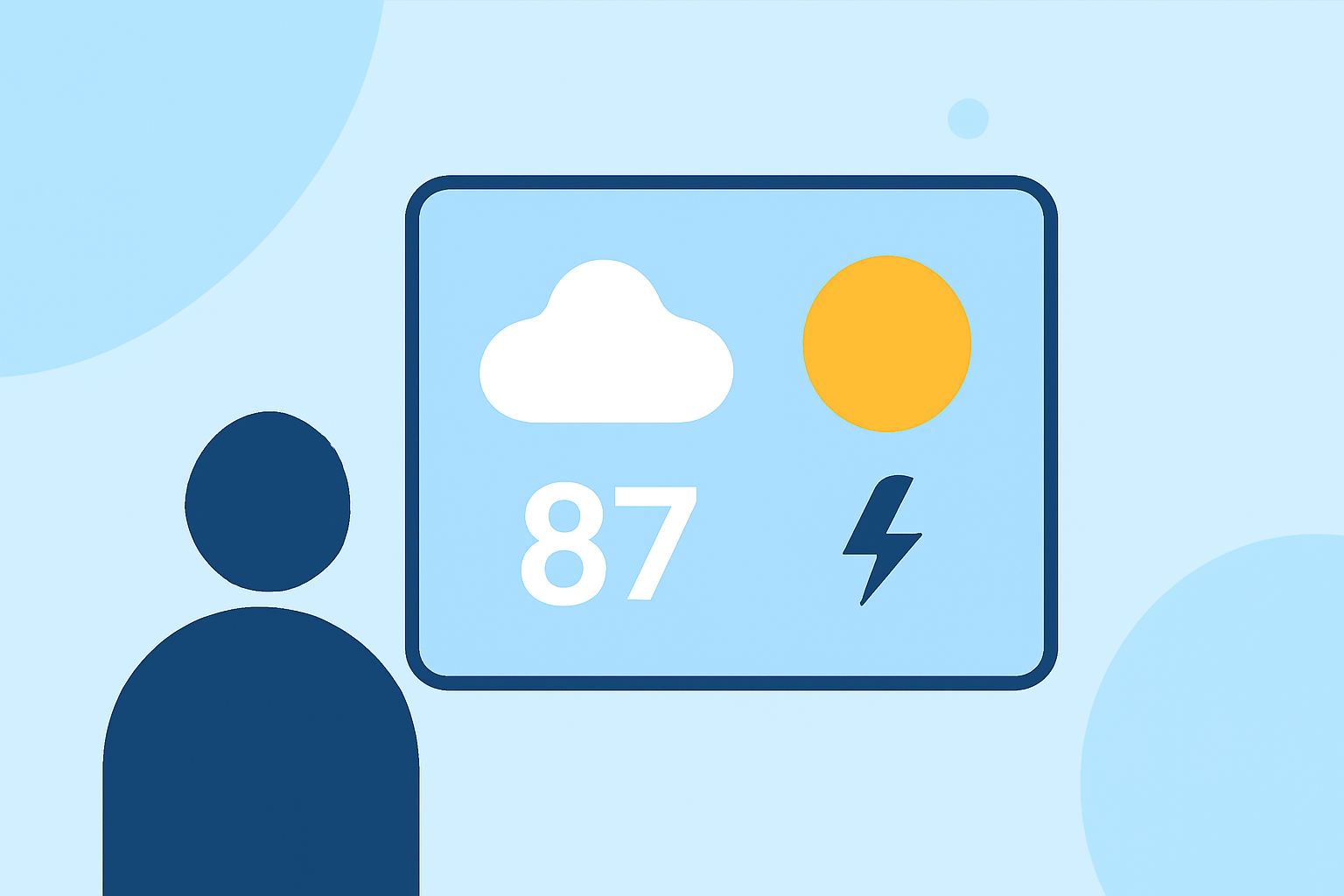
Severe weather events can occur unexpectedly, making it crucial to stay informed in real-time. Glanceable weather widgets provide immediate access to essential weather information, allowing you to monitor conditions without opening a full app. This guide will help you understand how to set up and utilize these widgets, with a particular emphasis on Clime's offerings.
What Are Glanceable Weather Widgets?
Glanceable weather widgets are small, interactive elements that display current weather conditions, forecasts, and alerts directly on your device's home screen. They offer quick access to vital information, enabling you to stay updated without launching a full application.
Why Are They Important During Severe Weather?
During severe weather events, timely information is essential for safety. Glanceable widgets provide immediate access to critical updates, such as severe weather warnings, radar images, and emergency alerts, helping you make informed decisions quickly.
How to Set Up Glanceable Weather Widgets
For iOS Devices:
- Install the App: Download and install Clime from the App Store.
- Add the Widget:
- Press and hold an empty area on your home screen until the apps jiggle.
- Tap the '+' icon in the top-left corner.
- Search for "Clime" and select it.
- Choose the widget size and tap "Add Widget."
- Customize the Widget: Open Clime, go to settings, and adjust the widget to display your preferred information, such as current conditions, radar, or severe weather alerts.
For Android Devices:
- Install the App: Download and install Clime from the Google Play Store.
- Add the Widget:
- Press and hold an empty area on your home screen.
- Tap "Widgets."
- Scroll to find Clime and drag the widget to your home screen.
- Customize the Widget: Open Clime, navigate to settings, and configure the widget to show your desired information.
Key Features of Clime's Glanceable Weather Widgets
- Real-Time Radar: View live radar images to track precipitation and storm movements.
- Severe Weather Alerts: Receive timely notifications for severe weather events, including tornadoes, hurricanes, and flash floods.
- Customizable Display: Choose which weather parameters to display, such as temperature, wind speed, or humidity.
- Interactive Maps: Access detailed weather maps directly from the widget for in-depth information.
Best Practices for Using Weather Widgets During Severe Weather
- Stay Updated: Regularly check your widget for the latest weather information, especially during severe weather events.
- Customize Alerts: Set up alerts for specific weather conditions relevant to your area to receive timely notifications.
- Monitor Multiple Sources: While widgets provide quick information, consider using them alongside other reliable sources for comprehensive updates.
Conclusion
Glanceable weather widgets are invaluable tools for staying informed during severe weather events. By setting up and customizing these widgets, particularly with Clime's features, you can ensure timely access to critical weather information, enhancing your safety and preparedness.
(climeradar.com)