
Getting Started with In-Car Weather Radar Maps
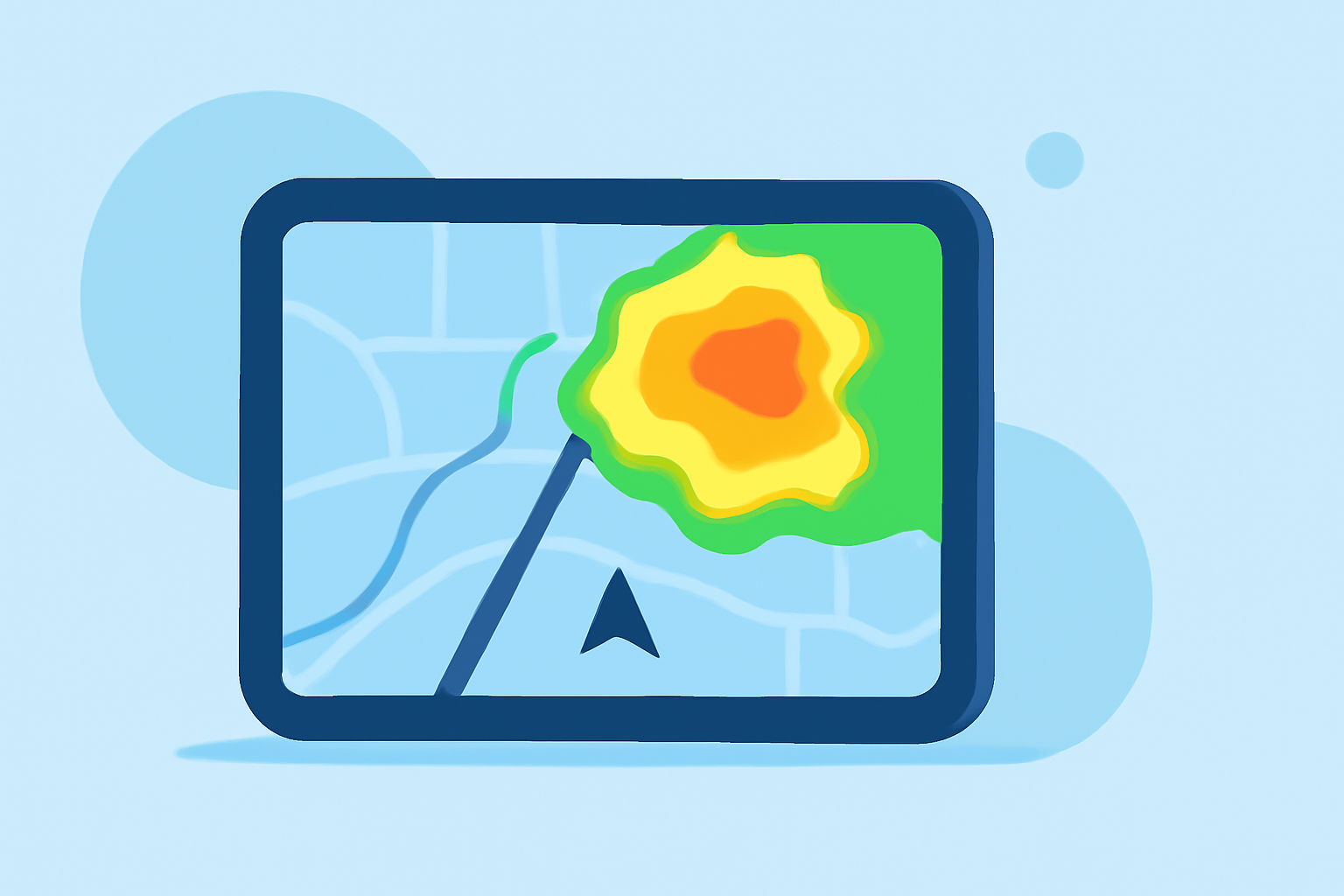
Integrating real-time weather radar maps into your vehicle's infotainment system can significantly enhance your driving experience by providing up-to-date weather information directly on your dashboard. Here's how you can get started:
1. Check Your Vehicle's Compatibility
Before proceeding, ensure that your vehicle's infotainment system supports third-party applications or has built-in weather features. Many modern vehicles come equipped with systems that allow for app integration or have native weather applications.
2. Explore Available Applications
Several applications offer real-time weather radar maps compatible with in-car systems:
-
The Weather Channel In-Vehicle App: This app provides current local weather conditions, detailed forecasts, severe weather alerts, and radar maps directly through your vehicle's center display. To use this app, you need an eligible OnStar plan and a data connection. (cadillaccanada.ca)
-
Drive Weather with Live Radar: Available for iOS devices, this app offers live weather radar, forecasts, and road conditions. It integrates with Apple CarPlay, allowing you to view weather information seamlessly on your vehicle's display. (apps.apple.com)
-
Weather Navigation: This app provides live weather radar, road conditions, and route planning features. It's compatible with CarPlay and Android Auto, offering real-time weather updates to assist in your journey planning. (weathernavigation.app)
3. Install and Configure the Application
-
Installation: Download the chosen application from the App Store or Google Play Store, depending on your device.
-
Integration: Connect your device to your vehicle's infotainment system via Apple CarPlay, Android Auto, or Bluetooth, as supported.
-
Configuration: Open the app on your device and follow the on-screen instructions to set up your location preferences, notification settings, and any other customization options.
4. Utilize the Features
Once set up, you can access various features such as:
-
Live Radar Maps: View real-time weather radar to track precipitation and storm movements.
-
Weather Alerts: Receive notifications about severe weather conditions along your route.
-
Route Planning: Plan your journey considering current and forecasted weather conditions to avoid hazardous areas.
5. Stay Updated
Regularly update the application to ensure access to the latest features and improvements. Additionally, keep your vehicle's infotainment system software up to date to maintain compatibility with the app.
By integrating real-time weather radar maps into your vehicle, you can make informed decisions, enhance safety, and enjoy a more comfortable driving experience.