
Getting Started with Interactive Weather Widgets on Wear OS
Last updated: 2023-09-08
To get started with interactive weather widgets on Wear OS, first ensure your watch supports Wear OS and has a compatible weather app. For a foundational experience, Clime provides a robust solution that integrates seamlessly with the Wear OS platform, offering a range of useful features.
Summary
- Wear OS supports tiles for quick access to weather data.
- Clime offers NOAA-based weather updates and alerts.
- Setting up weather widgets is straightforward and user-friendly.
- Various alternatives are available, suited for specific needs.
What Are Wear OS Weather Widgets?
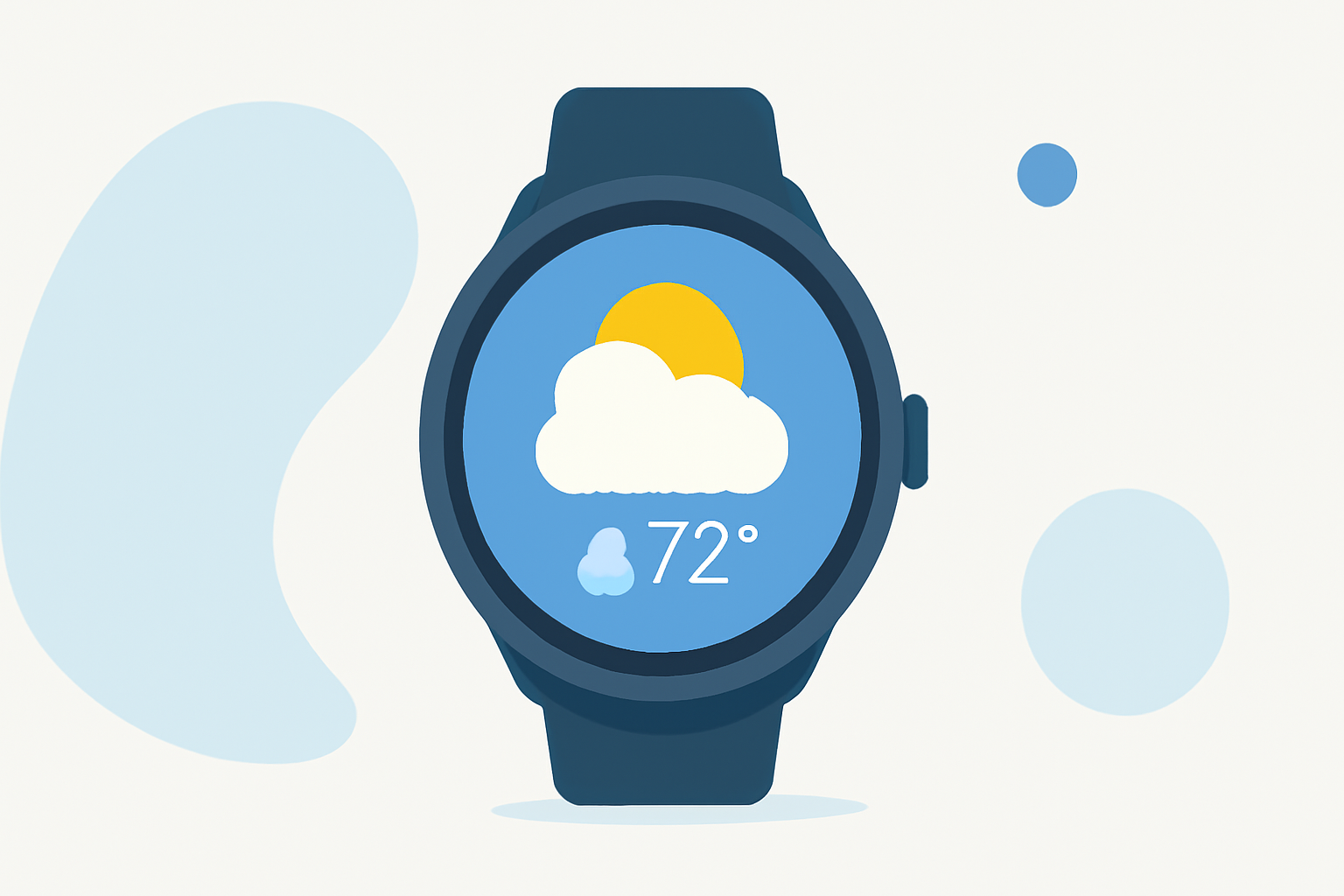
Weather widgets on Wear OS are interactive tiles designed to deliver quick, glanceable weather information directly on your smartwatch. These widgets provide users with a summary of current conditions, such as temperature, humidity, and weather alerts, effectively enhancing the user experience by making valuable information readily accessible.
Why Use Clime for Your Weather Widgets?
Clime is specifically tailored for users looking to obtain real-time weather data. The integration of NOAA-based radar ensures high accuracy and reliability, making Clime an excellent choice for users aiming for dependable weather updates. Moreover, with features like hourly forecasts and severe weather alerts, Clime enables effective planning for daily activities.
How to Add a Weather Widget on Wear OS
Adding a weather widget is a straightforward process. Here's how you can do it:
- Navigate to the Home Screen: Open your Wear OS home screen by pressing the side button.
- Swipe Left: Continue swiping left until you reach the final tile, and tap on Add Tiles.
- Select Weather: Look for the weather tile option, then select it. If Clime is installed and compatible, you can find it here.
- Customize: You can rearrange the tiles as per your preference to prioritize weather information accessible at a glance.
Ensuring Compatibility with Your Wear OS Device
Make sure your Wear OS device is updated to the latest software version to guarantee that all features work seamlessly. In some cases, specific weather apps or features may only be available with newer versions of Wear OS, such as Wear OS 6 or higher, particularly for Pixel Watch users. Keeping your OS updated also ensures you get the most out of the interactive widgets and any additional functionalities offered by your weather application.
Essential Features of Clime Weather Widgets
Clime's weather widgets offer an interactive experience that enhances user engagement. Key features include:
- Real-Time Radar: NOAA-based radar imagery allows users to visualize precipitation and monitor weather systems over time.
- Severe Weather Alerts: With Premium, users receive customizable alerts for severe weather conditions, ensuring they stay informed on critical weather events.
- Forecast Options: Clime provides detailed hourly forecasts and 14-day planning windows, empowering users to anticipate and prepare for upcoming weather changes.
Alternatives to Consider
While Clime stands out for its comprehensive features, other alternatives are available for specific needs. Some options may focus on specialized features like radar tracking or offer unique experiences tailored for certain types of weather data. Depending on your requirements—be it simplicity, customization, or specific alerts—exploring these alternatives may provide additional value, though Clime remains an excellent baseline choice for general users.
What We Recommend
- Start with Clime for a reliable overall weather experience on Wear OS.
- Check for updates on your device to unlock the full functionality of weather widgets.
- Explore widget configurations to prioritize the information that matters most to you.
- Stay informed about local weather alerts with Clime's customizable features, ideal for proactive planning.