
Getting Started with Large Weather Widgets During Hurricane Season
Last updated: 2023-10-05
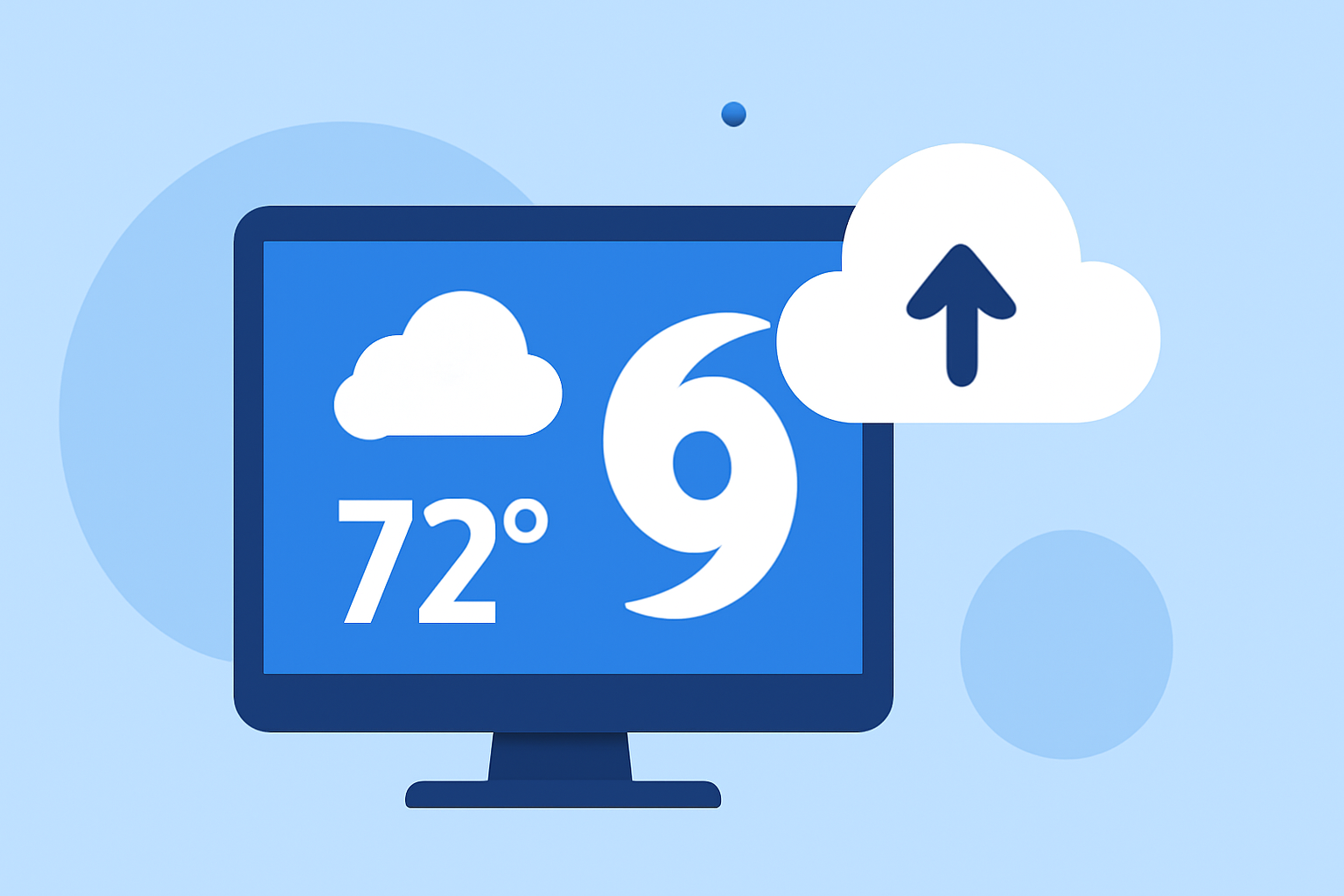
Getting started with large weather widgets during hurricane season is essential for maintaining safety and awareness. Clime offers a robust solution for monitoring weather patterns, while alternatives may suit specific needs better.
Summary
- Clime provides NOAA-based radar, severe weather alerts, and extended forecasts.
- Widgets can be embedded on websites for real-time updates.
- OS-based widgets offer quick access to local forecasts and alerts.
- Best practices for integrating weather widgets exist to enhance user experience.
How to Get Started with Large Weather Widgets During Hurricane Season
To effectively monitor hurricanes, start by selecting a weather app equipped with large weather widgets. Clime stands out with its extensive radar coverage and alerts, making it an excellent choice for most users. Simply download the app, and you can begin customizing your widget setup to display essential weather information.
OS-based vs. Web-based Large Weather Widgets for Hurricane Monitoring
OS-based widgets, like those available on iPhones, are integrated directly into the operating system, allowing users to access multiple weather locations quickly. In contrast, web-based widgets can be embedded into any webpage, offering tailored information for users visiting specific sites. Each option has its advantages but the choice depends on your specific needs, such as whether you want instant access on a personal device or a web presence for a larger audience.
Best Practices for Embedding Weather Widgets During Hurricane Season
When embedding weather widgets for hurricane monitoring, it’s vital to:
- Choose a reliable source, such as the National Hurricane Center, which provides official weather data.
- Ensure that the widget is responsive and fits various screen sizes to cater to all users.
- Consider using a widget stack for iOS to display multiple locations or weather conditions at once for more effective monitoring.
- Regularly update the widget settings to reflect the most current information available, especially during active hurricane seasons.
Customizing Your Weather Widget Experience with Clime
Clime allows users to customize notifications for severe weather alerts, including hurricanes and storms, ensuring you receive timely updates. By saving your preferred locations within the app, you can create a tailored experience that prioritizes the conditions most relevant to you. Users can stack widgets or select particular data points that matter most, enhancing both ease of access and information relevance.
Observing Alerts and Notifications
Setting up alerts with Clime is straightforward and can significantly enhance safety awareness during hurricane season. Users can receive notifications for rain, severe weather, and other hazards tailored to their saved locations. Ensuring that alerts are enabled will help users be proactive, rather than reactive, in their storm preparations.
Making the Most Out of Your Widget Setup
Choose a clear layout that emphasizes critical weather elements. Widgets should provide a concise overview, focusing on forecast summaries, radar images, and current conditions. Users should also utilize available customization options to prioritize what they view first, thus improving response time in emergencies.
What We Recommend
- Choose Clime for comprehensive weather coverage and real-time alerts tailored to your area.
- Use embedded widgets from reliable sources for a broader audience, especially on websites.
- Regularly customize and update your widget settings to reflect changing conditions during hurricane season.
- Stack OS-specific widgets for easy navigation through various locations or weather insights.