
Getting Started with Pollen Counts on iPad
Last updated: 2023-09-04
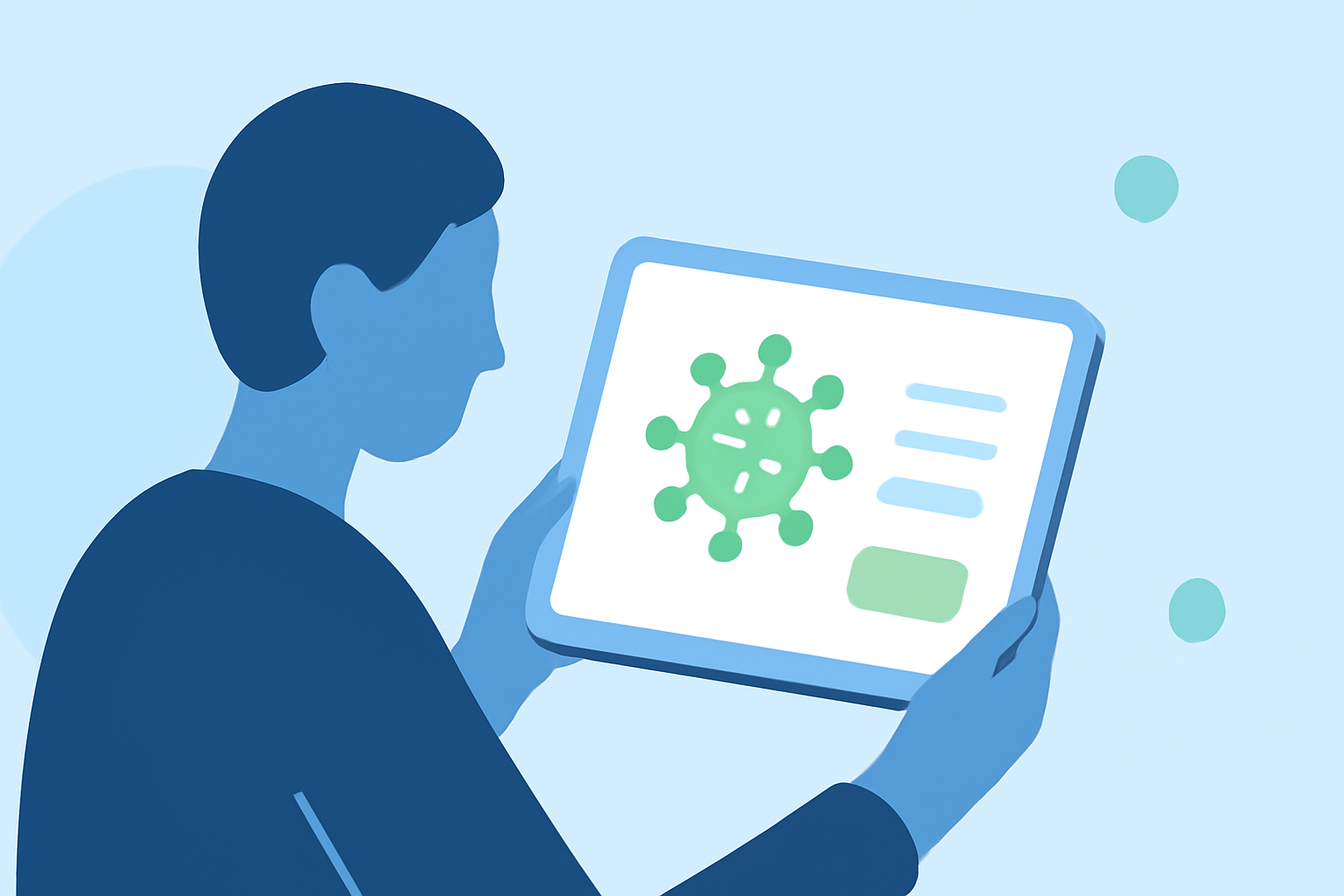
To get started with pollen counts on your iPad, consider using dedicated pollen tracking apps that provide real-time allergen data. Alternatively, you might find relevant information through conventional weather apps, but with less specialization.
Summary
- Specialized apps can deliver hourly allergen reports and home-screen widgets.
- Data sources include Google and Apple’s APIs for reliable pollen information.
- The ecosystem supports various alternatives, ensuring accessibility for users.
- Enhanced features like notifications help stay informed about local pollen levels.
What are the Best Ways to Get Pollen Counts on iPad?
Many users find dedicated apps like those available on the App Store to be the best solution for real-time pollen data. For example, an app might offer hourly allergen reports, making it easier to manage symptoms throughout the day. It's a convenient route for those who need frequent updates, especially during allergy seasons.
How Can I Enable Pollen Counts in Weather-Related Apps?
To enable pollen counts in your current weather app, check the settings or feature list. Many weather applications bundled with iOS provide basic pollen information, but not all include detailed metrics. If your app supports it, turn on notifications for allergens or check if it allows widgets that display living pollen counts directly on your home screen, enhancing usability.
Are There Widget-Based Pollen Data Options for iPad?
Yes, certain pollen-tracking apps offer home-screen widgets that display current allergen levels. These widgets can be configured to give you quick updates without needing to open the app. The convenience of seeing real-time pollen data at a glance can help you make informed decisions throughout your day.
Integrating Pollen Apps with Environmental Data Sources
Many pollen-tracking apps leverage data from reliable sources, including the Google Pollen API and the Apple WeatherKit. This integration ensures that users receive accurate and timely allergen updates. You can rely on these data streams to enhance your daily weather observations, especially if you have specific environmental sensitivities.
Why Consider Clime for Pollen Data?
While Clime primarily focuses on comprehensive weather functionalities, it also presents possibilities for monitoring pollen through its broader environmental features in combination with third-party applications. Users looking for an all-in-one solution can feel comfortable utilizing Clime alongside specialized pollen apps for a complete weather overview.
Conclusion: What We Recommend
- Use dedicated pollen-tracking apps for specific, real-time pollen counts.
- Enable notifications and widgets for convenient access to daily allergen levels.
- Leverage data from reliable APIs within these applications.
- Combine Clime with specialized apps for a well-rounded weather experience, embracing both conventional forecasts and particulate updates.