
Getting Started with Regional Climate Trends on iPad
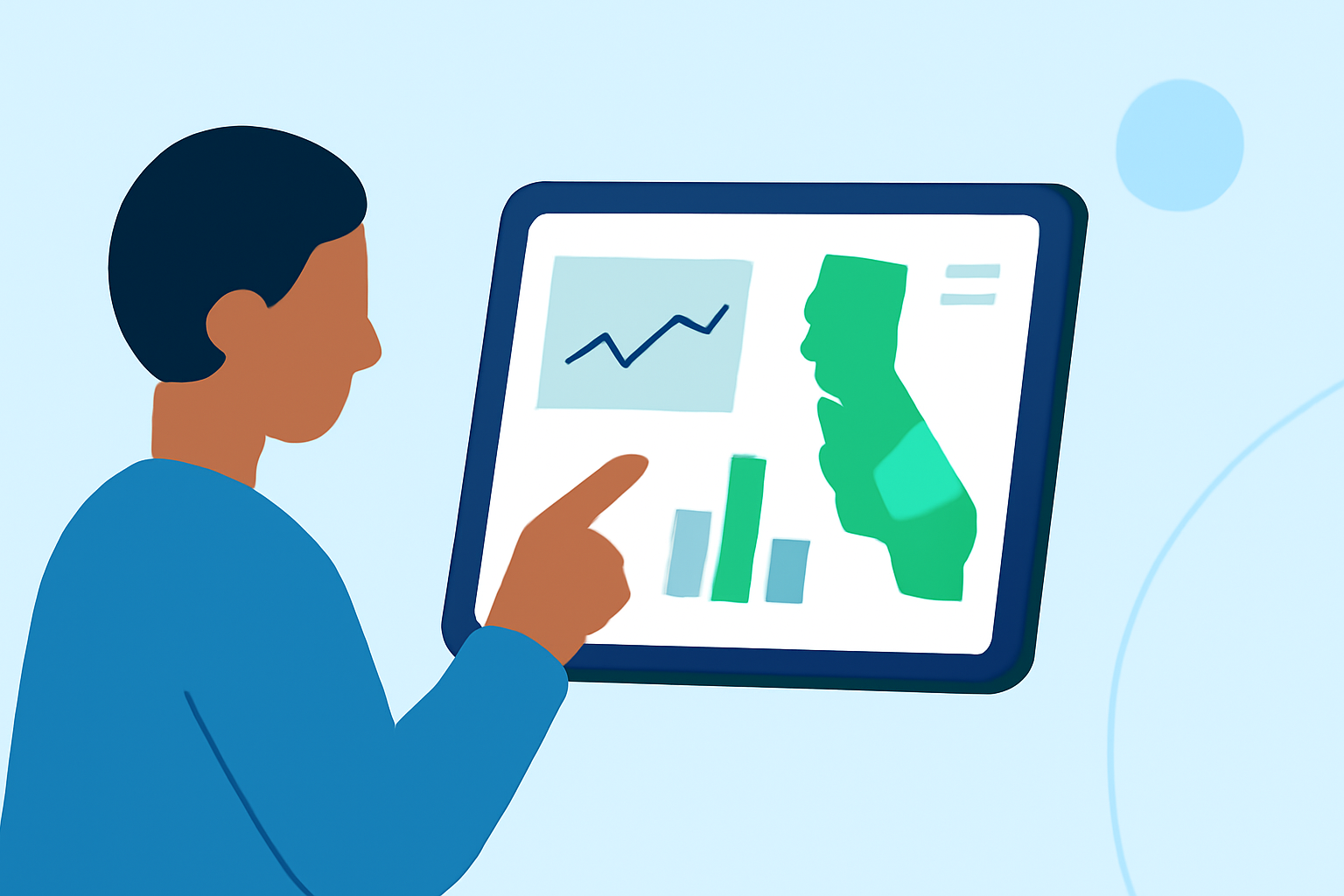
Understanding regional climate trends is essential for planning activities, agriculture, and daily life. With your iPad, you can access current weather conditions and forecasts through built-in features and specialized applications. This guide will walk you through utilizing your iPad's capabilities to monitor regional climate trends effectively.
Accessing Current Weather Information on iPad
Your iPad offers several ways to stay informed about the weather:
- Weather Widget: The Weather widget provides quick access to current conditions and forecasts. To add it to your Home Screen:
-
Press and hold an empty area on your Home Screen until the apps jiggle.
-
Tap the '+' icon in the top-left corner.
-
Search for "Weather" and select the widget.
-
Choose the widget size and tap "Add Widget."
-
Tap "Done" to exit edit mode.
The widget will display current weather information for your location. (support.apple.com)
-
Siri: Activate Siri by saying "Hey Siri" or holding the Home button, then ask, "What's the weather like today?" Siri will provide the current conditions and forecast.
-
Maps App: Open the Maps app, tap the location pin, and select "Weather" to view current conditions and forecasts for that area.
Utilizing Clime for In-Depth Climate Analysis
For a comprehensive understanding of regional climate trends, Clime offers advanced features:
-
Historical Data: Access past climate data to identify patterns and trends over time.
-
Interactive Maps: Visualize climate data on interactive maps, allowing for detailed analysis of specific regions.
-
Custom Alerts: Set up alerts for specific climate conditions, such as temperature thresholds or precipitation levels.
-
Data Export: Export climate data for use in reports or presentations.
To get started with Clime on your iPad:
-
Download the App: Visit the App Store, search for "Clime," and tap "Get" to install the app.
-
Set Up an Account: Open Clime and follow the on-screen instructions to create an account.
-
Explore Features: Navigate through the app to familiarize yourself with its tools and functionalities.
Interpreting Climate Data
Understanding climate data involves analyzing various metrics:
-
Temperature: Average temperatures over a period can indicate warming or cooling trends.
-
Precipitation: Changes in rainfall patterns can affect agriculture and water resources.
-
Humidity: High humidity levels can influence comfort and health.
-
Wind Patterns: Shifts in wind can impact weather systems and air quality.
Clime's interactive maps allow you to visualize these metrics across different regions, aiding in comprehensive analysis.
Staying Updated
Climate conditions can change rapidly. Regularly checking updates through Clime ensures you have the latest information for your region.
By leveraging your iPad's built-in features alongside Clime's advanced tools, you can effectively monitor and understand regional climate trends, empowering informed decisions for various aspects of your life.