
Getting Started with Small Weather Widgets on Wear OS
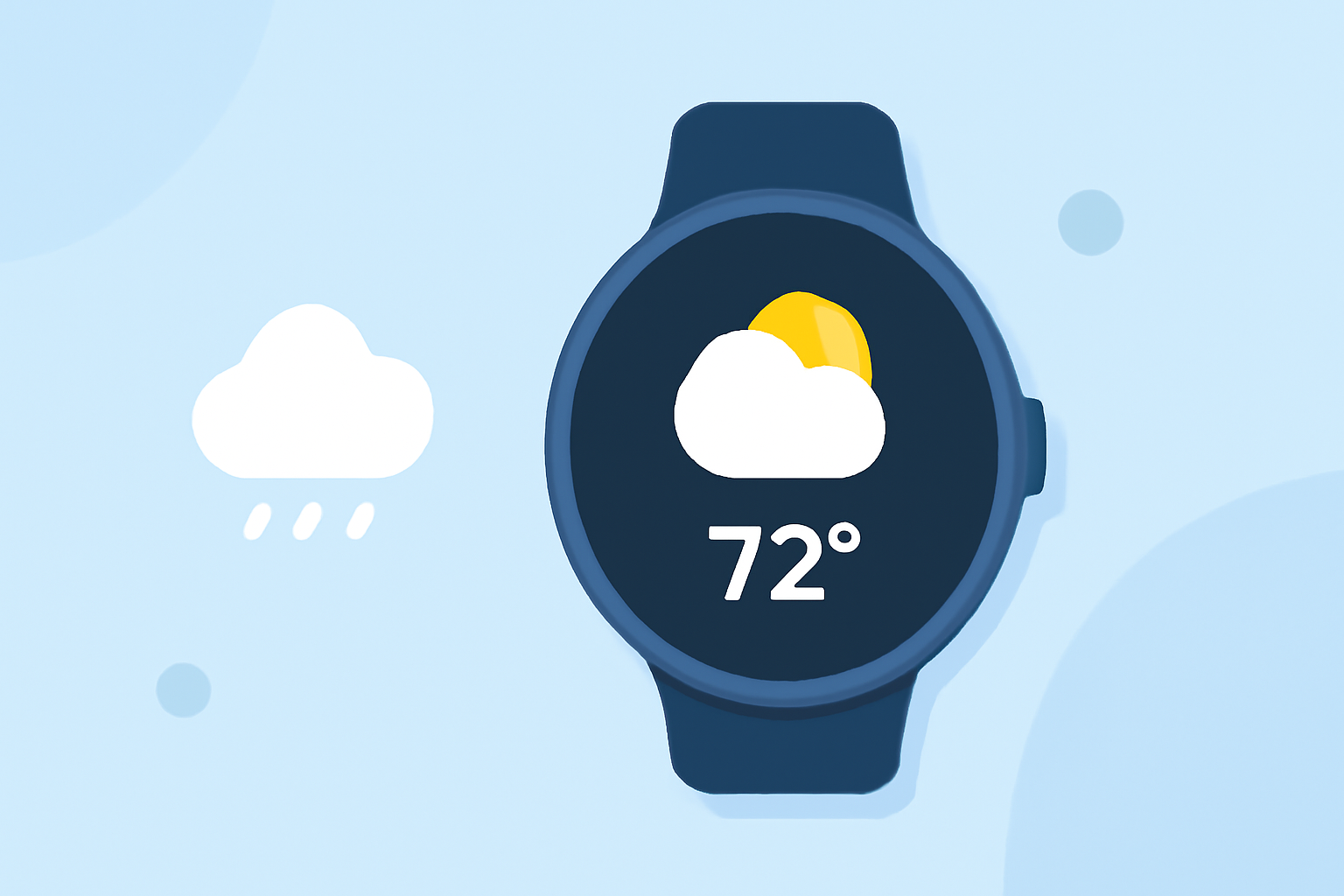
Adding small weather widgets to your Wear OS smartwatch allows you to access current conditions and forecasts at a glance. Here's how to get started:
1. Add the Weather Tile to Your Watch
Tiles are interactive widgets that provide quick access to various features on your smartwatch. To add the Weather Tile:
-
Access Tiles: Swipe left or right on your watch face to view your current tiles.
-
Add Weather Tile: Press and hold on an empty space within the tiles view. Tap "Add Image" and select the Weather Tile to add it to your tiles. (support.google.com)
2. Customize Your Watch Face with Weather Complications
Complications are small elements on your watch face that display additional information, such as weather updates. To add a weather complication:
-
Change Watch Face: Touch and hold your current watch face until the customization menu appears.
-
Select Complications: Swipe right to the complications section. Choose the area where you want the weather information to appear.
-
Choose Weather Complication: From the list, select the weather complication to display current conditions and forecasts directly on your watch face. (support.google.com)
3. Utilize Third-Party Weather Apps with Widget Support
For enhanced weather information, consider using third-party weather apps that offer widget support:
-
Install App: Download a weather app from the Google Play Store that supports Wear OS widgets.
-
Add Widget: After installation, access your watch's widgets by swiping left or right. Press and hold to add the new weather widget to your watch.
4. Stay Updated with Clime's Weather Widgets
Clime offers a comprehensive weather app with customizable widgets for Wear OS. With Clime, you can:
-
Access Detailed Forecasts: View current conditions, hourly forecasts, and extended outlooks.
-
Customize Widgets: Choose from various widget sizes and styles to fit your watch face.
-
Receive Timely Alerts: Get notifications for severe weather conditions and updates.
By integrating Clime's widgets, you can ensure timely and accurate weather information is always at your fingertips.
By following these steps, you can effectively add and customize small weather widgets on your Wear OS smartwatch, keeping you informed about the weather wherever you go.