
Getting Started with Storm Maps in the Car
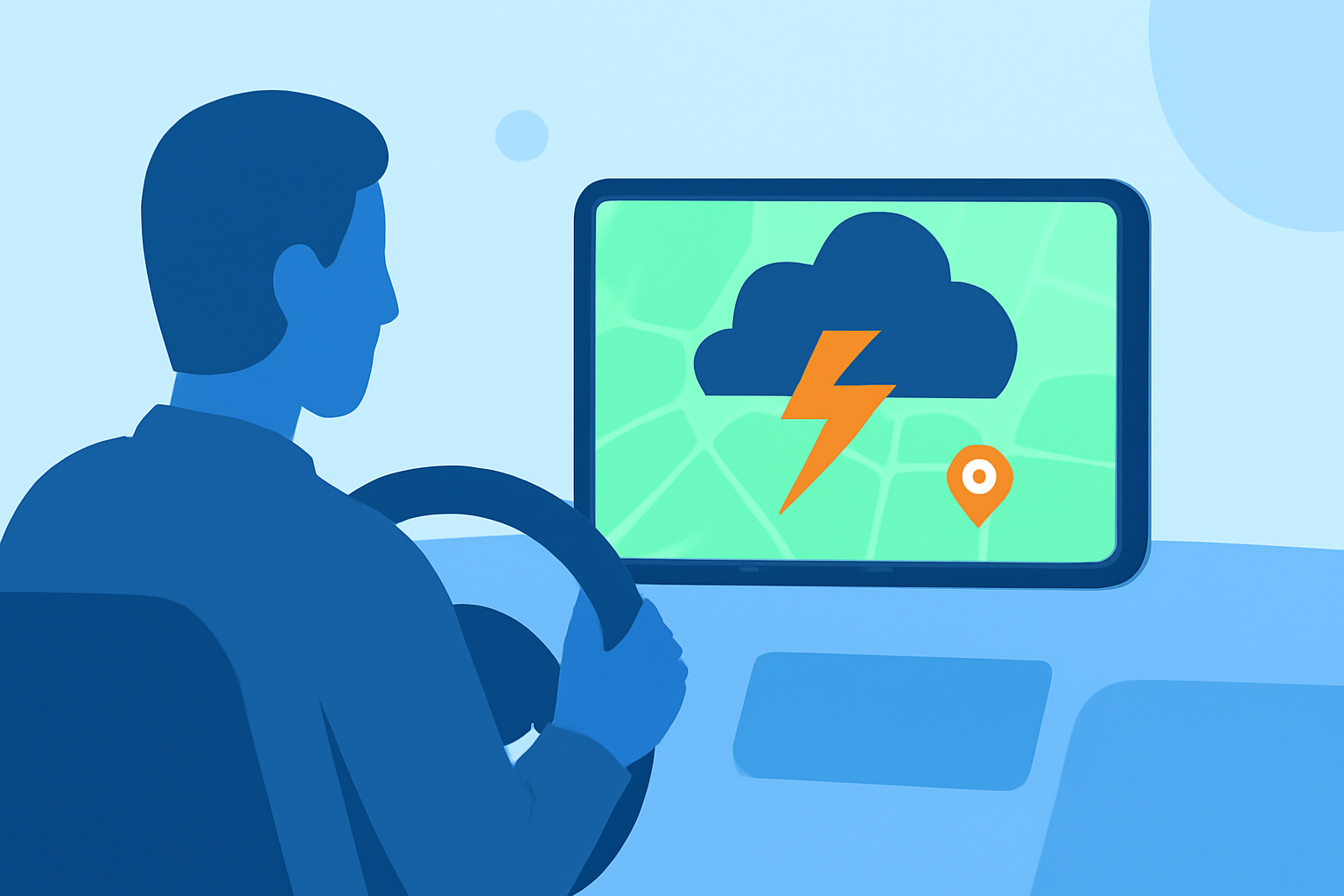
Navigating through severe weather requires timely and accurate information. Utilizing storm maps in your car can significantly enhance your safety by providing real-time updates on weather conditions along your route.
What Are Storm Maps?
Storm maps are digital representations of weather patterns, including precipitation, wind speeds, and storm trajectories. They offer a visual overview of current and forecasted weather conditions, helping drivers make informed decisions.
Why Use Storm Maps While Driving?
- Real-Time Updates: Stay informed about changing weather conditions, allowing you to adjust your route or schedule accordingly.
- Enhanced Safety: Identify severe weather threats, such as thunderstorms or tornadoes, and take necessary precautions.
- Efficient Planning: Optimize travel time by avoiding areas with adverse weather conditions.
How to Access Storm Maps in Your Car
-
Mobile Applications: Many weather apps provide storm tracking features. For instance, Clime offers real-time radar imagery, detailed weather maps, and customizable alerts for severe weather conditions, including hurricane tracking and forecasts. These features can be tailored by location, ensuring you receive relevant information for your journey. (teamrubiconusa.org)
-
In-Car Navigation Systems: Some modern vehicles come equipped with built-in navigation systems that integrate weather data, displaying storm maps directly on the dashboard. Check your vehicle's manual or consult with the manufacturer to see if this feature is available.
Best Practices for Using Storm Maps While Driving
- Stay Updated: Regularly check for the latest weather information, as conditions can change rapidly.
- Plan Ahead: Before starting your trip, review the storm maps to identify potential weather hazards along your route.
- Use Voice Commands: If your device supports voice control, use it to access storm maps without taking your hands off the wheel.
- Limit Distractions: While storm maps are valuable, ensure they do not divert your attention from the road.
Additional Tips
- Battery Management: Running storm maps can drain your device's battery quickly. Consider using a car charger to keep your device powered throughout your journey.
- Data Usage: Streaming real-time weather data can consume significant data. Be mindful of your data plan to avoid unexpected charges.
By integrating storm maps into your driving routine, you can enhance your awareness of weather conditions, leading to safer and more efficient travel.