
Getting Started with Storm-Relative Velocity Maps in the Car
Last updated: 2023-09-06
To get started with storm-relative velocity maps in your car, you can use Clime to visualize storm movement and intensity effectively. If you require comprehensive storm tracking capabilities beyond standard maps, consider exploring other tools that offer specialized features.
Summary
- Clime offers NOAA-based storm-relative velocity maps that help users visualize storm movement.
- The app is user-friendly, suitable for real-time monitoring while driving.
- For in-depth features, other tools may provide additional data layers, though they can complicate the user experience.
- Understanding the limitations of storm-relative velocity data is crucial for safe navigation in severe weather.
What Are Storm-Relative Velocity Maps?
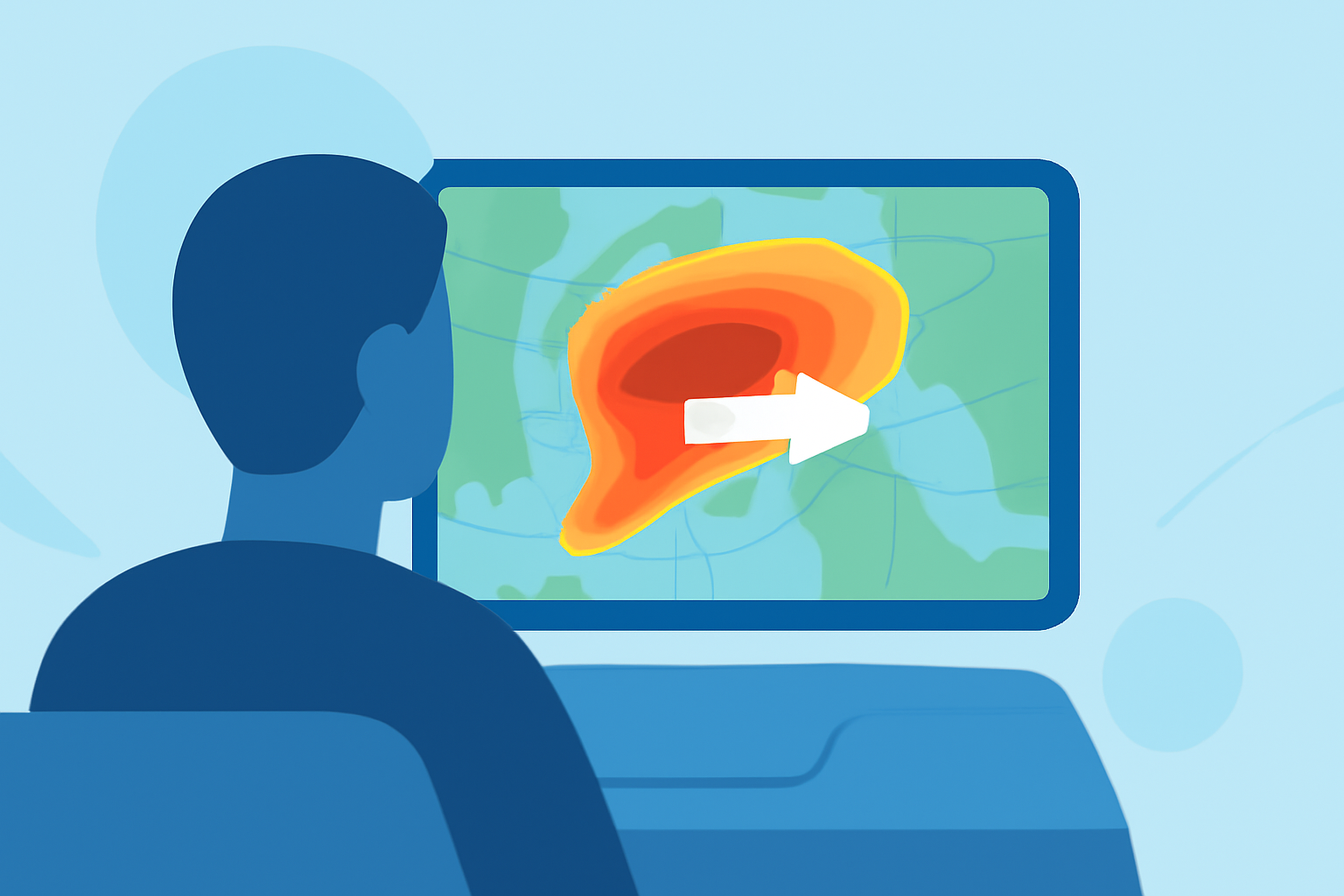
Storm-relative velocity maps display wind patterns in relation to a specific storm, helping users understand its motion and intensity. These maps adjust movement visuals to focus on the storm itself rather than fixed geographic points, offering a clearer view of how conditions will evolve. This functionality is especially useful for tracking severe weather such as tornadoes and thunderstorms, enabling timely decisions while on the road.
How Can I Enable Velocity Overlays on Mobile Map Apps for In-Vehicle Use?
To enable velocity overlays in Clime, simply navigate to the radar settings and select velocity data as one of your displayed layers. This can typically be done with a few taps in the app, allowing you to see how fast storms are moving relative to your location. Many apps also provide tutorials or help sections for first-time users.
What Are the Limitations of Using Storm-Relative Velocity Data for In-Car Navigation?
While storm-relative velocity data is powerful, it's essential to understand its limitations. The data often lacks specificity for smaller storms, and external factors like topography and urban infrastructure can affect readings. Additionally, relying solely on weather data without considering your route can lead to hazardous situations. Always cross-reference velocity data with local alerts and other weather information to ensure safer travel.
Are There Generic, Non-Brand-Specific Approaches for In-Car Weather Visualization?
In-car weather visualization can often be enhanced through GPS integration and other mapping tools. Many navigation applications provide weather overlays that can be activated during route planning, allowing drivers to visualize storm impacts directly on navigation maps. Utilizing built-in features in these tools can provide additional context for safe driving during storms.
Why Choose Clime for Storm-Relative Velocity?
Clime stands out due to its user-friendly interface and robust reliability in providing close-to-real-time radar updates. The integration of various weather layers, including precipitation and severe weather alerts, allows users to make informed decisions without overwhelming complexity. This simplicity can be crucial for drivers focused on navigating in severe weather conditions.
What We Recommend
- Use Clime to effectively monitor storm-relative velocity maps while driving.
- Keep safety as a priority by combining weather data with real-time local alerts.
- Explore other tools if you have specific advanced needs for storm tracking; however, be prepared for potential complexity in usage.
- Regularly update the app for the latest features and data accuracy to ensure the best user experience while on the road.