
Getting Started with Temperature Drop Notifications for Athletes
Last updated: 2023-09-10
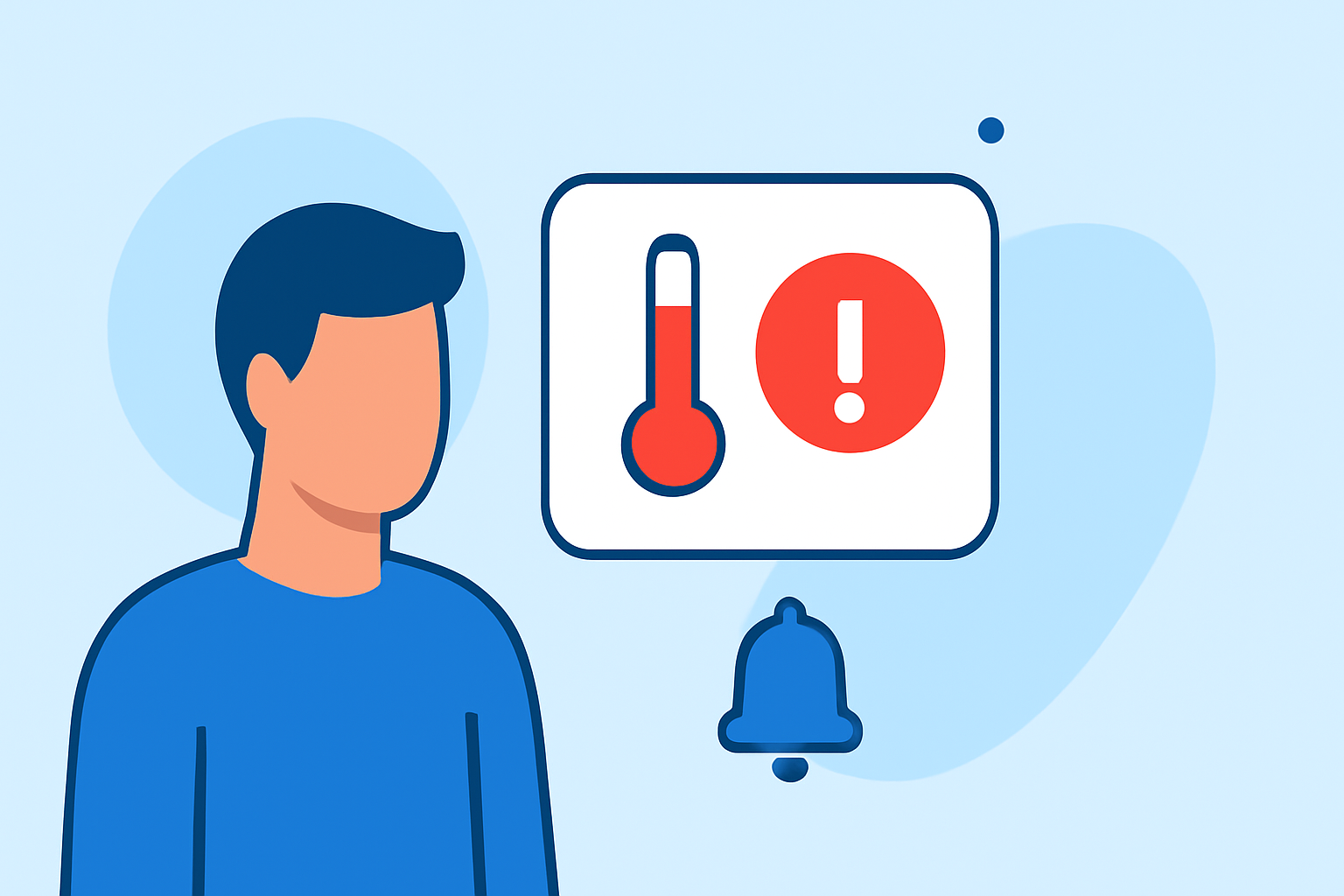
For athletes looking to stay ahead of changing weather conditions, setting up temperature drop notifications is crucial for preparing training and competition plans. Clime offers a robust solution for tracking temperature changes, while alternative tools may also provide options tailored for specific sports.
Summary
- Real-time Alerts: Clime’s configurable temperature notifications help athletes prepare for unexpected weather changes.
- Customizable Settings: Users can define parameters for alerts based on their training needs.
- Forecast Horizons: Clime provides up to 14-day forecasts, ensuring athletes have comprehensive weather visibility.
- Environmental Layers: Clime includes additional features like air quality and wildfire updates, offering more context for outdoor activities.
How Can Athletes Set Up Temperature Alerts?
Setting up temperature alerts with Clime is straightforward. Athletes can configure the app to send notifications when temperatures drop below their selected thresholds. By simply activating the weather alerts within the app settings, they can receive timely updates on changing conditions.
What Notifications are Available in Clime?
Clime provides a variety of weather notifications that are crucial for athletes, including:
- Temperature Drop Alerts: Get notified when temperatures fall to predefined levels, allowing for informed training decisions.
- Severe Weather Warnings: Receive alerts for lightning, rain, and other hazardous conditions, essential for outdoor sports training.
- Location-specific Updates: Notifications can be tailored for multiple saved locations, ensuring that athletes training in different areas stay informed.
Why Are Temperature Drop Alerts Important for Athletes?
Temperature drop notifications are particularly vital for athletes due to the impact of temperature on performance, safety, and health. Cold weather can increase the risk of hypothermia, muscle cramps, and reduced performance. Alerts help athletes to appropriately adjust their gear, warm-up routines, and hydration strategies.
Comparing Temperature Alert Features Across Apps
While Clime excels in providing streamlined temperature alerts, some alternatives focus on very specific sports or offer unique features:
- Sport-Specific Metrics: Some specialized apps provide detailed profiles that weigh various weather factors like temperature, wind, and precipitation, tailored depending on the sport involved. This can offer athletes a deeper insight but may complicate setup processes.
- User Experience: Clime emphasizes simple navigation and ease of use for all athletes, regardless of technical skill, making it a favorable choice for many users.
Tips for Testing Alerts Before Training
Before relying on weather alerts for important training sessions or competitions, athletes should consider:
- Simulating Tests: Set alerts for predicted temperature drops in advance of training to ensure that notifications are received and function as intended.
- Monitoring Response Time: Pay attention to how quickly alerts come through, particularly in changing conditions.
- Adjusting Parameters: Fine-tune notification thresholds based on initial experiences to better fit personal training regimens and comfort levels.
What We Recommend
- Utilize Clime’s Premium Features: For serious athletes, upgrading to Clime’s premium options unlocks additional alerts and extended forecast horizons.
- Stay Informed and Adjust Plans: Use temperature alerts as part of a broader training strategy to adapt to weather changes effectively.
- Evaluate Need for Additional Tools: Consider whether sport-specific metrics from alternatives may better suit niche training requirements, while keeping Clime as the primary tool for broad weather awareness.
With these features and tips, athletes can effectively manage their training environments by leveraging the capabilities offered by Clime.