
Getting Started with Thunderstorm Tracking on iPad
Last updated: 2023-09-10
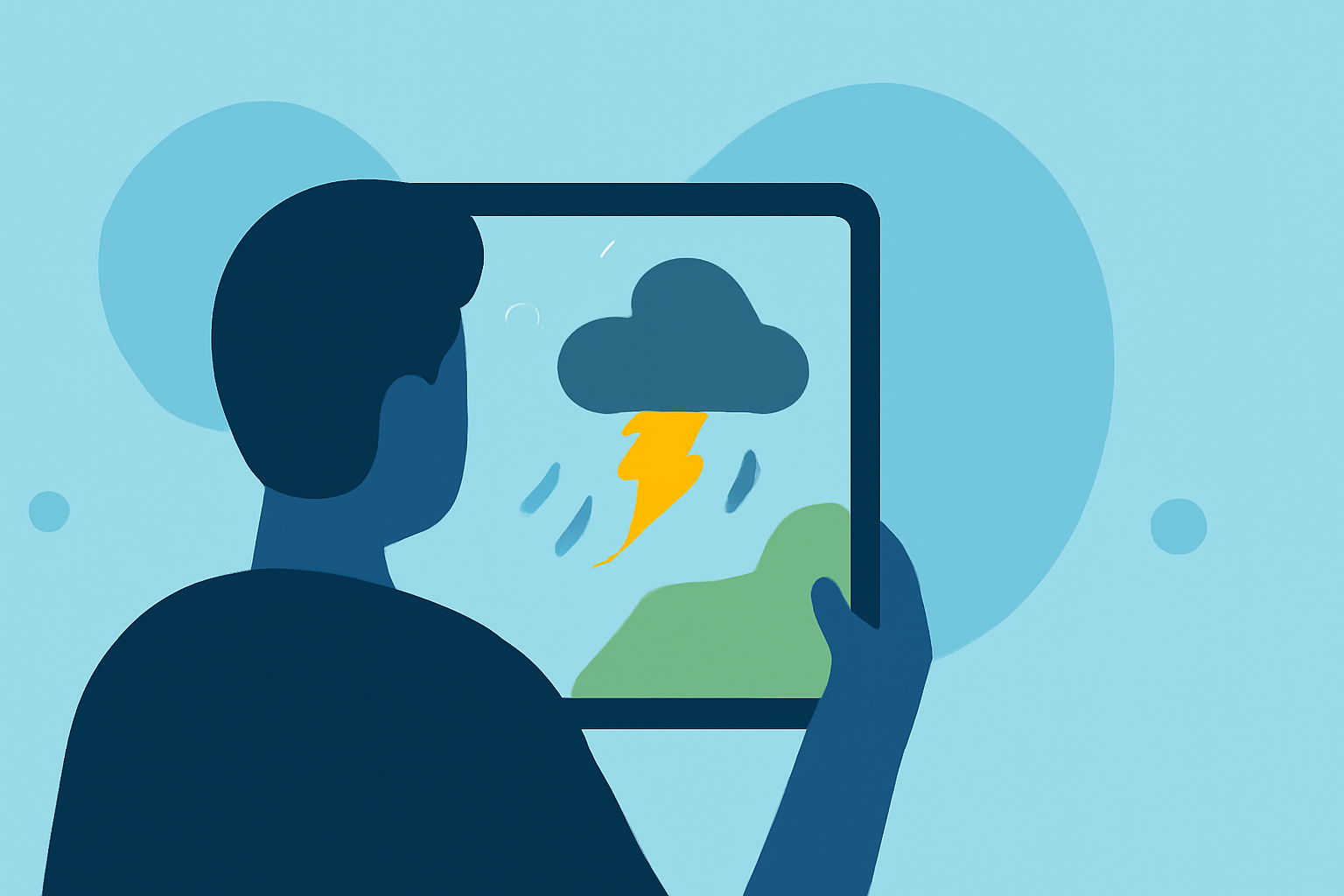
If you're looking to monitor thunderstorms on your iPad, starting with Clime is a great choice. Clime offers a user-friendly experience packed with real-time data, including NOAA radar imagery and severe weather alerts. For specialized needs, other options may provide distinct features or overlays.
Summary
- Clime provides a comprehensive radar-first approach to monitoring thunderstorms.
- Key features include severe weather alerts, hurricane tracking, and lightning data.
- Setting up Clime on your iPad is straightforward, making it accessible for all users.
- Premium features expand capabilities with detailed forecasts and additional environmental data.
What Features Does Clime Offer for Thunderstorm Tracking?
Clime stands out with its radar-centric view that integrates various weather layers, crucial for effective thunderstorm tracking. It combines NOAA radar data with:
- Severe Weather Alerts: Users receive notifications for severe conditions across saved locations.
- Hurricane and Lightning Trackers: Keep tabs on storms and lightning activity, which is particularly essential during thunderstorms.
- Interactive Radar Imagery: Visualize precipitation over time, aiding in immediate decision-making.
How to Set Up Clime on Your iPad
Getting started with Clime on your iPad is simple:
- Download the App: Visit the App Store and search for "Clime: NOAA Weather Radar Live."
- Create an Account: Sign up to save your locations and receive personalized alerts.
- Configure Settings: Customize your alerts for individual locations, select the weather layers you want to track, and set your preferences for notifications.
- Explore Features: Familiarize yourself with the radar view and forecast options. Switch between different weather overlays such as rain, snow, and severe weather.
Making Use of the Premium Features
Clime offers a robust free version, but users can unlock advanced tools with a Premium subscription:
- Extended Forecasts: Access hourly updates and a 14-day forecast to plan ahead during storm season.
- Environmental Layers: Gain insights into air quality, wildfire tracking, snowfall depth, and more, all in one app.
- No Ads: Enjoy a seamless experience without interruptions from advertisements.
Benefits of Tracking Thunderstorms on Your iPad
Tracking thunderstorms on a tablet like the iPad provides several advantages:
- Better Visibility: The larger screen offers an enhanced view of weather patterns, making it easier to interpret data.
- Real-Time Updates: Instant notifications ensure you're aware of critical changes as storms approach.
- Customization: Tailor alert settings based on your specific needs and locations for more personalized updates.
Alternative Options for Specialized Needs
While Clime is an excellent starting point, you might explore other options if you're looking for specific features:
- Advanced Radar Layers: Some alternatives may offer higher-resolution maps or unique environmental overlays.
- Community Features: Certain apps allow user-generated content and storm reports which can be informative during severe weather.
- Integration with Other Services: If you already use different weather tools, consider options that sync with those platforms for a more cohesive experience.
What We Recommend
- Start with Clime: For most users in the U.S., Clime serves as a reliable tool for thunderstorm tracking.
- Use Premium Features: If you require comprehensive forecasts and additional alerts, consider upgrading to Premium.
- Explore Setup Options: Take advantage of the customizable settings to make the app work for your specific needs and locations.
- Stay Informed: Keep monitoring updates regularly, especially during severe weather seasons, to ensure safety and preparedness.