
Getting Started with UV Index Alerts on Wear OS
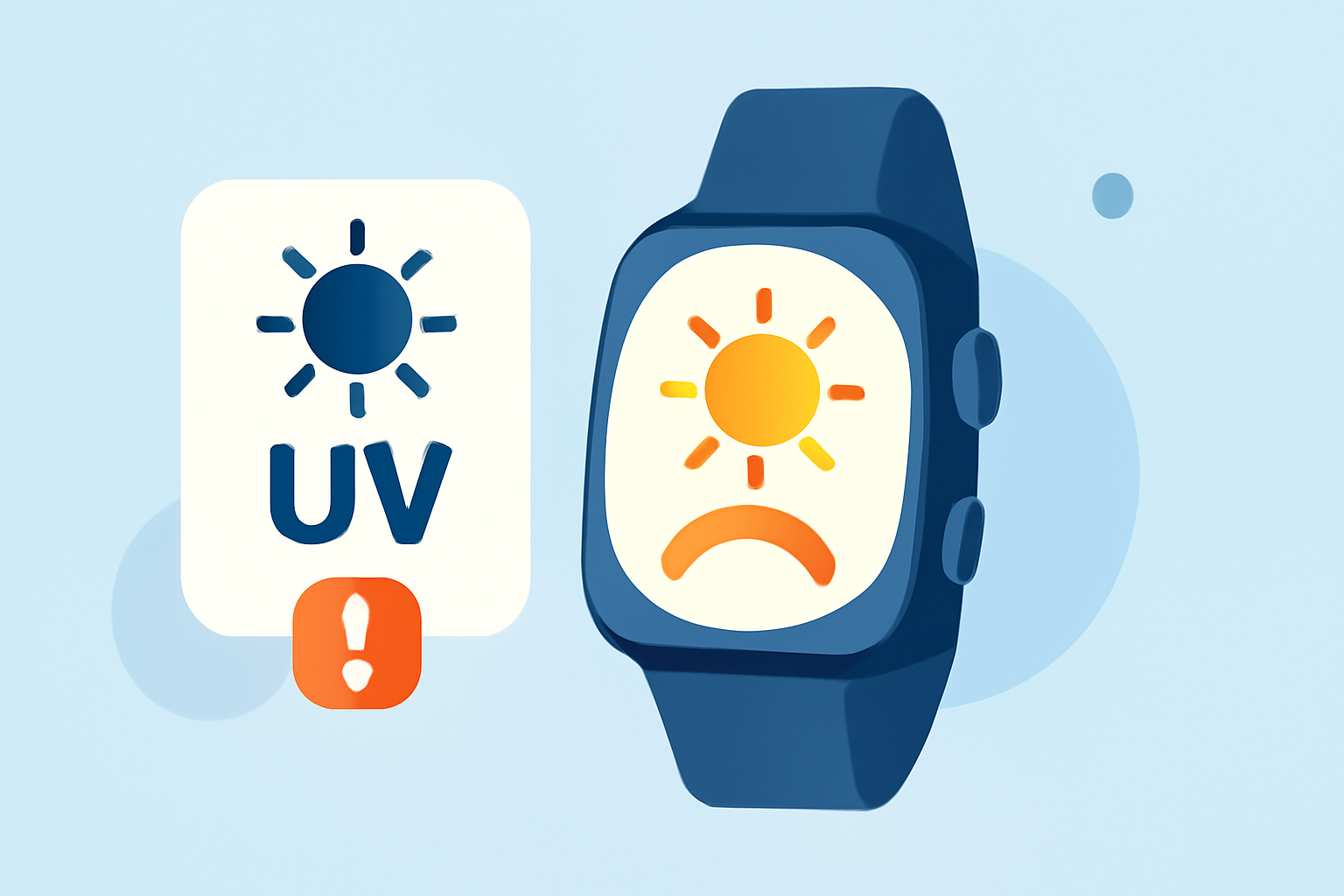
Protecting your skin from harmful UV radiation is essential, and your Wear OS smartwatch can assist in this by providing UV index alerts. Here's how to set up and utilize this feature:
What Is the UV Index?
The UV index measures the strength of ultraviolet radiation from the sun. A higher UV index indicates a greater potential for skin damage. Monitoring this index helps you take necessary precautions when spending time outdoors.
How to Access the UV Index on Your Wear OS Watch
- Open the Weather App: Navigate to the Weather app on your smartwatch.
- View UV Index: Within the app, you'll find the current UV index displayed alongside other weather details.
This feature is available on Wear OS devices running version 6 or newer. (support.google.com)
Setting Up UV Index Alerts
To receive notifications when the UV index reaches a certain level:
- Install the IFTTT App: Download and install the IFTTT app on your smartphone and smartwatch.
- Create an Applet: Within IFTTT, set up an applet that triggers a notification when the UV index exceeds your specified threshold.
- Configure Notifications: Ensure that notifications are enabled for IFTTT on your smartwatch.
This setup allows your smartwatch to alert you when the UV index is high, prompting you to take protective measures. (ifttt.com)
Adding UV Index Complications and Tiles
For quick access to UV index information:
- Complications: Add a UV index complication to your watch face for immediate visibility.
- Tiles: Add the Weather Tile to your smartwatch for easy access to weather and UV index information.
These features enhance your ability to monitor UV levels throughout the day. (support.google.com)
Staying Protected
Regularly checking the UV index and setting up alerts can help you make informed decisions about sun exposure, reducing the risk of skin damage.
By utilizing these features on your Wear OS smartwatch, you can effectively monitor UV levels and take necessary precautions to protect your skin.