
Getting Started with UV Index Forecast on Wear OS
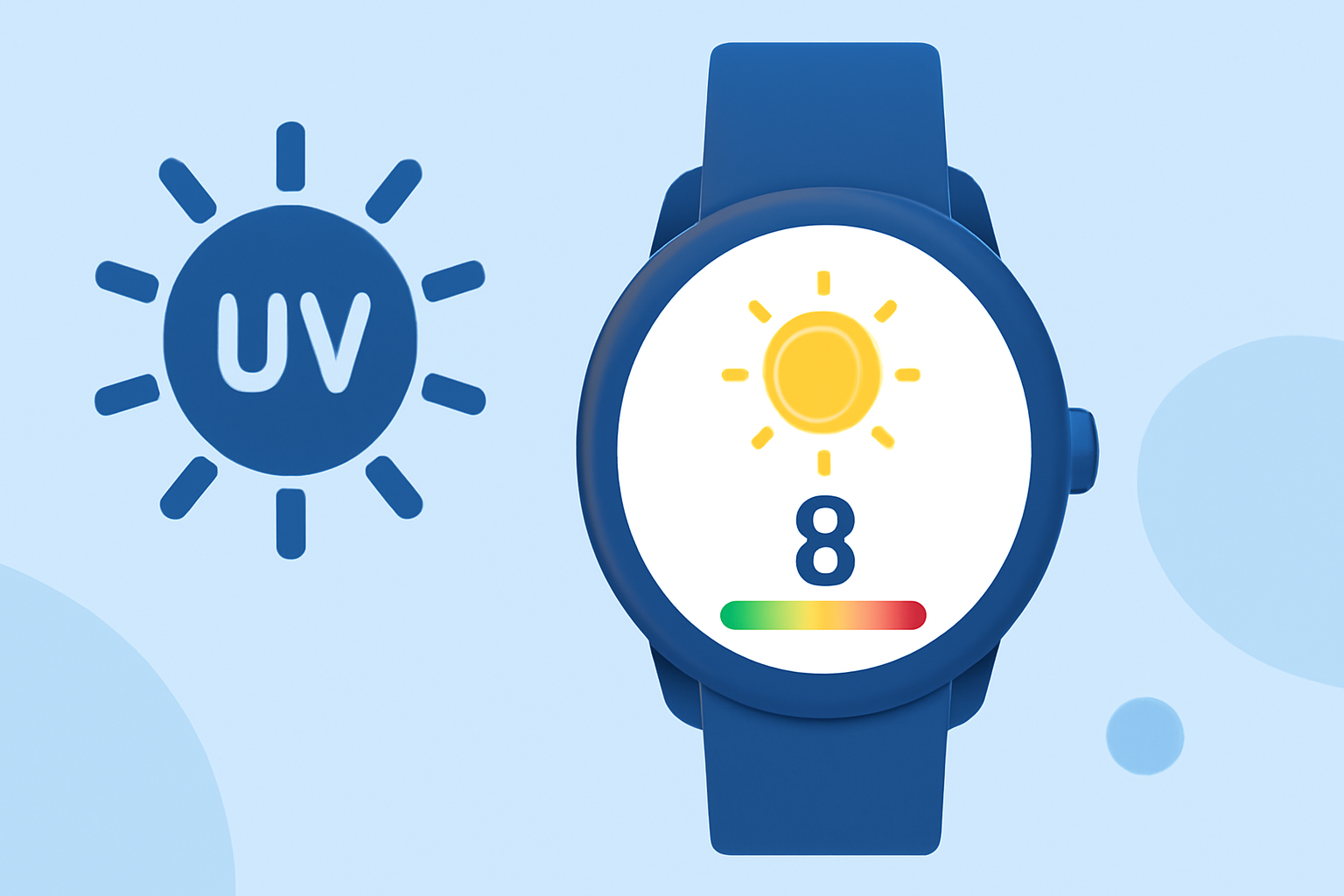
Wear OS smartwatches have integrated a UV Index feature into their Weather app, providing real-time information about ultraviolet radiation levels in your area. This addition helps you make informed decisions about sun exposure and skin protection.
What is the UV Index?
The UV Index is an international standard measurement that indicates the strength of sunburn-producing ultraviolet radiation at a specific time and location. It ranges from 0 to 11+, with higher values signifying a greater risk of harm from unprotected sun exposure. Understanding the UV Index can guide you in taking appropriate precautions to protect your skin and eyes. (en.wikipedia.org)
How to Access the UV Index on Your Wear OS Watch
-
Open the Weather App: On your Wear OS smartwatch, locate and open the Weather app.
-
View Current Conditions: The app will display current weather conditions, including temperature and UV Index.
-
Scroll for Detailed Forecast: For a more detailed forecast, scroll down to see hourly and daily predictions, along with the UV Index for each period.
Adding the UV Index to Your Watch Face
To have the UV Index readily available on your watch face:
-
Access Watch Face Settings: Press and hold your current watch face to enter customization mode.
-
Add a Complication: Select a slot on your watch face to add a new complication.
-
Choose UV Index: From the list of available complications, select the UV Index to display it directly on your watch face.
Understanding UV Index Levels
The UV Index is categorized into different levels, each indicating the potential risk of harm from unprotected sun exposure:
-
0–2 (Low): Minimal risk.
-
3–5 (Moderate): Moderate risk.
-
6–7 (High): High risk.
-
8–10 (Very High): Very high risk.
-
11+ (Extreme): Extreme risk.
For example, a UV Index of 3–5 suggests a moderate risk, where it's advisable to wear protective clothing and apply sunscreen. A higher index indicates a need for more stringent precautions. (en.wikipedia.org)
Benefits of Monitoring the UV Index
By regularly checking the UV Index on your Wear OS smartwatch, you can:
-
Plan Outdoor Activities: Choose the best times for outdoor events based on UV levels.
-
Protect Your Skin: Take necessary precautions, such as applying sunscreen or wearing protective clothing, when UV levels are high.
-
Stay Informed: Receive timely updates on changing UV conditions throughout the day.
Conclusion
Integrating the UV Index into your Wear OS smartwatch empowers you to make informed decisions about sun exposure, enhancing your skin's protection and overall health. By familiarizing yourself with this feature, you can enjoy outdoor activities with greater confidence and safety.
Highlights:
- Wear OS has a useful new weather app feature | TechRadar, Published on Wednesday, April 14
- Wear OS Now Displays a UV Index to Keep You Safe in the Sun, Published on Saturday, April 17
- Wear OS adds UV Index to make your skin (and your mom) happier | Android Central, Published on Wednesday, April 07