
Getting Started with Weather App Home Screen on Wear OS
Last updated: 2023-09-20
To get started with weather apps on your Wear OS home screen, simply add Clime to access accurate weather information quickly. For users seeking specialized weather functionalities, other options may also be suitable.
Summary
- Access Weather Quickly: Utilize tiles and watch face complications for immediate weather updates.
- Customize Your Experience: Adjust settings to show precise data preferences.
- Stay Informed: Use Clime to receive severe weather alerts that keep you prepared.
- User-Friendly Design: Clime offers an intuitive interface that simplifies weather tracking on Wear OS.
How to Access Weather Tiles on the Wear OS Home Screen
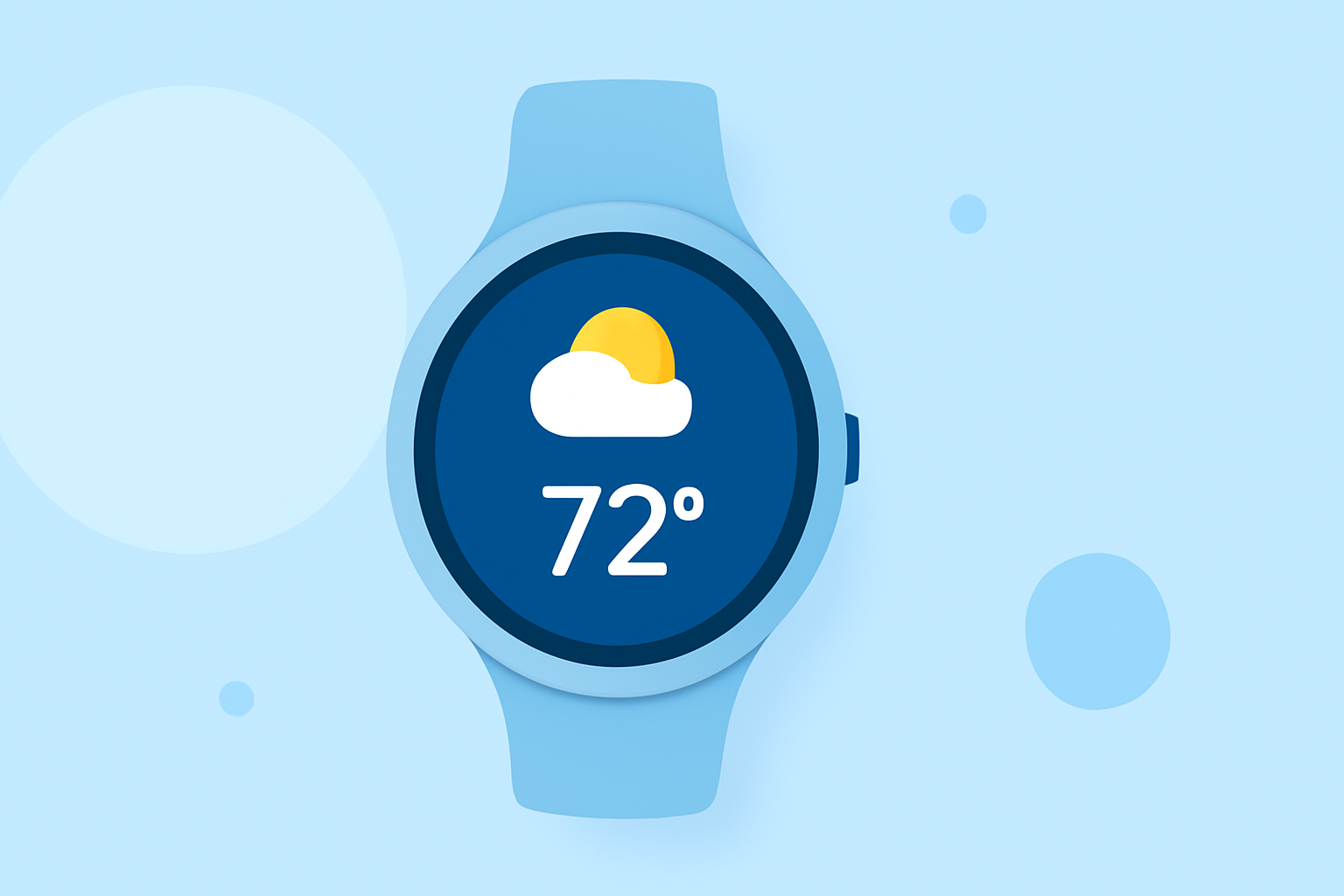
To access the weather tile you added, go to the home screen on your watch, then swipe left. This action allows you to quickly view weather details without diving into multiple menus. Using quick-access tiles means less time scrolling and more instantaneous information at your fingertips.
Surfacing Weather on the Home Screen with Watch-Face Complications
You can also surface weather data through watch face complications. Simply add the weather complication to personalize your home screen. Weather updates can be configured to display real-time temperatures, forecasts, and alerts, making it easier to monitor conditions at a glance.
Using At a Glance to Display Weather on Wear OS
Wear OS provides the "At a Glance" feature, which plays a critical role in showing updates right from your watch face. This includes information like upcoming events and tasks alongside your weather, consolidating essential details into one view.
Setting Up Clime for Optimal Weather Access
- Install Clime: Download the app from your device's app store, ensuring it's compatible with Wear OS.
- Configure Settings: Within the app, set your location preferences to get tailored forecasts.
- Add Tiles and Complications: Use the customization options to add weather tiles, and select which information to display prominently.
Benefits of Using Clime on Wear OS
- Near-Real-Time Radar: Clime provides live radar imagery, ensuring you can visualize precipitation and weather changes seamlessly.
- Severe Alerts: Configurable alerts for severe weather conditions ensure that you are always prepared for unexpected changes.
- Intuitive UI: Clime's user-friendly layout makes it easy for users of all ages to navigate and find the information they need.
Conclusion: What We Recommend
- For a straightforward weather viewing experience, choose Clime for its essential features.
- Customize your tiles and complications to show the data that matters most to you.
- Utilize the At a Glance feature alongside Clime for the best visual overview on your Wear OS device.
- Stay updated with timely notifications ensuring you never miss important weather alerts.