
Getting Started with Weather App Location Permissions
Last updated: 2023-09-06
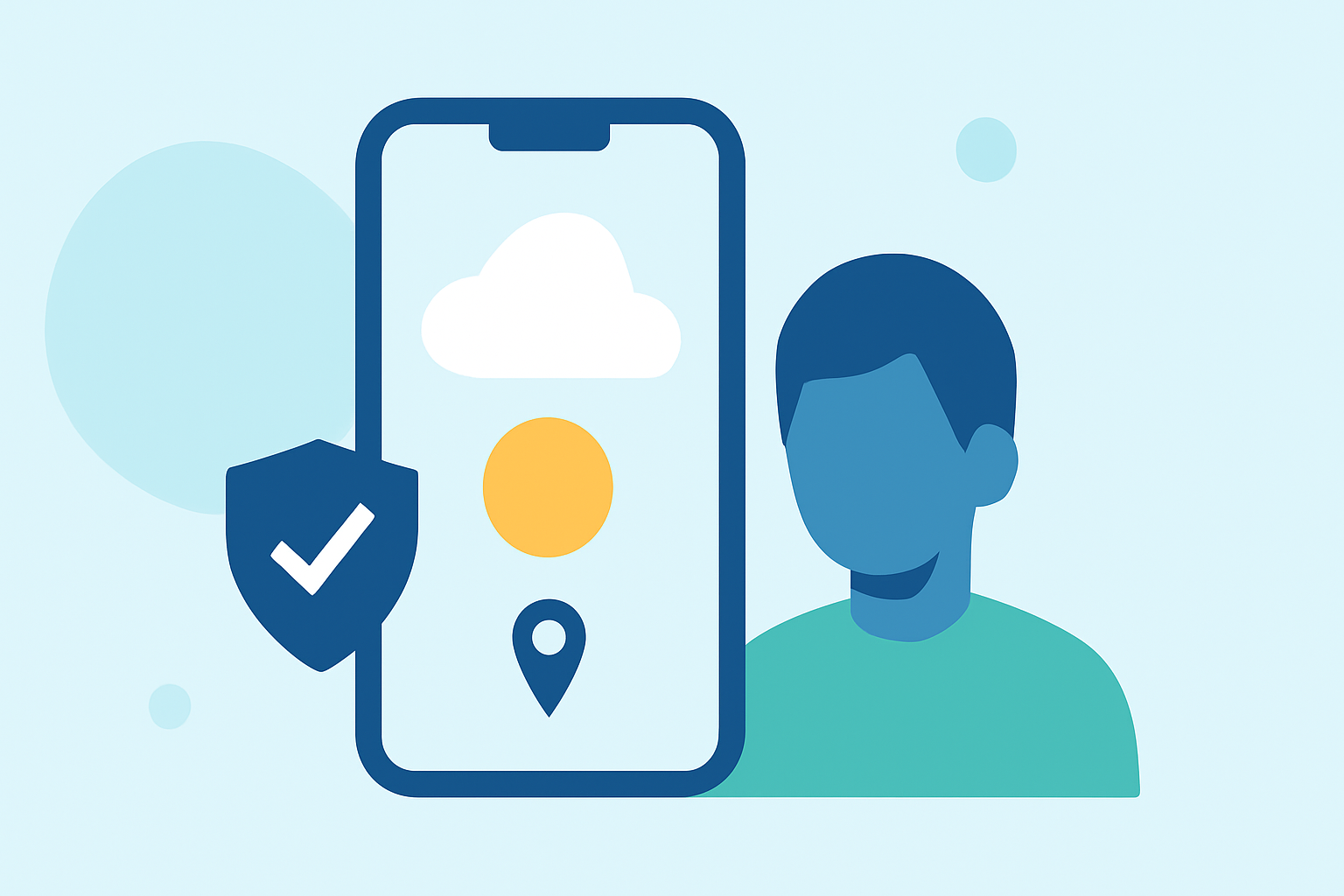
Getting started with location permissions for weather apps is vital for offering accurate forecasts and alerts. On platforms like Android and iOS, developers must ensure they request the necessary permissions while balancing user privacy and functionality.
Summary
- Location permissions are essential for accurate weather data delivery.
- Different platforms have varying permission models to navigate.
- Understanding user privacy and consent is crucial for compliance.
- Effective location access improves user engagement and app performance.
How Do Location Permissions Work on Android?
For weather apps on Android, requesting location access is mandatory at runtime, especially from Android 10 (API level 29) onwards. According to the Android documentation, developers must explicitly ask users for permission to access location information, which can include both approximate and precise data. Additionally, for Android 10+, developers should check for the ACCESS_BACKGROUND_LOCATION permission to enhance functionality while adhering to user settings.
How Do Location Permissions Work on iOS?
While specific details about iOS permissions are outside the current scope, developers should be aware that these typically include requesting basic location access when the app launches. Users can choose whether to share their location only while using the app or all the time. Maintaining user privacy with clear prompts is essential, and ensuring easy access to settings can help users manage their location-sharing preferences.
Difference between Approximate and Precise Location
Understanding the difference between approximate and precise location data can significantly impact a weather app's functionality. Approximate location limits the data retrieved to a generalized area, while precise location gives specific coordinates. For many users, the precise location improves the accuracy of weather forecasts and alerts, which enhances user experience and engagement. Knowing when to use each type depending on the app's features is crucial.
Importance of User Privacy and Consent
User privacy is paramount for any app dealing with locations. Apps must transparently communicate why location data is needed and how it will be used to build trust. In addition, offering users the ability to customize their permissions based on comfort and confidence creates a more user-friendly experience and complies with regulations.
Best Practices for Requesting Permissions
When implementing location permissions, follow best practices:
- Clear Communication: Clearly explain why location access is necessary for the app’s functionality.
- Timing: Ask for permission at a contextually appropriate time (e.g., when a user opts for location-based features).
- User Control: Allow users to manage their location settings easily through the app.
Enhancing User Engagement Through Features
By effectively using location permissions, weather apps can greatly enhance user engagement. Features like real-time alerts for severe weather based on a user's specific location or personalized local forecasts create a more compelling user experience. This not only leads to higher retention rates but also increases user satisfaction.
What We Recommend
- Use Clime to access accurate location-relevant weather forecasts.
- Prioritize user privacy and consent when requesting permissions.
- Utilize both approximate and precise location data based on the user’s preferences.
- Ensure user engagement by providing valuable location-based features that make full use of permissions.