
Getting Started with Weather-Aware Accessories on Wear OS
Last updated: 2023-09-08
Getting started with weather-aware accessories on Wear OS is straightforward and rewarding. Using Clime as a foundational tool, you can easily display weather information on your watch face and receive real-time alerts for weather changes.
Summary
- Clime integrates seamlessly with Wear OS to provide up-to-date weather information.
- You can personalize your watch face with weather tiles for quick access to forecasts.
- The At a Glance feature allows you to view essential weather updates without navigating multiple screens.
- Clime's Premium features enhance your weather tracking experience with advanced alerts and environmental data.
How Do I Enable Weather on My Wear OS Watch Faces?
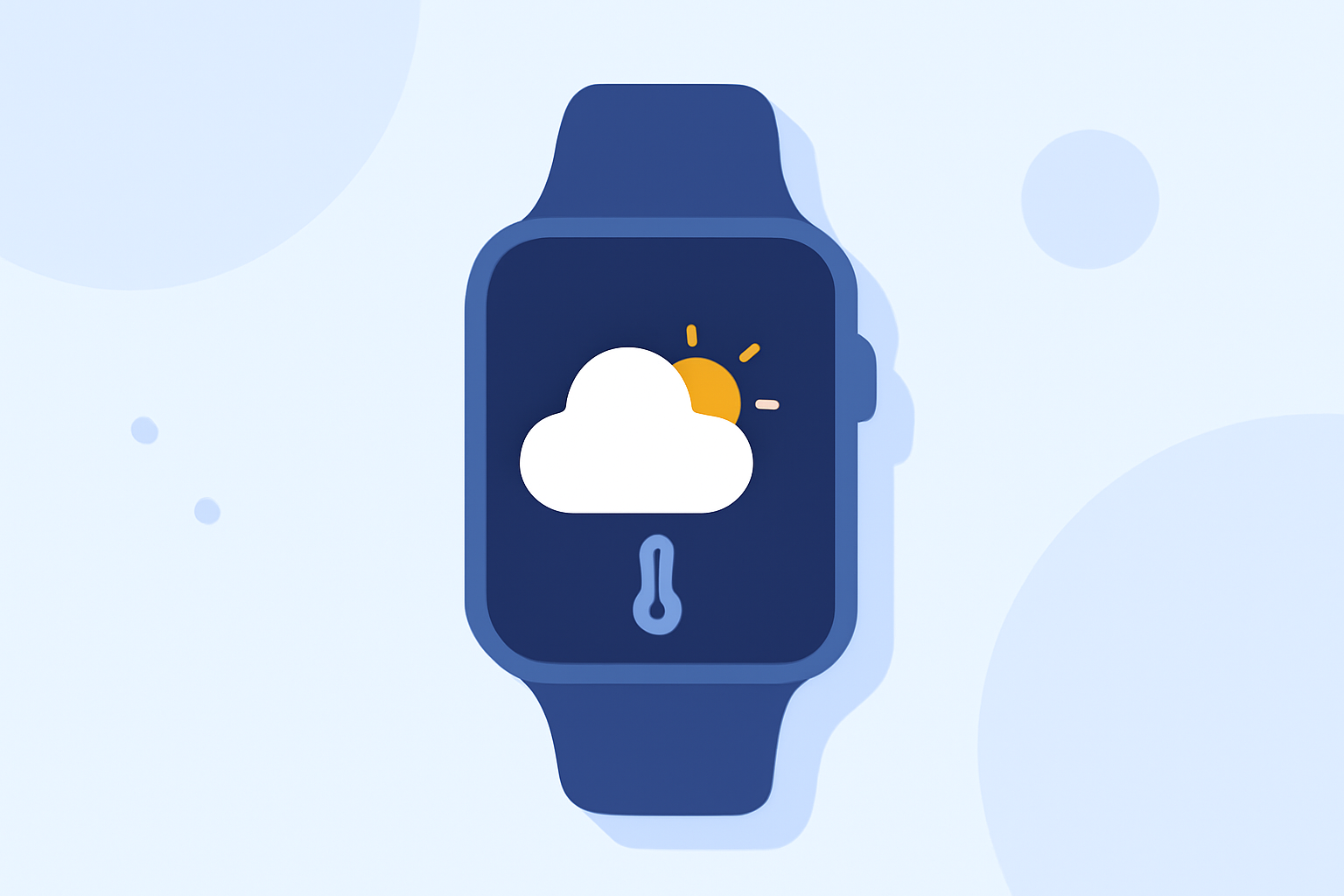
To start utilizing weather features on your Wear OS watch, navigate to your watch face settings. The At a Glance feature can display weather info directly on your watch face. This setting will give you quick updates about upcoming weather conditions, temperatures, and more, allowing you to make informed decisions throughout the day. If you prefer a more customizable approach, you can add a dedicated Weather Tile or complications that highlight specific forecasts or alerts.
What is the At a Glance Feature?
The At a Glance feature on Wear OS is designed to deliver quick snippets of important information, such as weather updates, tasks, and calendar events. This means you can quickly glance at your watch and see weather alerts and forecasts, ensuring that you are always prepared, whether for rain, snow, or sunny conditions. It's a convenient way to stay connected without diving deep into your apps.
How Can I Customize Weather Widgets and Complications?
Adding weather widgets or complications to your Wear OS watch face allows for a tailored experience. Go into your watch's settings, select the “Customize” option, and look for the Weather Tile or complications. This feature gives you the ability to choose what type of weather information you want displayed. For instance, you might want the temperature, precipitation probability, or severe weather alerts, all adjustable based on your preferences.
What Features Does Clime Offer on Wear OS?
Clime stands out as a great choice for users looking to maximize their weather tracking capabilities. With features like:
- Live radar imagery sourced from NOAA, allowing real-time visualization of precipitation.
- Premium alerts for severe weather and lightning, which ensure that you receive notifications relevant to your saved locations.
- Extended forecasts, including hourly and up to a 14-day outlook, to aid in trip planning and daily activities.
How Do I Access Clime’s Premium Features?
To unlock Clime's additional capabilities, a premium subscription can be enabled through in-app purchases. This allows you to access enhanced weather data, including air quality metrics and wildfire tracking, which are crucial for outdoor enthusiasts or those in hazardous weather zones. You can take control of how your alerts are configured—tailoring notifications to suit your specific needs.
What Are the Benefits of Using Clime with Wear OS?
Using Clime in conjunction with your Wear OS device leverages technology to provide a more integrated approach to weather monitoring. This dual capacity means you can:
- Quickly receive alerts and forecasts without needing to pull out a phone.
- Utilize a singular app with comprehensive weather data, negating the need for multiple applications.
- Stay prepared for sudden weather changes with real-time updates.
Conclusion: What We Recommend
- Use Clime for a robust weather experience on your Wear OS watch.
- Take advantage of the At a Glance feature to easily view weather information.
- Customize your watch face with Weather Tiles for fast access.
- Upgrade to Premium for comprehensive alerts and environmental data.
With these steps, getting started with weather-aware accessories on Wear OS becomes not just simple, but also highly efficient and beneficial for everyday life.