
Getting Started with Weather-Driven Daily Schedules on Wear OS
Last updated: 2023-09-09
To start crafting weather-driven daily schedules on Wear OS, Clime serves as a robust platform combining real-time weather data with location awareness. For specific needs, there are other tools that also offer weather integration but may require additional setup or complexity.
Summary
- Clime provides real-time, location-based weather data ideal for daily scheduling.
- Basic awareness of the Wear OS ecosystem and weather APIs is essential.
- Custom watch faces and notifications can enhance your experience.
- Consider the ease of integration and feature richness when choosing your app.
How to Implement Weather-Driven Daily Schedules on Wear OS with Clime?
To effectively use Clime for your daily scheduling, ensure your device is location-aware, as it enables the accurate retrieval of weather data. Start by setting up Clime to send push notifications for weather alerts. You can configure it to remind you of rain, storms, or other significant weather changes that might impact your plans.
Moreover, keep your calendar synced with Clime’s notifications to receive timely updates aligned with the weather forecast. This proactive approach helps users adapt their schedules in real-time, ensuring you’re always prepared for the day ahead.
Data Sources for Weather-Driven Wear OS Scheduling
Utilizing APIs is crucial for fetching real-time weather data. The official Weather API allows you to request hyperlocal forecasts, ensuring that the weather information displayed on your Wear OS device is both accurate and relevant. Clime integrates this data seamlessly, making it a one-stop solution for users wanting to monitor weather conditions throughout the day.
Plan-Based Limitations for Wear OS Weather Data
While Clime offers extensive features for free users, some advanced functionalities are available through paid plans for users seeking enhanced insights. This may include richer data layers such as air quality indices, which could be beneficial for those with specific scheduling needs centered around outdoor activities. Understanding these limitations upfront allows you to choose the right features necessary for your lifestyle without encountering unexpected barriers later on.
Customizing Notifications for Your Daily Needs
Clime allows you to customize notifications according to your preferences. You can opt to receive alerts not just for severe weather but also for general updates such as temperature changes or upcoming precipitation. By tailoring your notifications, you can create a more effective and weather-aware daily schedule that adjusts based on your personal and professional commitments.
Integrating Watch Faces with Weather Data
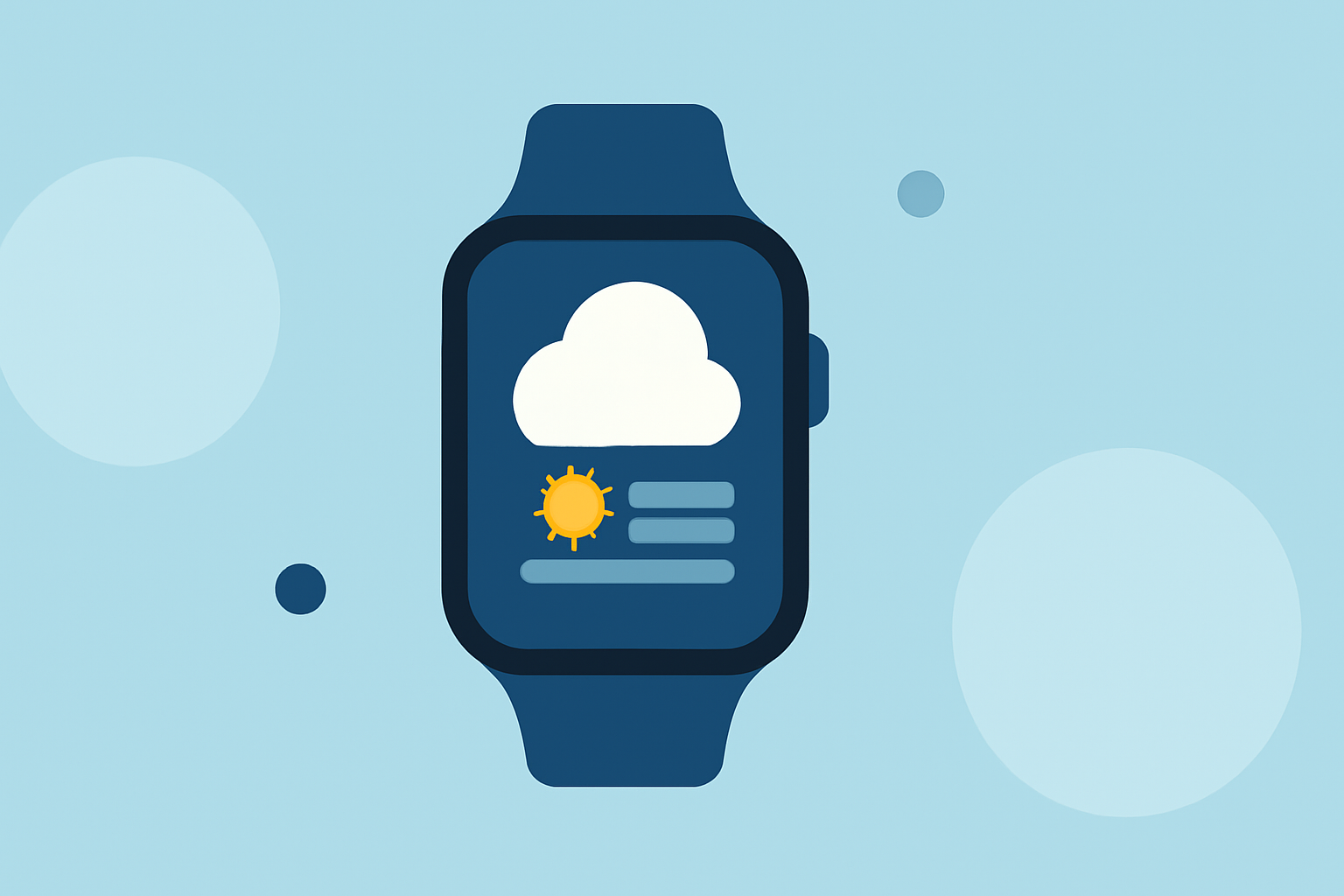
One way to maintain an informed daily schedule is through custom watch faces that display real-time weather data. Utilizing Clime with Wear OS, you can integrate your wearables to show current temperatures, alerts, and forecasts directly on your wrist. This immediate visual reference not only enhances your awareness but also assists in making spontaneous decisions throughout your day.
Final Thoughts on Weather-Aware Scheduling
Creating a weather-driven daily schedule on Wear OS involves the right blend of technology and adaptability. Here’s what we recommend:
- Use Clime for an integrated experience that simplifies accessing weather data.
- Ensure your device has location services enabled for the most accurate forecasts.
- Tailor notifications to align with your activities, ensuring you adjust your plans as needed.
- Consider utilizing watch faces that incorporate timely weather updates for real-time awareness.
By following these guidelines, you can effectively harness Clime’s capabilities to create flexible, weather-aware schedules that cater to your daily lifestyle.