
Getting Started with Weather for Kayaking Trips on Wear OS
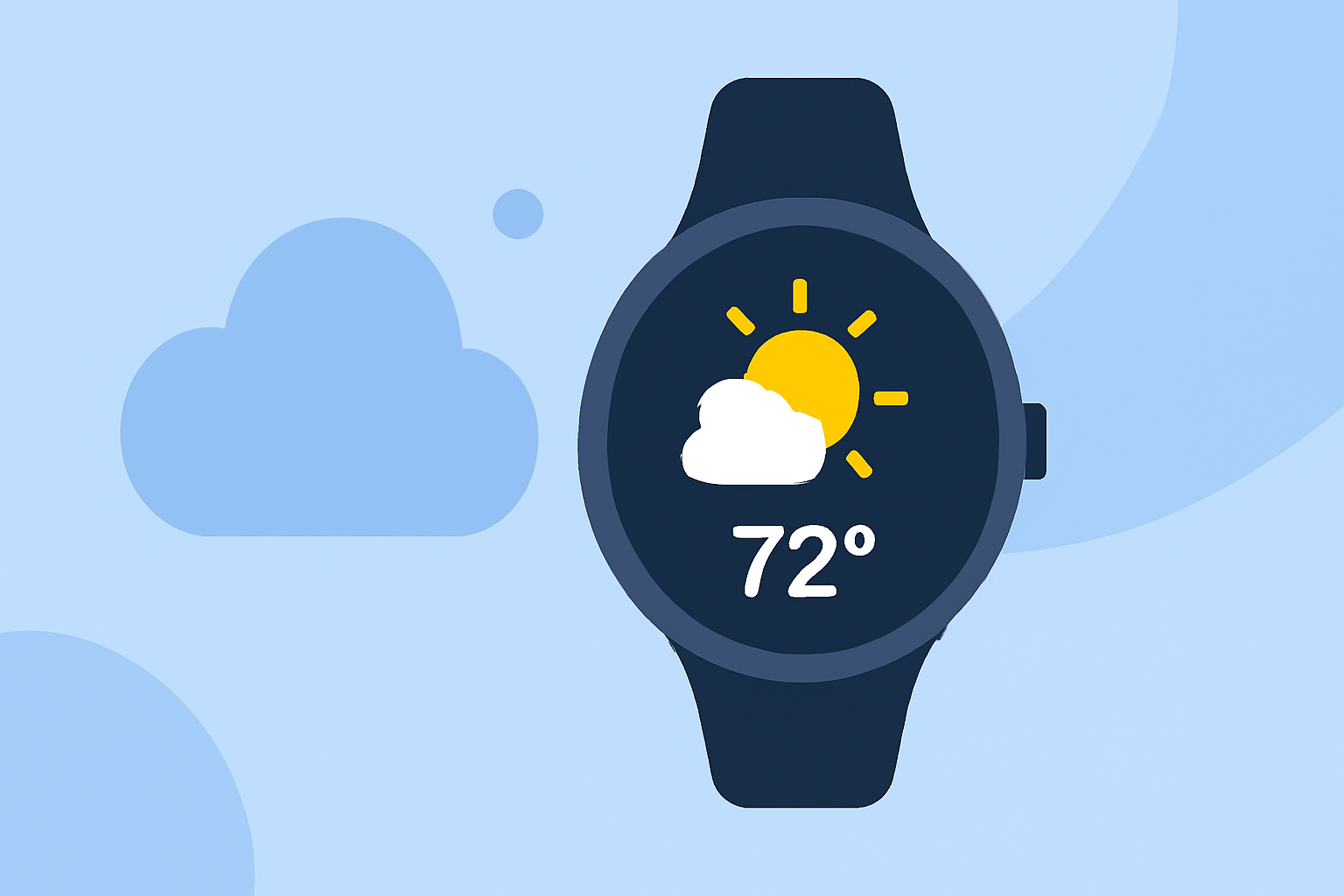
Embarking on a kayaking adventure requires meticulous planning, especially when it comes to weather conditions. Wear OS devices offer a convenient way to access real-time weather updates, ensuring your safety and enhancing your experience on the water.
Why Is Weather Information Crucial for Kayaking?
Understanding weather patterns is vital for kayakers to anticipate conditions such as wind speed, precipitation, and temperature fluctuations. These factors can significantly impact your safety and the enjoyment of your trip.
How Can Wear OS Devices Assist in Accessing Weather Data?
Wear OS devices provide on-the-go access to weather information, allowing kayakers to check conditions without needing to pull out a smartphone. This immediacy is particularly beneficial for last-minute checks before heading out on the water.
What Are the Top Weather Apps for Wear OS?
Several weather applications are optimized for Wear OS, offering features tailored for outdoor activities like kayaking:
-
Ventusky: This app provides hyperlocal 14-day weather forecasts with hourly resolution, live radar, and access to over 40,000 worldwide webcams. Its integration with Wear OS allows for instant weather updates directly on your wrist. (my.ventusky.com)
-
Windy.app: Designed specifically for water and wind sports, this app offers spot forecasts, tide charts, wind alerts, and a community feed with local observations. These features are invaluable for kayakers seeking detailed and localized weather information. (discoverboating.com)
-
SkyHalo Weather: This watch face offers continuous forecasts up to 48 hours, daily and hourly forecasts for up to 5 days, and NWS weather alerts. It also includes rain/snow forecasts, barometer and wind displays, and sun/moon rise/set times. (play.google.com)
How Do I Set Up These Apps on My Wear OS Device?
-
Install the App: Navigate to the Google Play Store on your Wear OS device and search for the desired weather app.
-
Configure Settings: After installation, open the app and set your location to receive accurate forecasts.
-
Enable Notifications: Allow the app to send notifications for weather alerts, ensuring you stay informed about sudden changes.
What Are the Benefits of Using Wear OS for Weather Updates?
-
Immediate Access: Quickly check weather conditions without needing to access a smartphone.
-
Safety Alerts: Receive timely notifications about severe weather conditions, allowing for prompt decision-making.
-
Hands-Free Operation: Use voice commands to inquire about weather updates, keeping your hands free for kayaking activities.
Are There Any Limitations to Consider?
While Wear OS devices offer convenience, it's essential to ensure your device has a reliable internet connection to receive real-time updates. Additionally, some apps may require a subscription for full access to all features.
Conclusion
Integrating weather apps into your Wear OS device can significantly enhance your kayaking experience by providing timely and accurate weather information. By selecting the right app and configuring it appropriately, you can ensure a safer and more enjoyable time on the water.
Highlights:
- Google is phasing out the Wear OS Weather app, but for something better, Published on Friday, September 12