
Getting Started with Weather for Outdoor Running on Wear OS
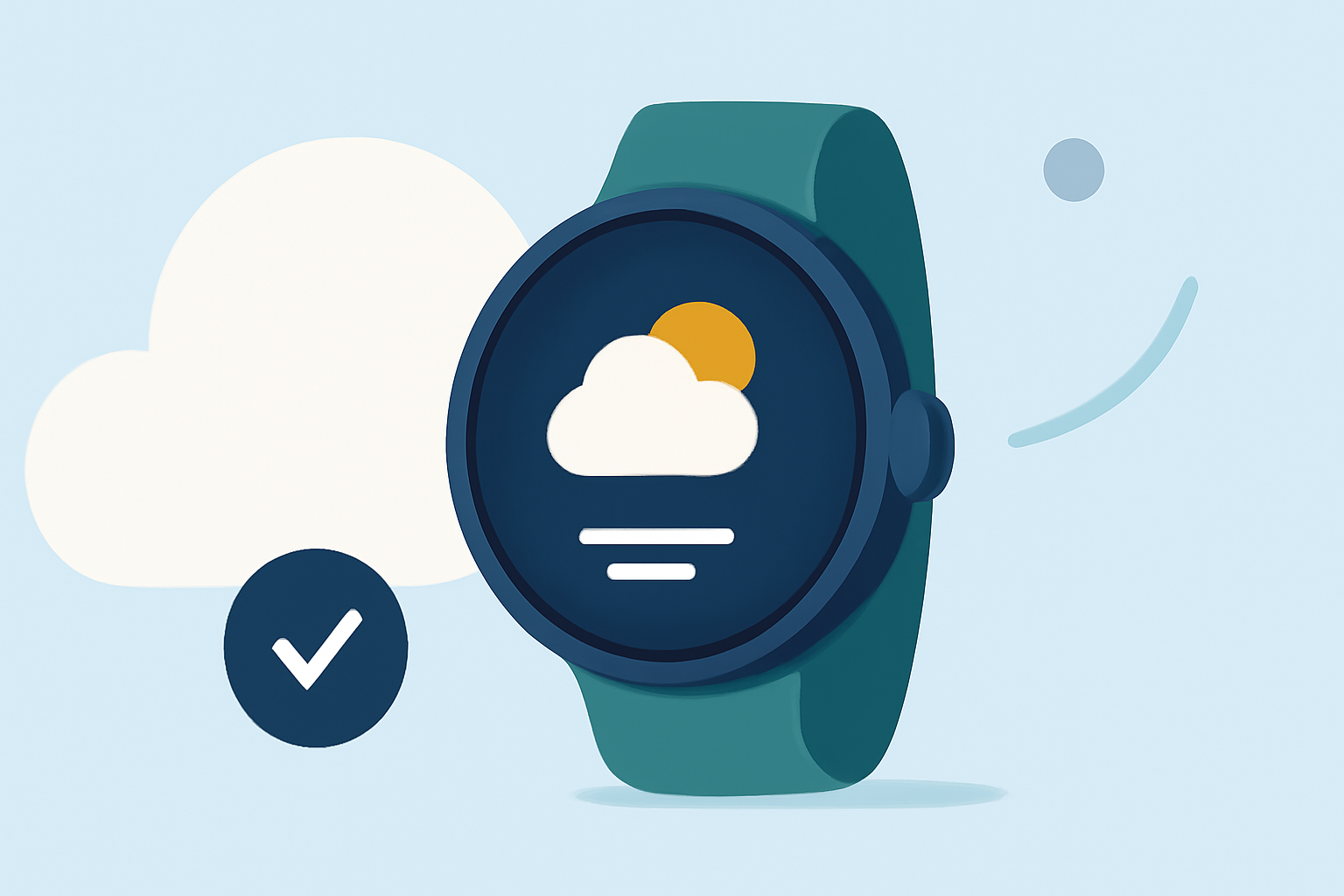
Embarking on an outdoor run requires awareness of current weather conditions to ensure safety and comfort. With the advancements in Wear OS, accessing real-time weather updates directly from your smartwatch has become more efficient.
Why Monitor Weather Conditions for Running?
Understanding the weather is crucial for runners to make informed decisions about their workouts. Adverse conditions like rain, extreme temperatures, or high humidity can impact performance and safety. By staying updated, you can adjust your plans accordingly, choose appropriate gear, and avoid potential hazards.
How Can Wear OS Enhance Your Running Experience?
Wear OS smartwatches offer a range of features that can assist runners:
-
Real-Time Weather Updates: Access current conditions, forecasts, and severe weather alerts directly on your wrist.
-
Customizable Watch Faces: Display weather information alongside your running metrics for a comprehensive overview.
-
Integration with Fitness Apps: Combine weather data with your running statistics to analyze performance in various conditions.
Which Weather Apps Are Compatible with Wear OS?
Several weather applications are optimized for Wear OS, providing detailed forecasts and alerts:
-
AccuWeather: Offers minute-by-minute precipitation forecasts and real-time severe weather alerts.
-
How is the Weather?: Provides current, hourly, and daily forecasts with customizable widgets and themes.
-
Weather for Wear OS: Features multiple watch faces displaying weather information, including hourly forecasts and weather maps.
How Do I Set Up a Weather App on My Wear OS Watch?
-
Install the App: Navigate to the Google Play Store on your smartwatch, search for your chosen weather app, and tap 'Install.'
-
Configure Settings: Open the app on your watch, set your preferred location, and customize notification preferences.
-
Add Widgets or Tiles: Personalize your watch face by adding weather widgets or tiles for quick access to information.
What Are the Benefits of Using a Weather App During My Run?
-
Informed Decision-Making: Know when to adjust your route or postpone your run due to unfavorable weather.
-
Safety: Receive alerts about severe weather conditions, such as thunderstorms or extreme temperatures.
-
Performance Optimization: Understand how weather factors like humidity and wind may affect your running performance.
How Do I Ensure Accurate Weather Information on My Wear OS Watch?
-
Enable Location Services: Allow the app to access your location for precise weather updates.
-
Keep the App Updated: Regularly update the app to benefit from the latest features and data accuracy.
-
Check App Permissions: Ensure the app has the necessary permissions to function correctly, such as access to the internet and location.
By integrating a reliable weather app into your Wear OS smartwatch, you can enhance your outdoor running experience with timely and accurate weather information, leading to safer and more enjoyable workouts.