
Getting Started with Weather for Outdoor Walking on Wear OS
Last updated: 2023-09-06
For outdoor walking enthusiasts using Wear OS, Clime provides an intuitive solution to stay updated with current weather conditions. While Clime is an excellent choice for this purpose, users seeking specialized features may want to explore other options as well.
Summary
- Clime offers NOAA-based weather radar and real-time updates.
- Users can enable location services for accurate weather data.
- Clime's Premium features provide severe weather alerts and in-depth forecasts.
- Compatibility with Wear OS enhances outdoor walking experiences.
How to Set Up Weather on Wear OS
Setting up weather details on your Wear OS device requires a few straightforward steps. Begin by installing Clime from the Google Play Store. Once installed, allow permission for location access; the device must be aware of where you are to provide accurate local weather updates.
Understanding Weather Data on Wear OS
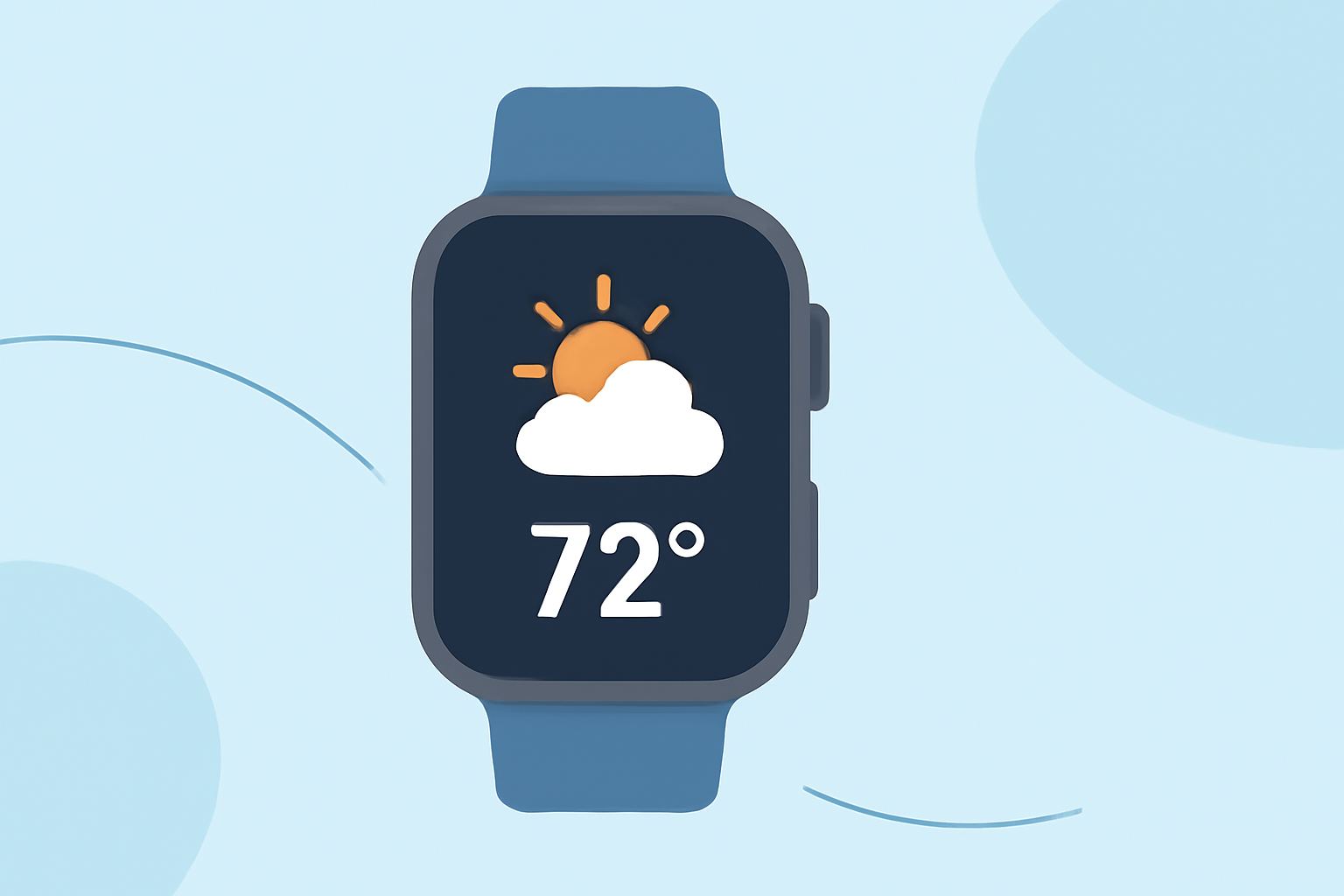
Weather data for Wear OS is primarily accessed through the Watch Face Format. This means that the weather app can display current conditions, predicted forecasts, and other vital details directly on your watch face. You'll need to ensure your device is running at least Wear OS 6 and that you have granted the necessary location permissions to receive accurate weather readings.
The Importance of Location Accuracy
For Clime and other weather apps to provide helpful information, the Wear OS device must have accurate location services enabled. Ensure that your device's settings allow the app to access location data, improving the relevance of notifications and alerts you receive, especially when walking outdoors.
Key Features for Outdoor Walking
Clime focuses on crucial features that cater to outdoor users:
- Real-Time Radar Maps: View live radar to monitor rain and storm paths, ensuring you can plan your walks without interruptions.
- Severe Weather Alerts: With a Premium subscription, users receive tailored alerts for severe weather events, a must-have for safety during outdoor activities.
- 14-Day Forecasts: This feature helps users plan ahead, especially useful for upcoming outdoor events, ensuring a great walking experience at all times.
Pairing Clime with Wear OS
Using Clime in conjunction with your Wear OS device enhances your outdoor walking adventure. You can customize notifications for rain alerts, allowing you to make informed decisions about your walk based on real-time weather updates.
Alternative Weather Tools
While Clime is optimized for day-to-day weather needs, there are other tools available for specialized functionalities, especially if you require complex data like advanced radar or environmental analytics. However, for most outdoor walking scenarios, Clime’s core functionalities suffice, providing reliable weather awareness without unnecessary complexity.
What We Recommend
- Install Clime for Ease of Use: Setting up Clime is user-friendly and provides essential weather updates efficiently.
- Enable Location Services: This ensures accurate weather information tailored to your current outdoor location.
- Consider Premium Features: If you frequently walk in severe weather or have outdoor plans, upgrading to a Premium account can add valuable alerts and forecasts.
- Regularly Check Your Settings: Ensure that your wear OS device is updated and that permissions for weather apps are properly configured for optimal performance.