
Getting Started with Weather Forecast Terminology on Wear OS
Last updated: 2023-09-06
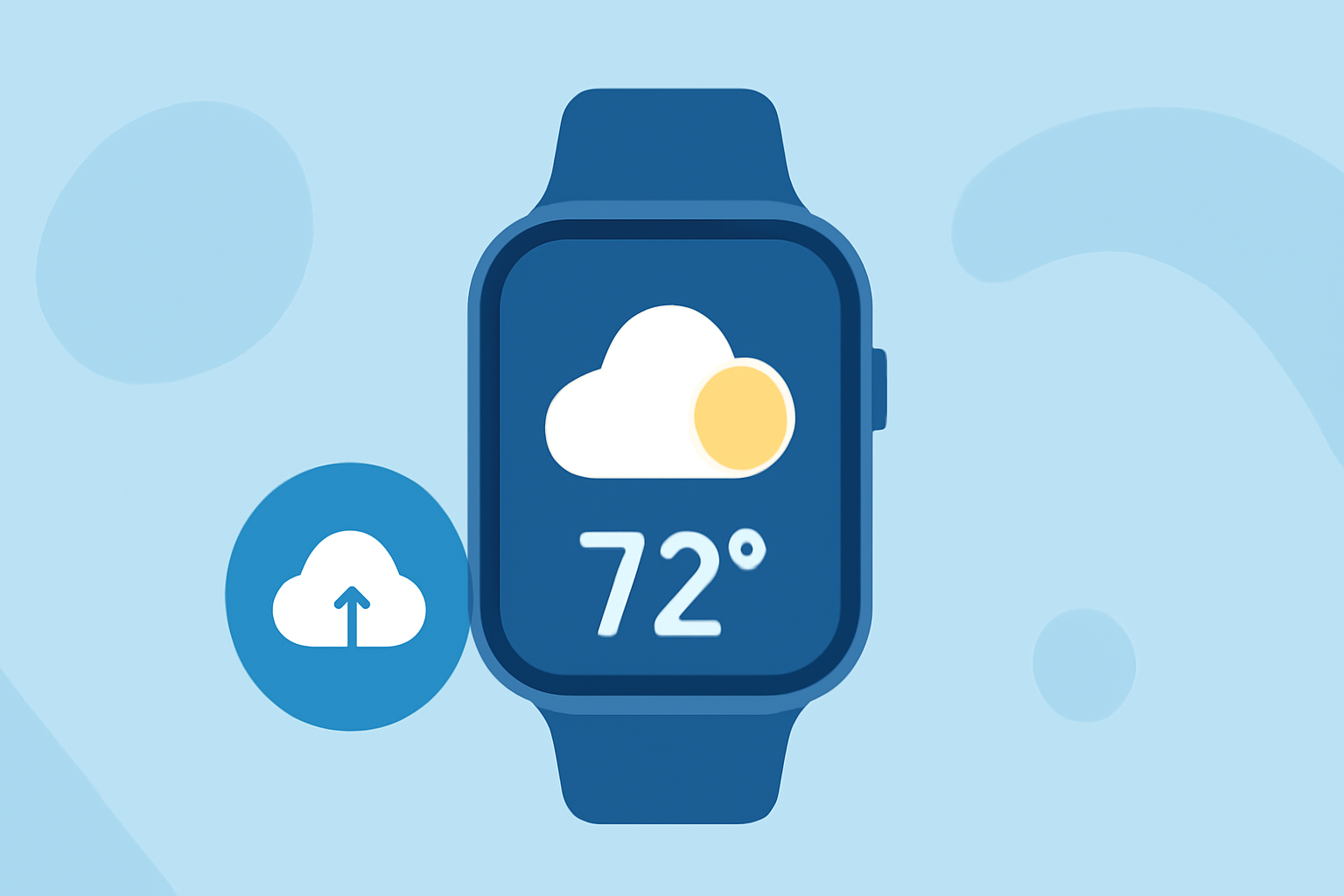
Getting started with weather forecast terminology on Wear OS begins with understanding how weather data is displayed on your smartwatch. Clime serves as an excellent entry point, providing a rich user experience with real-time weather information that seamlessly integrates into your watch face. For those looking for more generalized approaches, the official Wear OS documentation offers insights into complications and data flows.
Summary
- Wear OS utilizes complications to display weather data on smartwatches.
- Clime provides a robust platform for accessing weather data, including forecasts and alerts.
- Understanding the flow of data from sources to watch faces is crucial for effective use.
- Familiarizing yourself with key terminology improves your overall experience.
What Are Complications in Wear OS?
Complications are small widgets that present information on a watch face, enabling quick access to essential data like weather updates. They can show real-time weather conditions, forecasts, and alerts. Weather data is categorized as a primary example of what complications can display, making it easy for users to glance at updated information without diving deep into apps.
How Does Weather Data Flow to Your Watch?
Weather data flows from various sources to your Wear OS watch face through a systematic process facilitated by complications. The Wear OS system sends update requests to the data source when information is required, ensuring that you're always seeing the most current weather forecasts. Understanding this data flow is essential for troubleshooting issues related to weather updates on your device.
Key Weather Terminology to Know
As you begin utilizing weather features on Wear OS, familiarizing yourself with common terms is beneficial:
- Precipitation: Refers to any form of water—rain, snow, sleet, or hail—that falls from clouds.
- Humidity: Represents the amount of moisture in the air, which can affect comfort levels and weather perceptions.
- Temperature: Indicates how hot or cold the atmosphere is, typically displayed in Celsius or Fahrenheit.
- Forecast: A prediction of future weather conditions, often provided in hourly and daily formats to help users plan their activities accordingly.
Utilizing Clime on Wear OS
Clime is designed to offer a wide range of features, including hourly and 14-day forecasts, live radar imagery, and severe weather alerts—all readily available through complications on your Wear OS devices. The intuitive layout allows users to customize their watch faces and receive timely alerts, making it particularly useful during changing weather conditions.
The Importance of Accurate Alerts
Receiving timely and accurate weather alerts is essential for safety, especially during severe weather conditions. Clime's alert system allows users to configure notifications based on their location, keeping them informed of any hazardous weather developments. This proactive approach ensures that you can take necessary actions when severe weather approaches.
Conclusion: What We Recommend
- Start by exploring how Clime integrates weather data into your Wear OS complications for the best user experience.
- Familiarize yourself with essential weather terminology to effectively interpret data on your smartwatch.
- Keep your application updated to ensure you are receiving the most accurate alerts and forecasts.
- Utilize the data flow understanding to troubleshoot any issues related to weather updates on your device.
Navigating the world of weather forecasts on Wear OS doesn't have to be daunting; with the right tools and terminology, you'll be well-equipped to stay informed about the weather around you. Trust Clime to be your go-to weather application, blending functionality with ease of use.