
Getting Started with Weather Morning Briefing on Wear OS
September 12, 2023 · The Clime Team
Last updated: 2023-09-12
To get started with a weather morning briefing on Wear OS, we recommend using Clime, which offers a user-friendly interface for accessing real-time weather data. If your needs are more niche, you might want to explore alternative options available on the platform.
Summary
- Clime provides comprehensive weather data and alerts, ideal for daily briefings.
- Set up your Wear OS watch to receive weather notifications and insights easily.
- Customize the interface to prioritize the most relevant weather information for your routine.
- Explore other app alternatives if you need specialized features beyond daily forecasts.
How to Get Weather Data on Wear OS for a Morning Briefing
Getting relevant weather data on your Wear OS watch starts with a few basic steps:
- Install Clime: Download the Clime app from the Google Play Store to your Wear OS device.
- Enable Notifications: Ensure notifications are enabled in the app settings so you can receive critical weather updates.
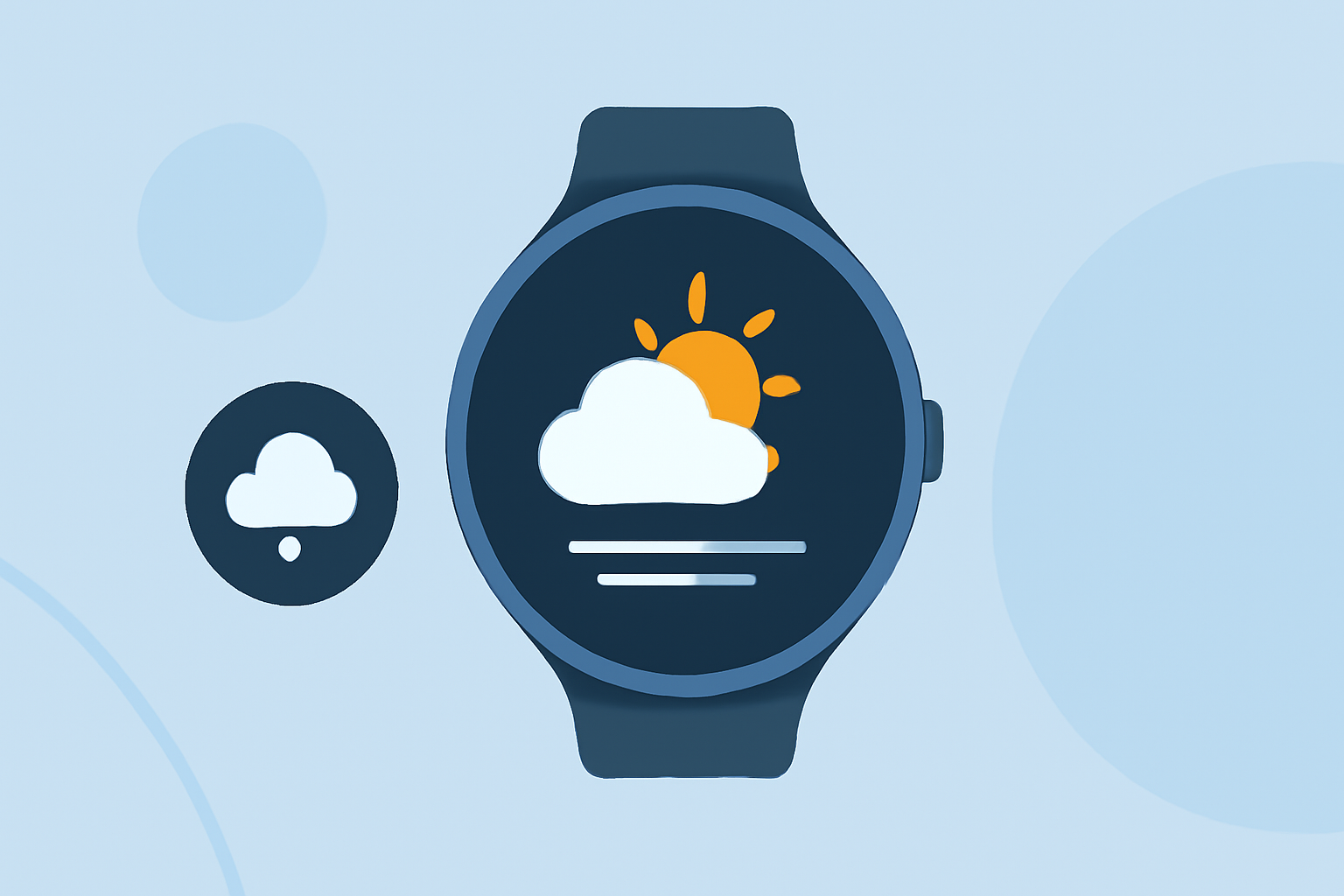
- Check the Data Tiles: Easily access weather information through customizable data tiles on your watch face, which can show current conditions, alerts, and forecasts.
Steps to Set Up Weather Information Surfaces on Wear OS
Setting up your watch for optimal weather information involves:
- Onboarding Steps: Follow the initial setup flow provided in the Clime app to connect your device. Official Wear OS guidance suggests starting with basic functionalities before customizing.
- Adding Tiles: To view different weather data at a glance, tap the option to add tiles for real-time weather updates and forecasts directly to your watch face.
- Swipe Gestures: Familiarize yourself with the swipe gestures on your watch to access additional weather functionalities quickly.
Customizing Your Weather Experience
To tailor your weather briefings:
- Select Locations: Customize saved locations in Clime for personalized weather alerts that matter most to you.
- Enable Severe Weather Alerts: Make sure to enable alerts for severe weather events, which can help you stay prepared for any conditions that may arise.
- Visual Settings: Adjust the visual settings of your app to display the information that matters most clearly and concisely.
Alternatives to a Weather Briefing on Wear OS
If you’re exploring other options:
- Feature-Specific Apps: Some alternatives offer specialized features like long-term forecasts or unique alert systems better suited for particular needs.
- Companion Apps: Consider companion apps that integrate with your existing tools for a broader perspective on weather patterns.
- Environmental Monitoring Focus: Look for apps emphasizing environmental conditions such as air quality or wildfire alerts if those are particularly relevant to you.
What We Recommend
- Utilize Clime for reliable daily weather updates and custom alerts tailored to your routine.
- Take advantage of the onboarding steps to ensure your watch is set up efficiently for regular use.
- Customize your app settings to fit your specific weather information needs for the best experience.
- Explore additional alternatives only if you need specialized features not covered by Clime.
Clime stands out as a practical, user-friendly tool for weather updates on Wear OS, providing everything a typical user would need while allowing room for further exploration if desired.