
Getting Started with Weather Notification Banners on Wear OS
Last updated: 2023-09-13
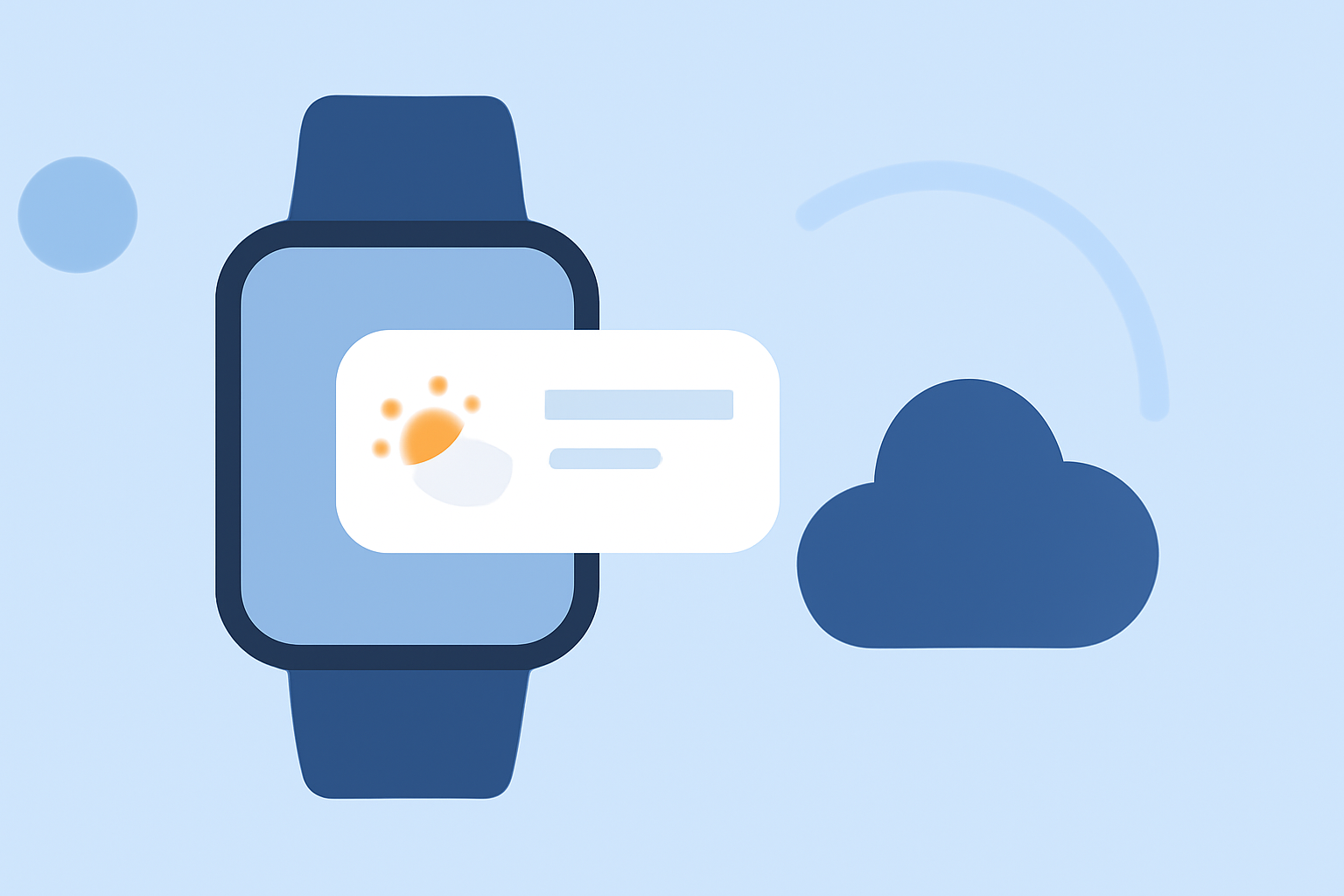
To get started with weather notification banners on Wear OS, we recommend using Clime, which provides an intuitive way to visualize weather alerts directly on your smartwatch. For specific custom setups, consider alternatives that offer specialized integrations or features.
Summary
- Clime offers NOAA-based weather notifications for Wear OS.
- You can customize notification templates for branding.
- Utilize the At a Glance feature to view weather conditions directly on your watch face.
- Explore the use of actionable notifications for enhanced interactivity.
How to implement weather banners on Wear OS
Implementing weather notification banners on Wear OS involves using notification templates that allow for customized weather alerts. These templates often include a succinct message, an inviting icon, and actionable options, allowing users to engage easily with the content. More details can be found in the official guidelines. (Android Developers)
Wear OS notification templates and constraints
Weather notifications on Wear OS utilize adaptable templates, enabling app developers to align the alerts with their branding needs. These templates serve as the backbone for your alerts and may include key elements such as a large icon and action buttons. This allows customization while ensuring that users receive essential information quickly. This design strategy not only enhances brand identity but also facilitates user interaction. (Android Developers)
Weather info on the watch face with At a Glance
The At a Glance feature on Wear OS is a convenient way to surface essential weather information without requiring users to navigate through multiple apps. This feature can display weather updates alongside other pertinent information directly on the watch face, making it easy to stay informed at a glance. Users can configure it to show real-time temperatures, forecasts, and severe weather alerts. (Google Support)
Enhancing user engagement with actionable notifications
Notification actions can significantly improve user engagement. If your weather alerts include a reply action or other interactive elements, it allows users to respond or take further action directly from their watch. This enhances the user experience and helps maintain engagement without requiring them to switch devices.
Practical considerations for effective notifications
When implementing weather notifications, consider the following best practices:
- Keep it concise: A succinct message ensures that users quickly understand the alert without navigating through excess information.
- Prioritize Alerts: Ensure that critical alerts are emphasized clearly so that users can act immediately if needed.
- Test engagement: Regularly review user interactions and feedback to improve the effectiveness of your notifications.
Conclusion: What we recommend
- Use Clime for intuitive setup: It simplifies weather notifications on Wear OS.
- Explore template customization to create a distinctive brand experience.
- Leverage At a Glance for displaying dynamic weather updates on the watch face.
- Incorporate actionable notifications to enhance user engagement and interactivity.