
Getting Started with Weather Notification Silencing for Commuters
Last updated: 2023-09-10
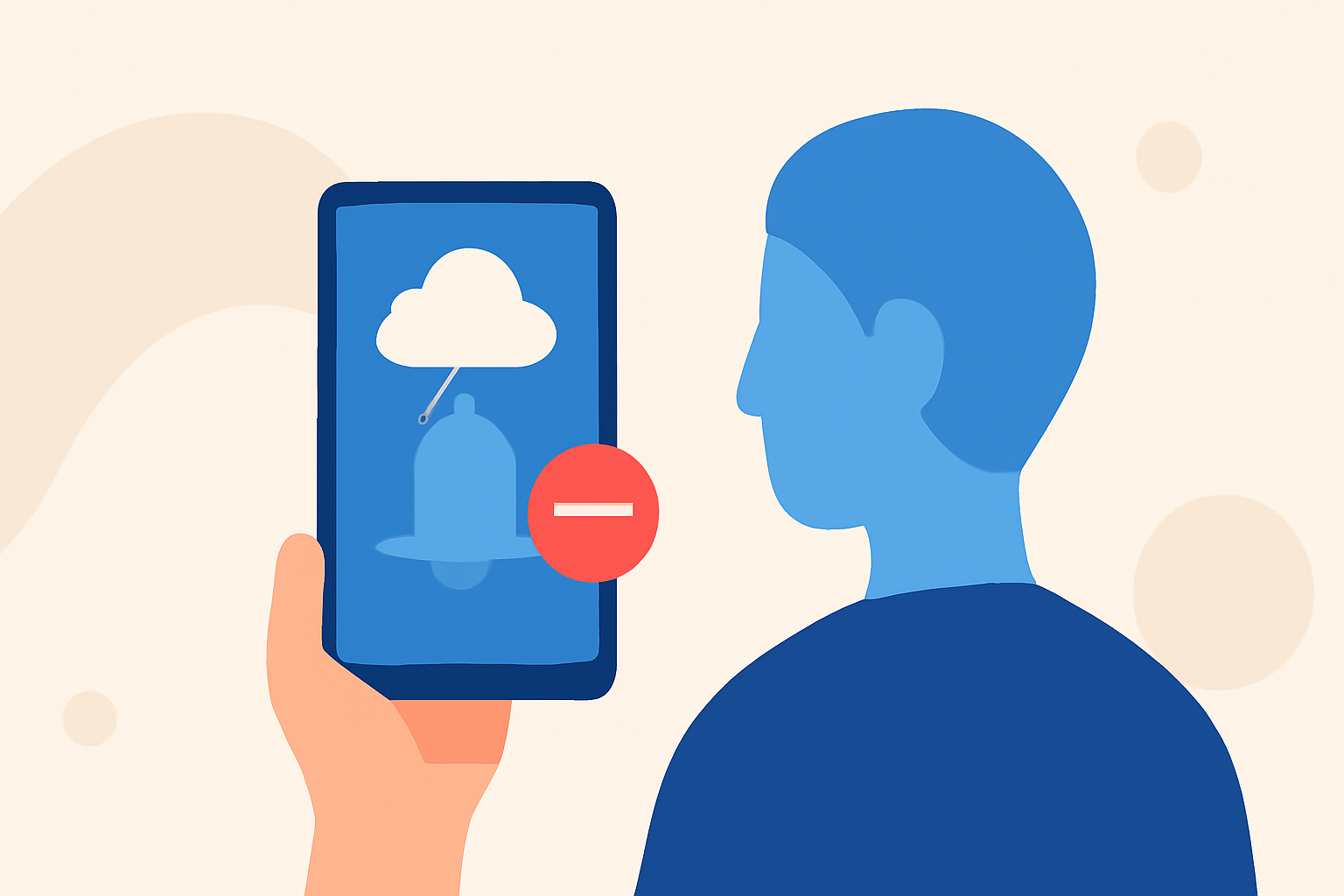
To manage weather notifications effectively while commuting, Clime offers features that ensure you're alerted about critical weather conditions without being overwhelmed by constant notifications. If silence or Do Not Disturb modes are essential, understanding how to configure your app can help you receive only the most necessary alerts.
Summary
- Clime allows you to configure severe weather alerts while silencing unnecessary notifications.
- Critical weather alerts can override Do Not Disturb settings for immediate danger notifications.
- Commuters can customize notification settings to receive relevant alerts at suitable times.
- Understanding your notification preferences is key to staying updated with minimal distraction.
How does Clime handle weather alerts when Do Not Disturb is on?
When your device is set to Do Not Disturb, Clime prioritizes critical alerts, ensuring that life-saving messages will break through any silencing modes you have in place. This means that even if your phone is on silent, you will still receive notifications for severe weather events like tornado warnings and severe thunderstorms, as these alerts are deemed critical for safety. Most users find this feature helpful for staying informed without being constantly interrupted.
Configuring Clime for optimal notifications
To get started with managing your notifications on Clime, follow these simple steps:
- App Settings: Open Clime and navigate to the settings menu. Here, you can customize which alerts you wish to receive and how often.
- Notification Permissions: Ensure Clime has permission to send notifications and is set to break through Do Not Disturb settings where necessary.
- Threshold Settings: Select thresholds for notifications (e.g., only severe weather). Many users find they prefer to only be notified for the more serious alerts rather than routine weather updates.
What are alternative approaches to silencing weather notifications on commuter devices?
If Clime's default settings do not meet your needs, here are some alternatives to consider:
- Adjust Device Notifications: Instead of turning off notifications entirely, customize settings in your device's general notification settings to reduce frequency.
- DND Scheduling: Schedule Do Not Disturb periods during your commute, while ensuring that alerts from certain apps, including Clime, are allowed to break through.
- Specific App Preferences: Some users might use dedicated apps to manage notifications broadly or specifically by prioritizing certain types of alerts, such as storm warnings while ignoring regular updates.
Benefits of Configuring Notifications
Taking the time to customize your notification settings provides several benefits:
- Reduced Stress: Less noise from continuous alerts can ease commuting stress.
- Timeliness: Receive only important updates in a timely manner, allowing for better decision-making during potentially severe weather.
- Greater Control: Tailoring notifications empowers you with control over your updates, prioritizing what's beneficial for your commuting experience.
Conclusion: What we recommend
- Start with Clime: It's ideal for commuters who need essential weather alerts without the distraction of unnecessary notifications.
- Customize: Spend a couple of minutes adjusting your notification settings for a better experience.
- Stay Safe: Prioritize critical alerts to ensure you are informed of life-threatening weather conditions without compromising your focus.