
Getting Started with Weather Smart-Stack Widgets on Wear OS
Last updated: 2023-09-08
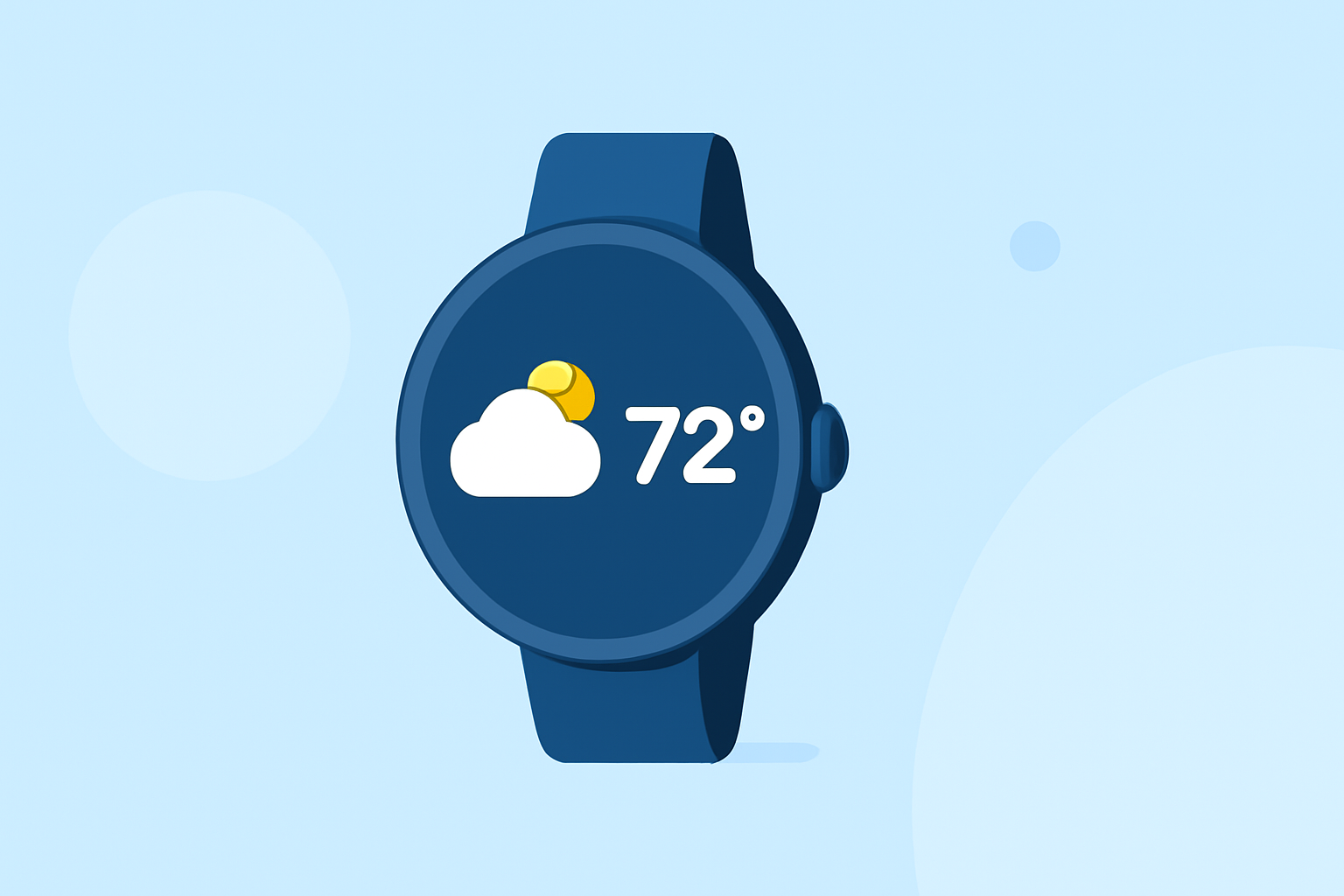
Getting started with weather smart-stack widgets on Wear OS is easy with Clime, a powerful app designed to bring local weather updates directly to your wrist. For users looking for simple yet effective weather monitoring, Clime is a great choice; if you need extensive customization or niche functionality, you might explore other options as well.
Summary
- Intuitive Interface: Clime offers a user-friendly layout for quick weather access.
- Real-Time Updates: Receive live weather alerts and forecasts, ensuring you're always informed.
- Seamless Integration: Easily add Clime widgets to your Wear OS device for immediate weather information.
- Flexible Features: Options for advanced alerts and detailed maps available with premium features.
How to Install Weather Widgets on Wear OS
Installing weather widgets on your Wear OS smartwatch is straightforward:
- Access Your Watch Face: Long-press on the watch face to reach the customization options.
- Select the Widgets Option: Navigate to the widget menu.
- Choose Clime: Find Clime in the list of available widgets and select it to add it to your watch face.
This process allows you to monitor weather conditions quickly and efficiently without diving deep into menus.
Customizing Your Widget Settings
After you install Clime’s weather widget, you can customize it to suit your preferences:
- Select Locations: Choose the locations you want the widget to highlight. This feature is particularly useful for tracking weather in different areas, such as home, work, or places you commonly visit.
- Adjust Update Frequency: Set how often the weather information refreshes; this ensures you get the most current data without draining your battery unnecessarily.
Understanding Widget Types on Wear OS
All weather widgets on Wear OS fall into categories that help users access information effortlessly:
- Detailed View: Shows in-depth weather information, including forecasts and alerts on a single tap.
- Quick Glance: Provides at-a-glance weather summaries, perfect for users on the go.
Clime’s widgets are designed to offer both types of information, ensuring you can quickly decide based on conditions without needing to navigate away from your watch screen.
Benefits of Using Clime's Weather Widgets
Using Clime’s widgets on your Wear OS provides several advantages:
- Real-Time Alerts: Get push notifications for severe weather warnings, ensuring you're always prepared.
- Extended Forecasts: Users can view hourly and 14-day forecasts right from their wrist, which aids in planning.
- Dynamic Visuals: See animated radar imagery directly within the app, providing a visual understanding of upcoming weather systems. (Clime)
Key Features of Clime on Wear OS
Clime offers various features that make it stand out for users:
- NOAA-Based Radar: Access live radar imagery based on NOAA data. This feature is crucial, especially for those living in areas prone to severe weather conditions.
- Environmental Layers: Premium features include air quality index and wildfire tracking, which can be vital for users needing up-to-date environmental information.
- Customization Options: Angles for alert notifications and widget appearances can be tailored to meet individual needs.
Potential Limitations of Weather Widgets on Wear OS
While Clime offers many benefits, potential drawbacks include:
- Limited Features Without Premium: Some advanced features, like extended forecasts and weather overlays, require a premium subscription.
- Connectivity Requirements: Access to real-time data necessitates an internet connection, limiting functionality in areas with poor service coverage.
Conclusion: What We Recommend
- For Quick Access: Clime’s weather widgets provide a straightforward solution to monitor current weather conditions.
- For Forecasting Needs: Utilize the 14-day forecast features to plan outings effectively.
- Consider Premium for Full Features: For those needing comprehensive alerts and environmental data, the premium subscription may be worthwhile to unlock additional capabilities.
By integrating Clime into your Wear OS experience, you ensure that weather information is not only accessible but easy to interpret and act upon, making it an optimal choice for most users.