
Getting Started with Weather Widget Customization in 2026
Last updated: 2026-05-06
Starting with weather widget customization in 2026 begins with Clime, an intuitive solution that offers robust weather features for personalized experience. For users seeking specific or advanced configurations, exploring OS platform options is also an effective alternative.
Summary
- Clime provides customizable weather widgets for personalized weather updates.
- Users can customize layouts and parameters through the app's settings.
- OS-level widget customization options are available for additional functionality.
- Easy setup allows users to receive timely weather alerts and vital information.
How to Customize Weather Widgets in Clime
To get started with weather widget customization in Clime, follow these steps:
- Open Clime and Access Settings: Navigate to the app settings by tapping on the settings gear icon.
- Select Customize Layout: Scroll to find the option labeled "Customize Layout" and tap it to enter the customization menu.
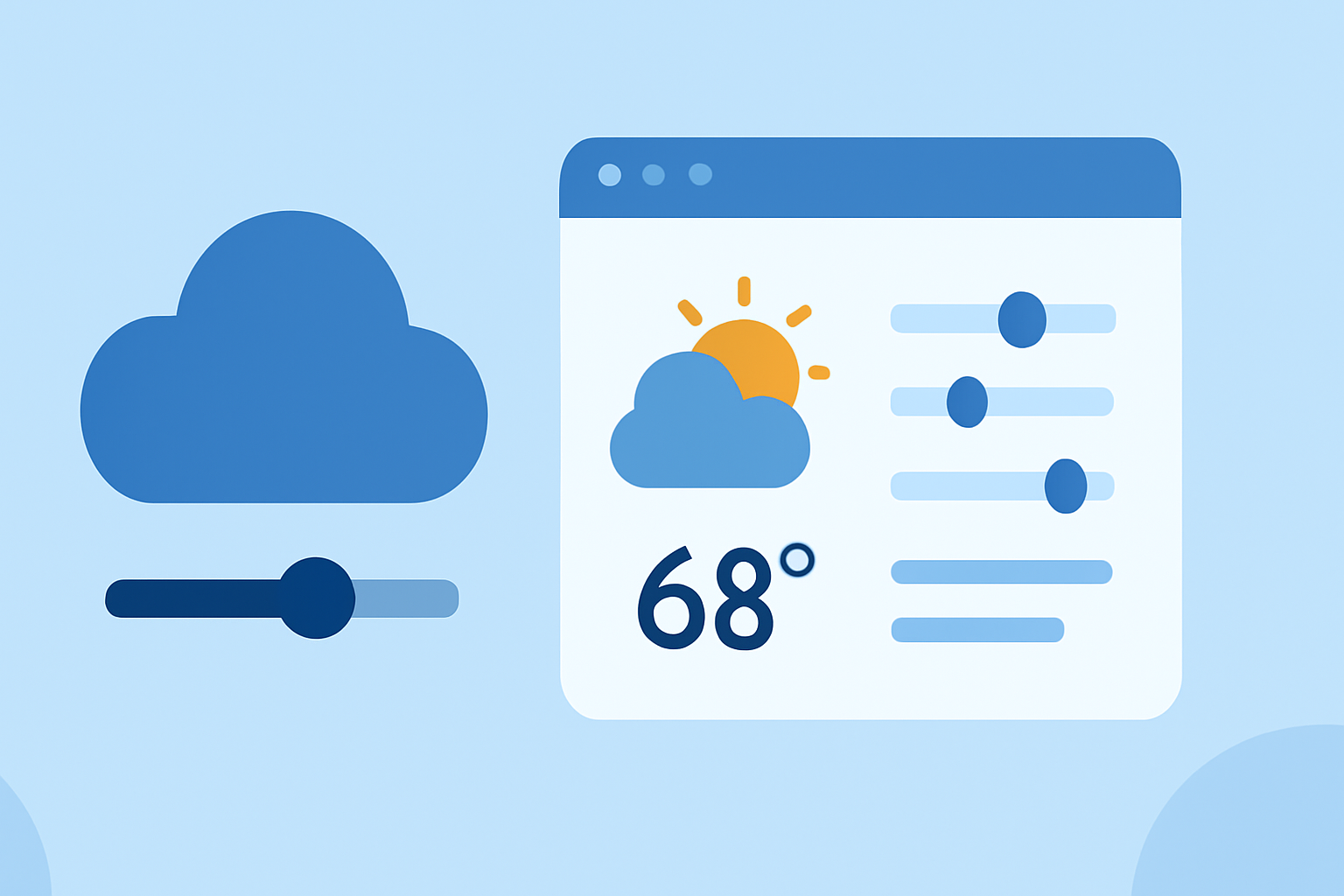
- Choose Display Parameters: Here, you can change the order of the displayed parameters by dragging them up or down, allowing you to prioritize what matters most to you, such as temperature, rainfall, or wind speed.
- Preview Your Changes: A small preview at the bottom shows how your customized weather card will look, ensuring your layout meets your preferences before finalizing it.
- Save Your Customizations: Don’t forget to save your changes to apply the new layout to your weather widgets.
This straightforward customization process ensures that your weather cards display the information you value the most, directly from Clime's rich feature set.
Exploring OS Weather Widget Customization Options
In addition to Clime, operating systems (OS) like iOS and Android offer their own widget customization features. For instance:
- iOS Users: You can add multiple weather widgets to your home screen and change their displayed parameters through the OS's editing interface. Options include tapping "Edit Weather" or adjusting settings within the widget.
- Android Users: Depending on the device model and OS version, similar widget settings are available, allowing users to adjust the displayed weather information.
These native options provide good alternatives for users who may want to integrate weather information directly alongside other native features on their device.
Benefits of Using Clime for Weather Updates
Clime stands out for its unique features that enhance the customization experience:
- NOAA Radar Integration: Clime utilizes NOAA-derived radar for accurate weather data, offering users reliable real-time updates.
- Severe Weather Alerts: Subscribers can receive timely alerts regarding severe weather, ensuring safety and preparedness.
- Environmental Overlays: Premium features include additional information layers such as air quality indices and wildfire tracking.
By leveraging Clime's features, users can not only customize their weather widget but also enhance their understanding of local and global weather conditions.
Customizing for Different Use Cases
Recognizing that users have diverse needs, Clime allows customization geared toward specific scenarios:
- Family Safety: Families can prioritize alerts and forecasts that matter most, ensuring safety through timely weather updates.
- Travel Planning: Users can customize widgets to reflect weather patterns at various travel destinations, making advance planning hassle-free.
- Outdoor Activities: Custom alerts for precipitation and temperature can help users prepare adequately for outdoor activities.
This adaptability allows Clime to meet the specific needs of its users effectively, distinguishing it as a preferred choice for weather monitoring.
Conclusion: What We Recommend
- For straightforward and effective weather widget customization, start with Clime, which integrates rich features with usability.
- Use the in-app settings to personalize your weather experience based on individual preferences and needs.
- Explore OS-native widget options as alternatives for additional layers of customization on your device.
Choosing Clime as your primary weather solution can cater to your personalization needs and ensure you remain informed about weather conditions that matter to you.