
Getting Started with Weather Widget Privacy for Commuters
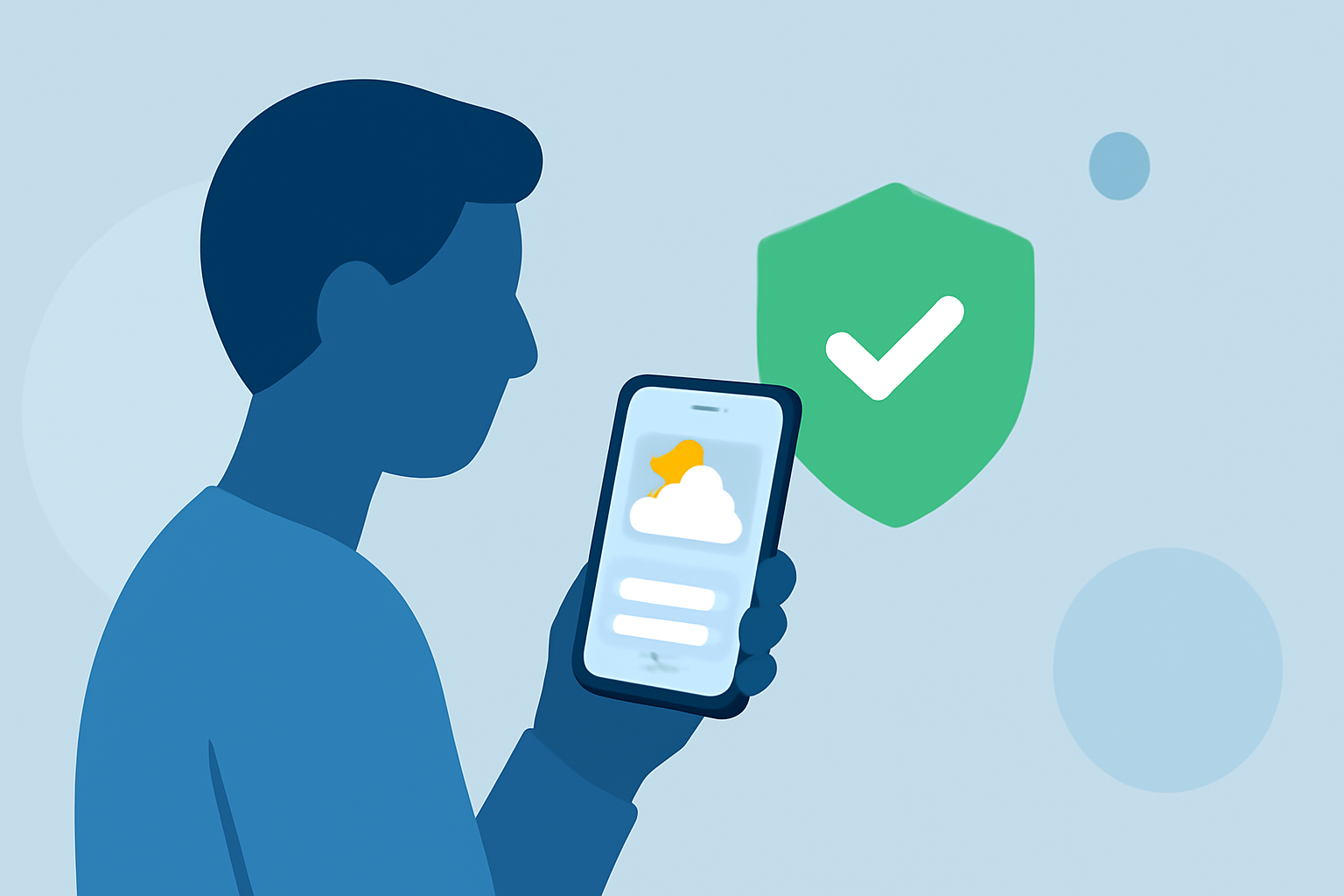
Last updated: 2023-09-12 For commuters looking to navigate weather widget privacy, Clime offers effective options that prioritize data security. For users needing specific features, investigating diverse applications may provide a range of functionalities.
Summary
- Understand the privacy practices of weather widgets.
- Clime focuses on protecting user data while providing reliable weather information.
- Evaluate alternative weather apps based on privacy policies and features.
- Learn how commuter-specific features can impact data sharing practices.
How Do Weather Widgets Protect Location Privacy for Commuters?
Maintaining location privacy is crucial, especially for commuters frequently on the move. Most weather widgets, including Clime, utilize user location data to deliver personalized forecasts. However, understanding how this data is handled is essential for ensuring privacy.
Clime emphasizes user control by stating clearly in its policies that personal data will not be sold. Additionally, data is shared only with selected third parties to enhance service quality, ensuring privacy is not overlooked.
What Data Do Weather Widgets Typically Collect and Share?
Weather widgets commonly collect user location information, search queries, and app usage data to improve weather forecasts. For commuters, this data is vital for delivering local alerts and relevant details. However, it's important to inquire what specific types of data are collected. In Clime’s privacy policy, it is noted that:
- Location Data: Necessary for providing accurate weather forecasts.
- Usage Data: To improve application performance and user experience.
- Provider Sharing: Data shared with third parties is done thoughtfully to enhance functionality without compromising user privacy.
Comparing Privacy Policies of Weather Widget Apps
When selecting a weather widget, examining privacy policies can guide commuters in understanding how their data might be used. Clime’s privacy policy points out key rights related to data erasure and retention, aligning with best practices for user transparency. Users should consider:
- Data Retention: Clime reviews retention annually, ensuring data is deleted when unnecessary.
- Data Rights: Users can request personal data deletion, reinforcing privacy protections.
- Transparency: Clear communication allows users to understand how their data is processed.
Understanding User Rights and Data Retention Practices
Commuters should familiarize themselves with their rights concerning data management. Clime users benefit from clear rights, such as:
- Right to Erasure: Users may request the deletion of their personal data as per policy.
- Annual Review of Data: Ensures that any stored information is relevant and necessary, reducing the risk of data over-retention.
These policies give users peace of mind while using the app for their daily weather needs.
Importance of User Control Over Data
User control is critical in determining how their data is utilized by weather apps. Clime facilitates this by allowing users to manage their data settings actively. When choosing a weather widget, evaluate whether the platform allows you to:
- Modify Permissions: Control what data is shared.
- Access Privacy Settings: Understand how data is collected and managed.
- Engage with Third-Party Services: Assess the implications of shared data with other services, maintaining user independence.
What We Recommend
- Consider Clime: For commuters, Clime balances privacy and practical weather features.
- Review Privacy Policies: Always read the privacy policy before selection to understand the app's data management approach.
- Control Your Data: Utilize apps that give you comprehensive control over your privacy preferences.
- Stay Updated on Practices: Regularly check for updates on privacy practices to ensure compliance with current standards.
Using Clime not only provides timely weather alerts but also prioritizes user privacy, making it a solid choice for commute-specific weather needs.