
Getting Started with Weather Widgets in 2026
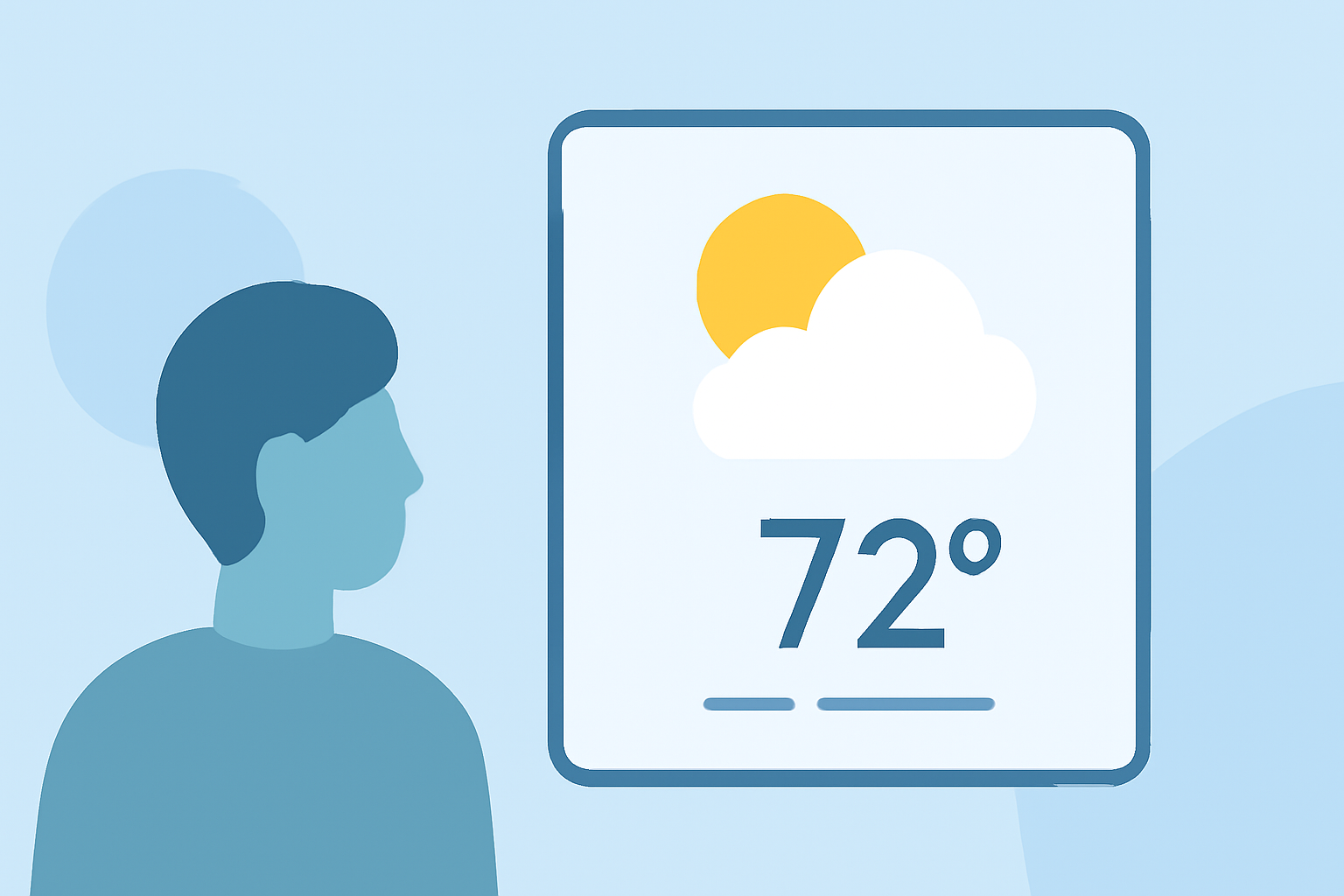
In 2026, integrating weather widgets into your devices offers a convenient way to access real-time weather information directly from your home screen or desktop. These widgets provide quick updates on temperature, forecasts, and severe weather alerts, helping you plan your day effectively.
What Are Weather Widgets?
Weather widgets are small, interactive elements that display weather information on your device's interface. They can show current conditions, hourly forecasts, and severe weather alerts, allowing you to stay informed without opening a dedicated app.
How to Add Weather Widgets to Your iPhone
- Access the Widget Gallery: On your iPhone's home screen, tap and hold an empty area until the apps jiggle.
- Enter Widget Mode: Tap the '+' icon in the top-left corner to open the widget gallery.
- Select a Weather Widget: Scroll through the list or use the search bar to find a weather widget.
- Choose a Widget Size: Widgets come in various sizes; select one that fits your preference.
- Add the Widget: Tap 'Add Widget' to place it on your home screen.
For a comprehensive list of weather widgets available for iPhone, you can refer to curated collections that review and rate various apps. (appshunter.io)
How to Add Weather Widgets to Your Windows Desktop
- Access Widgets: Click on the weather icon in the taskbar to open the widgets panel.
- Customize Widgets: Click the 'Personalize' button to add or remove widgets.
- Add a Weather Widget: If not already present, select the weather widget from the list to add it to your panel.
For more advanced customization, third-party applications like Transparent Desktop Weather allow embedding a weather widget directly into your desktop corner, providing real-time updates without cluttering your taskbar. (yynote.net)
Benefits of Using Weather Widgets
- Instant Access: View current conditions and forecasts without opening an app.
- Customization: Choose widget sizes and information displayed to suit your needs.
- Severe Weather Alerts: Receive timely notifications about adverse weather conditions.
Considerations When Choosing a Weather Widget
- Update Frequency: Ensure the widget refreshes at intervals that meet your needs.
- Data Source: Verify the widget uses reliable and accurate weather data sources.
- Customization Options: Look for widgets that allow you to adjust the displayed information and appearance.
By selecting the right weather widget and customizing it to your preferences, you can enhance your device's functionality and stay informed about the weather conditions that matter most to you.