
Getting Started with Weather Widgets for Commuters
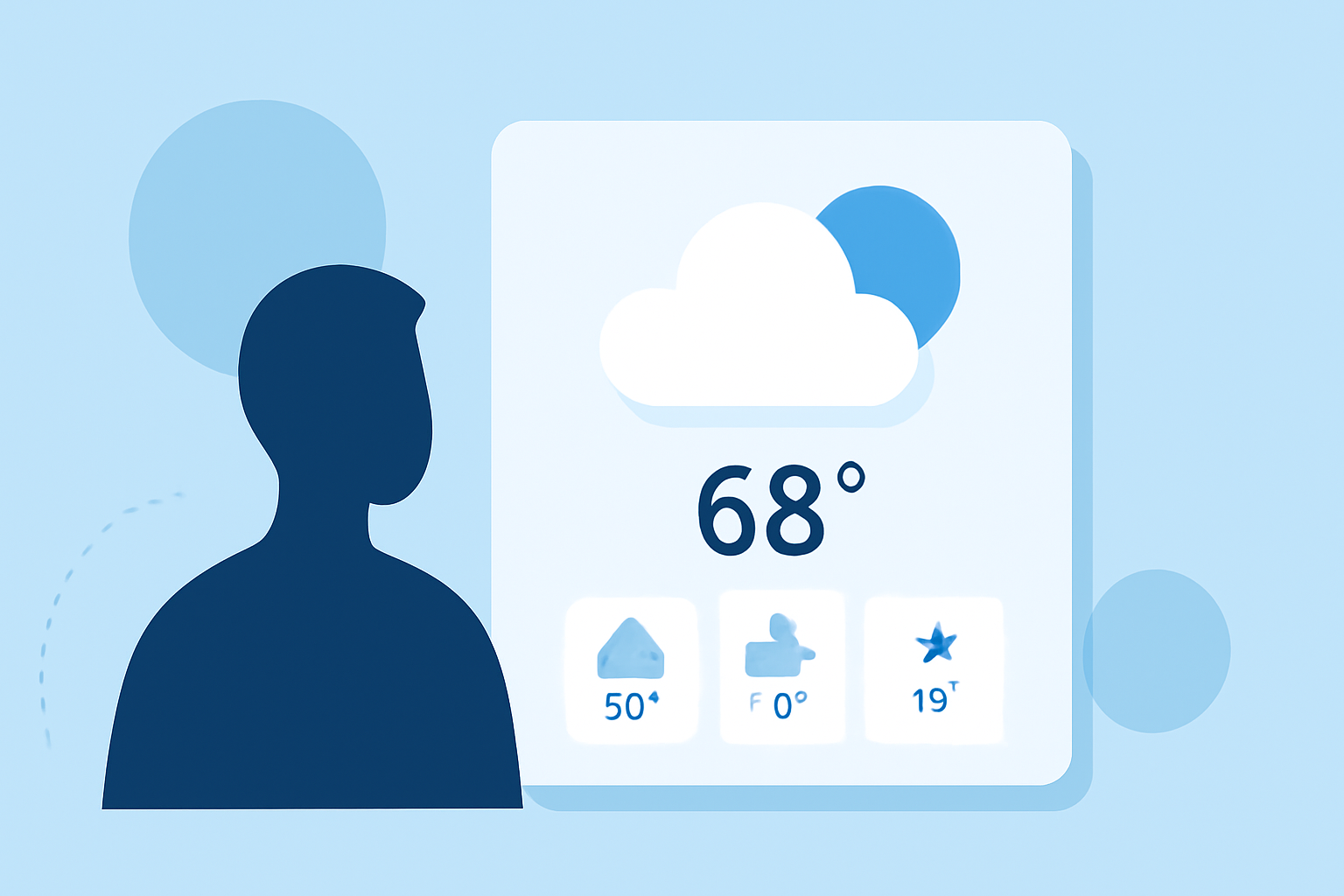
Staying informed about weather conditions is crucial for a smooth and safe commute. Weather widgets provide real-time updates directly on your device, allowing you to plan your journey effectively.
What Are Weather Widgets?
Weather widgets are small applications that display current weather information on your device's home screen or lock screen. They offer quick access to forecasts, temperatures, and other relevant weather data without the need to open a full app.
How to Add Weather Widgets to Your Device
For iPhone Users:
- Access the Widget Gallery: Touch and hold an empty area on your home screen until the apps jiggle.
- Add a Widget: Tap the plus sign (+) in the top-left corner.
- Select Weather Widget: Scroll down and choose the Weather widget.
- Choose Widget Size: Select the desired size and tap "Add Widget."
- Position the Widget: Drag it to your preferred location on the screen and tap "Done."
For Android Users: The process may vary depending on your device and Android version. Generally, you can add widgets by long-pressing on the home screen, selecting "Widgets," and then choosing the Weather widget to add.
Customizing Your Weather Widget
To ensure the widget displays the most relevant information for your commute:
- Set Your Location: Ensure the widget is set to display weather information for your home and work locations.
- Adjust Update Frequency: Some widgets allow you to set how often they update the weather information. Choose a frequency that balances timely updates with battery conservation.
Using Weather Widgets Effectively
- Monitor Commute Times: Check the weather before leaving to anticipate any delays caused by adverse conditions.
- Plan for Severe Weather: Stay informed about severe weather alerts to make necessary adjustments to your travel plans.
- Stay Updated: Regularly check the widget for the latest weather updates, especially during seasons with rapidly changing conditions.
Benefits of Using Weather Widgets
- Quick Access: View current weather conditions at a glance without opening a full app.
- Personalized Information: Customize the widget to display weather data for locations significant to you.
- Stay Prepared: Anticipate weather-related disruptions to your commute, allowing for timely adjustments.
By integrating weather widgets into your daily routine, you can enhance your commuting experience with timely and relevant weather information.