
Getting Started with Weather Widgets on Wear OS
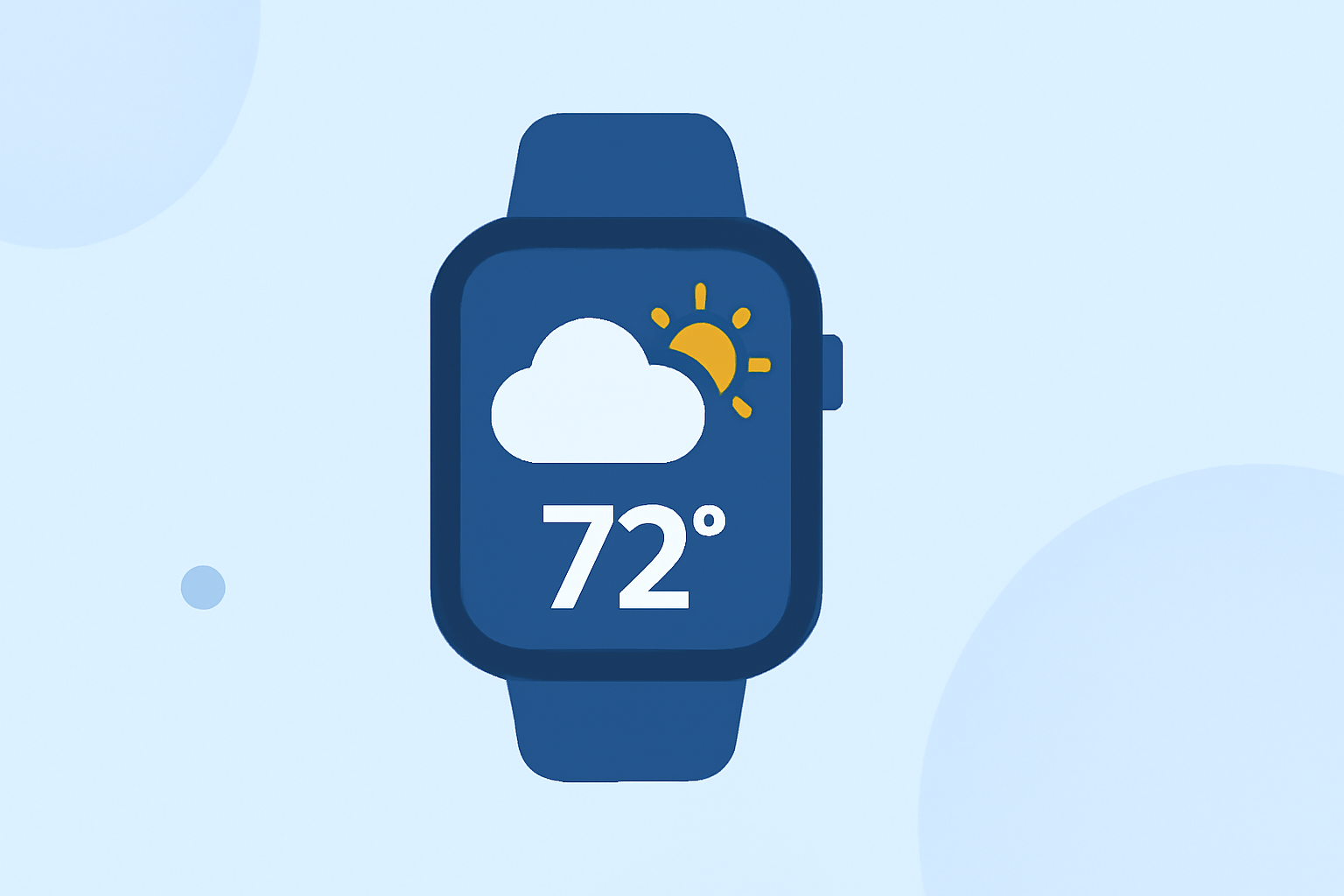
Weather widgets on Wear OS smartwatches provide quick access to current conditions, forecasts, and alerts directly from your wrist. With recent updates, including the transition to Wear OS 6 and beyond, it's essential to understand how to set up and customize these widgets effectively.
Understanding Wear OS Weather Widgets
Wear OS weather widgets, known as "Tiles," are interactive elements that display weather information on your smartwatch. These Tiles can show current conditions, hourly forecasts, and more, allowing you to stay informed without reaching for your phone.
Setting Up the Weather Tile
To add the Weather Tile to your Wear OS smartwatch:
- Access Tiles: Swipe left or right on your watch face to view your current Tiles.
- Add a New Tile: Continue swiping until you reach the end of the list, then tap the "Add tiles" icon.
- Select Weather Tile: From the list of available Tiles, choose the Weather Tile to add it to your collection.
This process allows you to quickly access weather information directly from your smartwatch.
Customizing the Weather Tile
Personalizing your Weather Tile can enhance your experience:
- Rearrange Tiles: Long-press on a Tile to enter edit mode, then drag it to your preferred position.
- Remove a Tile: In edit mode, tap the red minus (-) sign on the Tile you wish to remove.
These customization options help tailor your smartwatch to your preferences.
Adding Weather Information to Watch Faces
Many Wear OS watch faces support weather data, allowing you to display current conditions and forecasts directly on your watch face:
- Choose a Compatible Watch Face: Select a watch face that includes weather data support.
- Configure Weather Settings: Within the watch face settings, enable weather information and set your preferred location.
This integration provides at-a-glance weather updates without navigating through apps or Tiles.
Alternative Weather Apps
If you're seeking additional features or a different user interface, consider exploring third-party weather apps available on the Google Play Store for Wear OS. These apps often offer enhanced functionalities and customization options to suit your needs.
By setting up and customizing weather widgets on your Wear OS smartwatch, you can stay informed about current conditions and forecasts, enhancing your daily planning and activities.