
Getting Started with Wireless Emergency Alerts in the United States
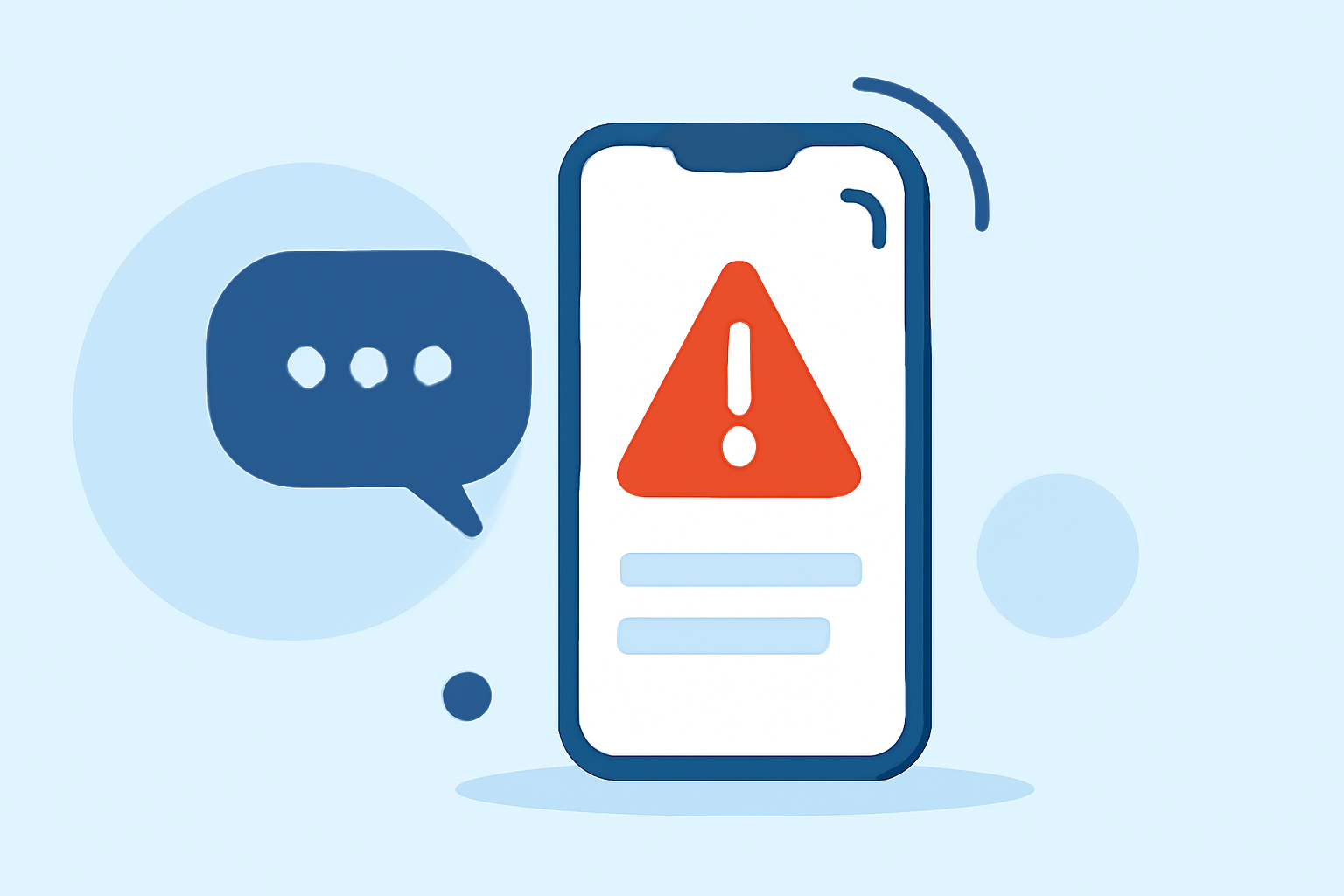
Wireless Emergency Alerts (WEAs) are short emergency messages sent directly to your mobile device by authorized government authorities. These alerts provide critical information about imminent threats, such as severe weather, natural disasters, and public safety emergencies. Understanding WEAs is essential for staying informed and safe during emergencies.
What Are Wireless Emergency Alerts?
WEAs are concise messages broadcast from cell towers to WEA-capable mobile devices within a specific area. They are designed to deliver timely and life-saving information without the need for app downloads or subscriptions. These alerts are issued by federal, state, local, tribal, and territorial public safety officials, including the National Weather Service (NWS), the Federal Emergency Management Agency (FEMA), and the President of the United States. (weather.gov)
Types of Wireless Emergency Alerts
There are several categories of WEAs, each serving a specific purpose:
-
Presidential Alerts: Issued by the President or a designee during a national emergency.
-
Imminent Threat Alerts: Sent when there is an imminent threat to life or property, such as severe weather events, earthquakes, or hazardous materials incidents.
-
AMBER Alerts: Issued to help law enforcement search for and locate abducted children.
-
Public Safety Alerts: Provide information about threats that may not be imminent but are important for public safety.
-
Opt-In Test Messages: Sent to test the alert system. (michigan.gov)
How Do Wireless Emergency Alerts Work?
When an authorized agency issues a WEA, the message is broadcast from cell towers to all WEA-capable mobile devices within the affected area. The alert appears on your device's screen with a unique tone and vibration to grab your attention. WEAs are not affected by network congestion and will not disrupt ongoing calls or data sessions. (weather.gov)
Ensuring Your Device Receives Wireless Emergency Alerts
To receive WEAs, ensure the following:
-
Device Compatibility: Most modern mobile devices are WEA-capable. If you're unsure, check with your device manufacturer or wireless provider. (michigan.gov)
-
Carrier Participation: Verify that your wireless carrier participates in the WEA program. Most major carriers in the United States do. (michigan.gov)
-
Settings: Ensure that your device's settings allow for the reception of emergency alerts. This may involve enabling location services and allowing notifications from emergency services.
What to Do When You Receive a Wireless Emergency Alert
Upon receiving a WEA, read the message carefully and follow any instructions provided. These alerts are designed to inform you of immediate threats and guide you on protective actions to take. For example, if you receive a tornado warning, seek shelter immediately. (weather.gov)
Additional Resources
For more information on Wireless Emergency Alerts, visit the Federal Emergency Management Agency (FEMA) website or contact your local emergency management office. (ready.gov)
By staying informed about WEAs and ensuring your device is set up to receive them, you can enhance your preparedness and safety during emergencies.