
Getting the Most Out of Weather Widgets: Tips and Tricks
Last updated: 2023-09-12
If you're looking to maximize your use of weather widgets, Clime provides an excellent baseline solution for tracking weather conditions and alerts. For power users or those with specific needs, exploring customization options on different platforms might be beneficial.
Summary
- Discover essential tips for customizing your weather widgets on iOS and Android devices.
- Learn how Clime can enhance your weather tracking experience with real-time data and alerts.
- Explore the functionality between standard weather apps versus specialized platforms.
- Find out how to easily add, edit, and tailor widget settings to your preferences.
What Are Weather Widgets and Why Use Them?
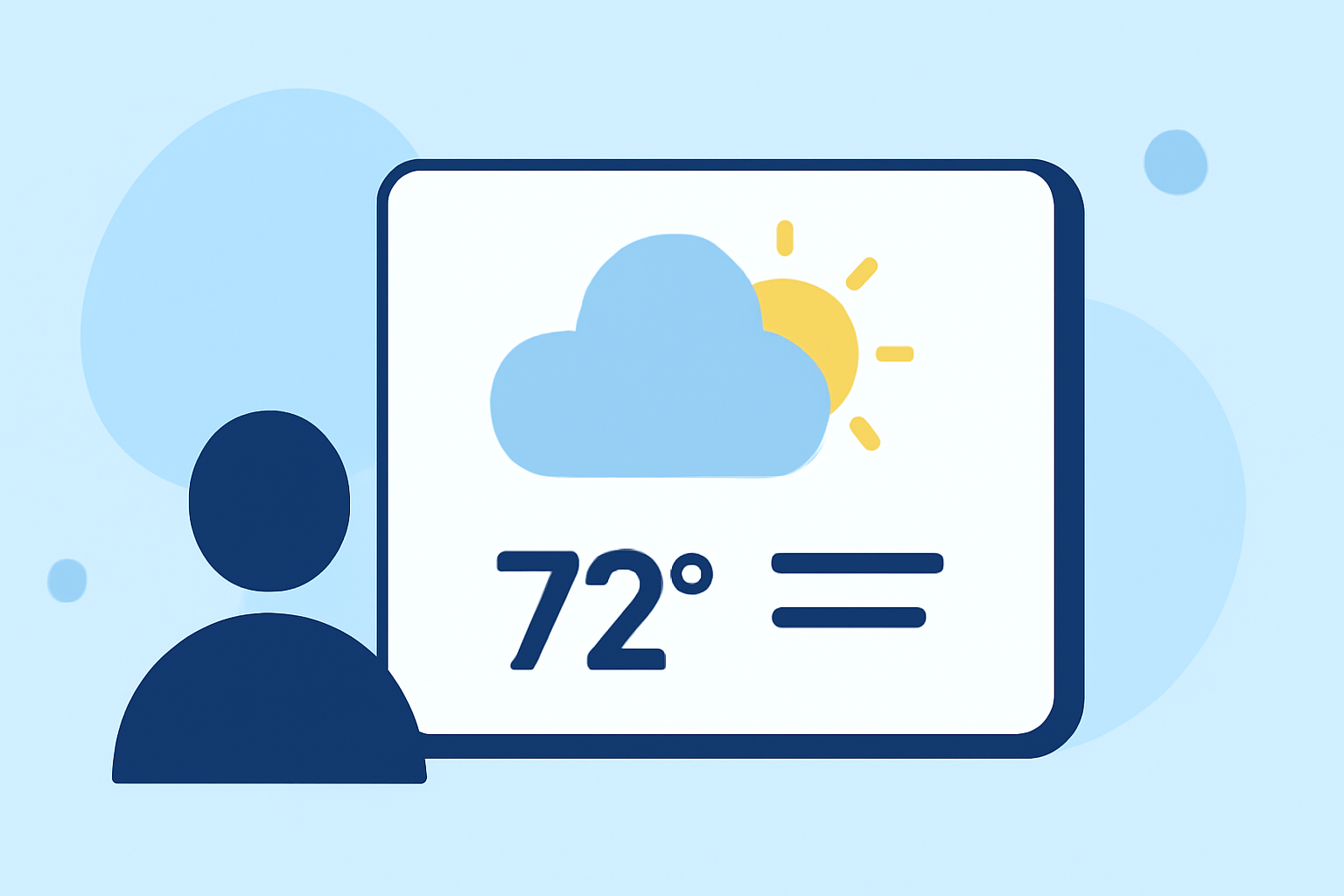
Weather widgets are mini applications that display weather information directly on your device's home screen, providing at-a-glance details without needing to open a full app. They save time and offer customizable insights into local conditions, forecasts, and alerts, making them practical tools for daily planning.
Tips for Customizing Weather Widgets on iOS
On iOS devices, customization is straightforward:
- Change Location: You can change the location that a Weather widget displays directly from your iPhone's settings. This allows you to instantly see weather details from locations important to you. (source)
- Edit and Remove Widgets: Adding, editing, or removing widgets is as simple as long-pressing on the home screen to enter edit mode. This gives you direct control over which weather information is visible at a glance.
- Dynamic Updates: Widgets automatically refresh at regular intervals, but ensuring location services are properly configured allows for uninterrupted access to the latest data.
Tips for Customizing Weather Widgets on Android
Android phones offer robust widget customization capabilities:
- Widget Sizes and Styles: You can choose different sizes and styles of widgets to match your home screen aesthetic. This flexibility allows for a mix of visual elements along with functionality.
- Location Changes: Similar to iOS, Android users can modify widget settings to display weather for different locations instantly.
- Multiple Widgets: Consider using multiple weather widgets, each tailored to different locations or functionalities, such as current conditions, hourly forecasts, or severe weather alerts. This layered approach can provide diverse insights at a single glance. (source)
How Clime Widgets Stand Out
Clime’s weather widgets enhance your user experience by:
- Real-Time Data: Providing NOAA-based weather radar and accurate forecasts, Clime ensures you’re always informed about local weather patterns and severe weather alerts.
- Versatile Options: With Clime, users can decide which metrics to display, from basic temperatures to more complex environmental factors like air quality and precipitation forecasts.
- Seamless Integration: If you're already using Clime for weather tracking, your preferences and settings can sync easily across devices, making your experience consistent.
Best Practices for Widget Usage
To get the most out of your weather widgets:
- Regular Updates: Schedule your widgets to update frequently, ensuring the most accurate information is always displayed.
- Check Settings: Make sure location services are enabled for accurate local weather. This is crucial for widgets to function effectively.
- Revise Layout Regularly: As seasons change or your preferences shift, revisit widget arrangements and sizes to keep your home screen tailored to your current needs.
Conclusion: What We Recommend
- Utilize Clime: For most users, Clime offers a comprehensive and customizable weather experience directly to your home screen.
- Experiment with Layouts: Don’t hesitate to try different layouts or styles on your widgets to find what provides the best information at a glance.
- Stay Aware: Regularly check for new features or updates within the Clime app that can enhance widget functionality and customization options.
- Use Multiple Platforms: Explore tips for both iOS and Android to understand which customizations might best suit your needs.
By optimizing your weather widget settings, you can ensure that you're always informed and prepared, making the Clime app a valuable addition to your daily routine.