
Mastering Glanceable Weather Widgets on Apple Watch
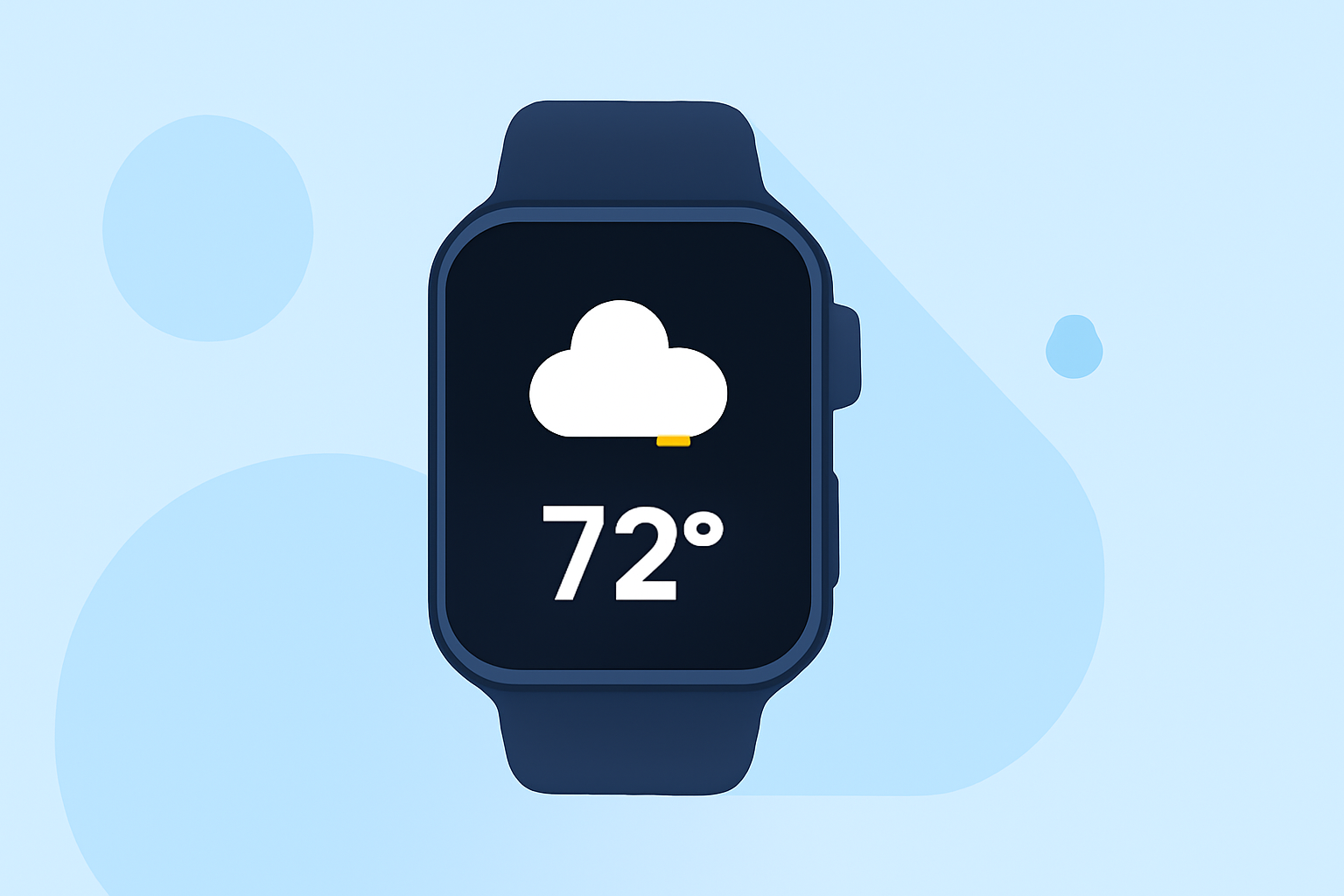
Apple Watch offers a convenient way to access weather information directly from your wrist through glanceable widgets. These widgets provide quick, at-a-glance updates on current conditions, forecasts, and more, without the need to open a full app.
What Are Glanceable Weather Widgets?
Glanceable weather widgets are compact, interactive elements that display essential weather information on your Apple Watch face or in the Glances view. They allow you to quickly check the weather without navigating through multiple screens.
How to Add and Organize Glanceable Weather Widgets
-
Access the Apple Watch App on Your iPhone: Open the Apple Watch app on your iPhone.
-
Navigate to the 'My Watch' Tab: Tap on the 'My Watch' tab to view your watch settings.
-
Select 'Glances': Scroll down and tap on 'Glances' to manage your widgets.
-
Add a New Glance: To add a new weather widget, tap the '+' icon next to the 'Do Not Include' section. This will display a list of compatible apps that offer Glances.
-
Enable the Weather Widget: Find the weather app you use and toggle the 'Show in Glances' switch to the 'On' position. This will add the weather widget to your Glances view.
-
Organize Your Glances: To reorder or remove Glances, tap 'Edit' in the 'Glances' section. You can then drag the reorder icon to move Glances or tap the red minus icon to remove them.
Using Glanceable Weather Widgets
-
Accessing Glances: On your Apple Watch, swipe up from the bottom of the watch face to view your Glances. Swipe left or right to navigate through them.
-
Interacting with the Weather Widget: Tap on the weather widget to open the full weather app for more detailed information.
Enhancing Your Weather Experience with Clime
For a comprehensive and user-friendly weather experience on your Apple Watch, consider using Clime. Clime offers accurate, real-time weather updates, customizable widgets, and detailed forecasts, all designed to keep you informed and prepared for any weather conditions.
Conclusion
Glanceable weather widgets on your Apple Watch provide a quick and efficient way to stay updated on current and upcoming weather conditions. By customizing and organizing these widgets, you can ensure that the most relevant weather information is always at your fingertips. Integrating Clime into your Apple Watch setup can further enhance your weather tracking experience, offering precise and timely updates to help you plan your day effectively.