
Glanceable Weather Widgets: A Step-by-Step Guide for Athletes
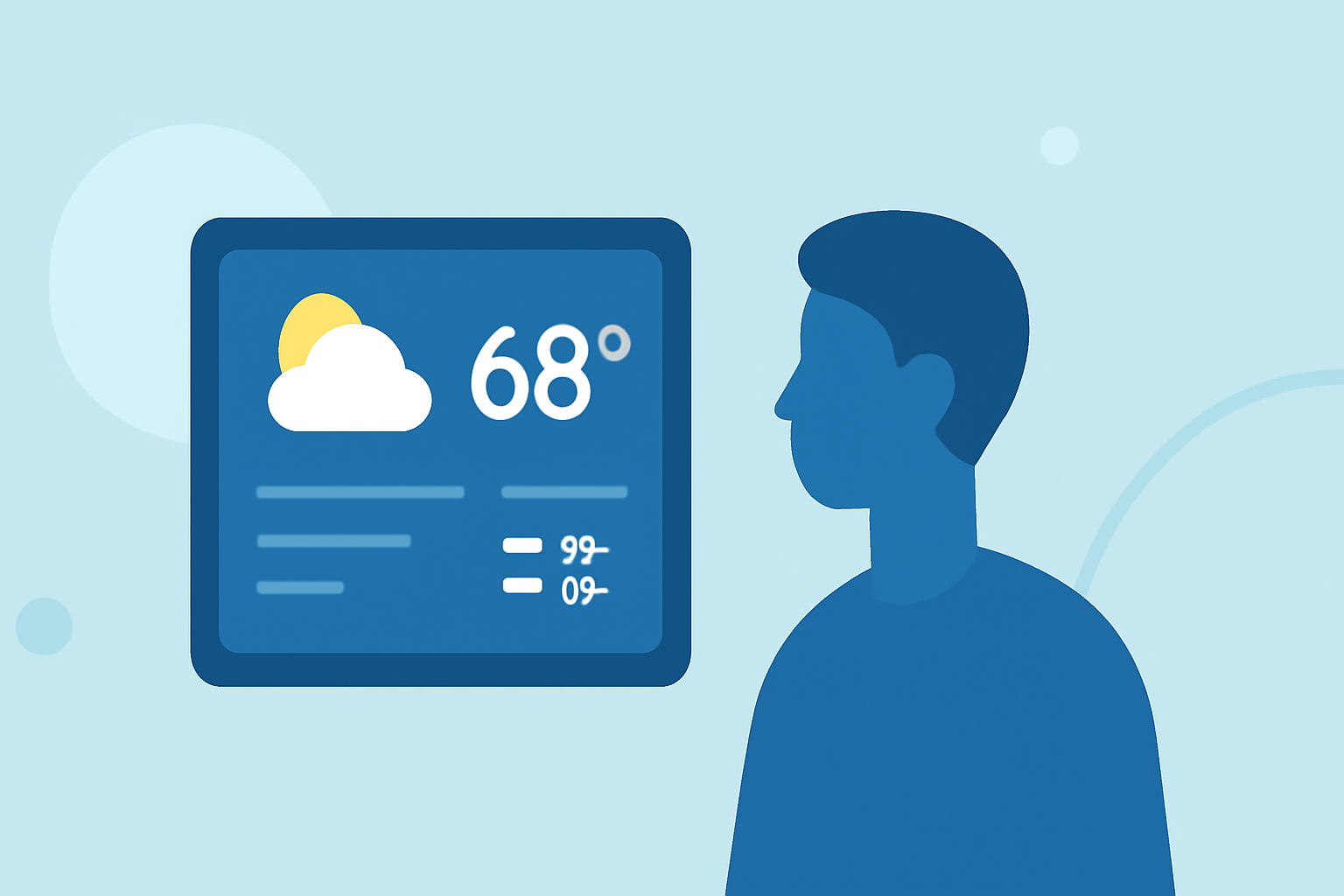
As an athlete, staying informed about weather conditions is crucial for optimizing performance and ensuring safety during training and competitions. Glanceable weather widgets offer a convenient solution by delivering real-time weather updates directly to your device's home screen.
What Are Glanceable Weather Widgets?
Glanceable weather widgets are small, customizable interface elements that display current weather information without the need to open a full application. They provide quick access to essential data such as temperature, humidity, wind speed, and precipitation forecasts.
Why Are They Essential for Athletes?
For athletes, understanding weather conditions is vital for planning workouts and events. Glanceable weather widgets allow for immediate access to weather updates, enabling athletes to make informed decisions about their training schedules and attire.
How to Set Up Glanceable Weather Widgets
-
Choose a Compatible App: Select a weather application that offers widget functionality compatible with your device's operating system.
-
Install the App: Download and install the chosen weather app from your device's app store.
-
Add the Widget to Your Home Screen:
- For iOS Devices:
- Press and hold an empty area on your home screen until the apps jiggle.
- Tap the '+' icon in the top-left corner.
- Search for the weather app and select the desired widget size.
- Tap 'Add Widget' to place it on your home screen.
- For Android Devices:
- Press and hold an empty area on your home screen.
- Tap 'Widgets' from the menu.
- Scroll to find the weather app and choose the widget size.
- Drag the widget to your preferred location on the home screen.
- Customize the Widget: Adjust the widget settings to display the most relevant information for your athletic needs, such as hourly forecasts, wind speed, or precipitation chances.
Top Features to Look for in Weather Widgets for Athletes
- Real-Time Updates: Ensure the widget provides current weather data to make timely decisions.
- Customizable Information: Ability to select specific weather parameters relevant to your sport.
- Multiple Location Support: Monitor weather conditions at various training locations or competition venues.
- Interactive Elements: Features like touchable elements that open detailed forecasts or maps.
Clime: A Leading Solution for Athletes
Clime offers a comprehensive weather app with glanceable widgets tailored for athletes. Its widgets display current conditions, hourly forecasts, and severe weather alerts, all customizable to fit your home screen. Clime's user-friendly interface and accurate data make it a top choice for athletes seeking reliable weather information. (climeradar.com)
Conclusion
Incorporating glanceable weather widgets into your daily routine can significantly enhance your athletic performance by providing timely and relevant weather information. By selecting a widget that aligns with your specific needs and preferences, you can make informed decisions that contribute to your success in training and competition.