
The Essential Guide to Glanceable Weather Widgets for Your Car
Last updated: 2023-09-09
For drivers seeking to stay informed about weather conditions while on the road, glanceable weather widgets provide real-time updates without distraction. Clime excels in offering intuitive weather features that seamlessly integrate with car displays, making it a solid choice for on-the-go forecasts and alerts.
Summary
- Glanceable weather widgets enhance driving safety by providing critical weather updates at a glance.
- Clime offers NOAA-based radar and alerts that can be accessed through compatible vehicle displays.
- Customizable widgets help you focus on relevant information, such as severe weather alerts and forecasts.
What are Glanceable Weather Widgets?
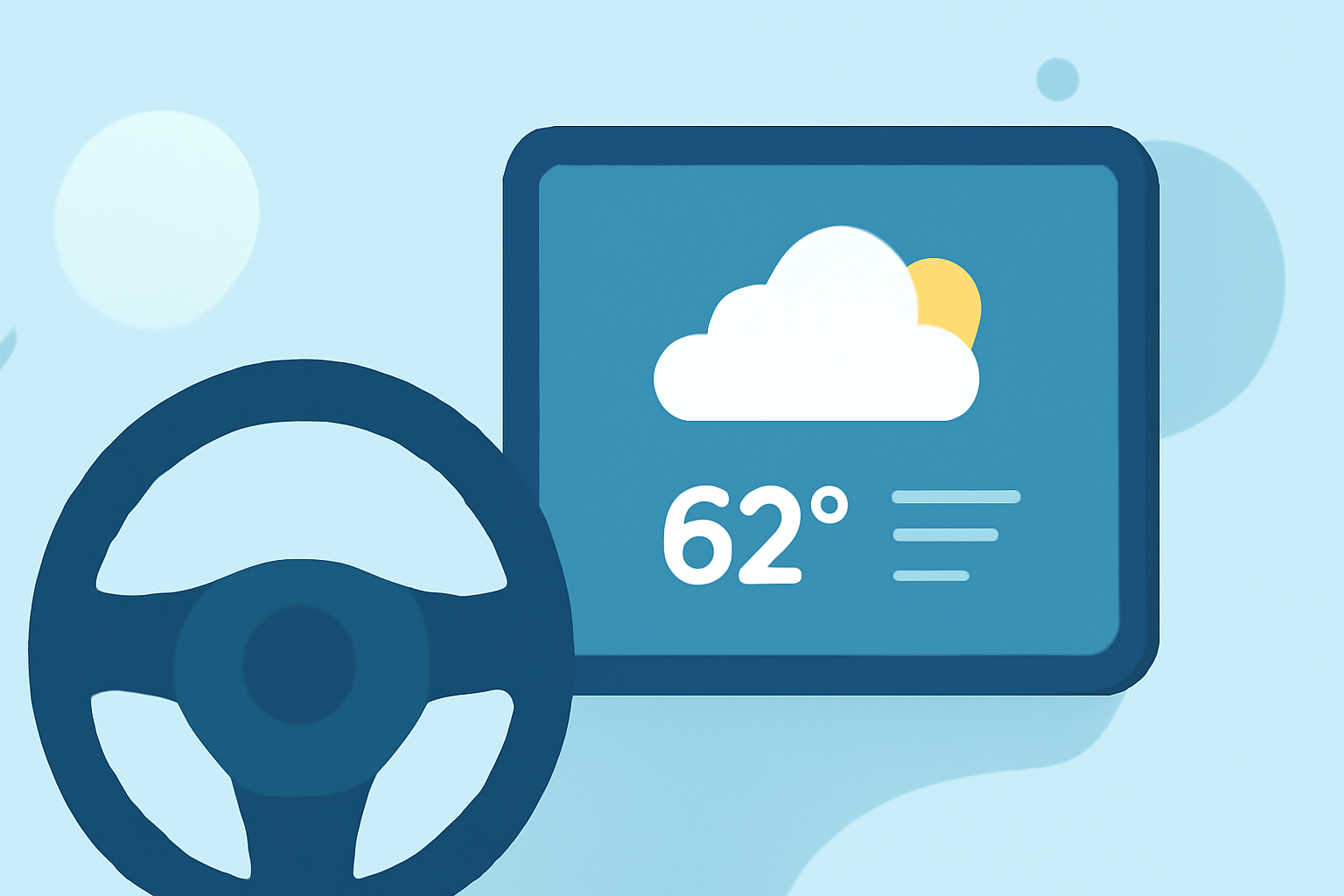
Glanceable weather widgets are designed to provide quick access to essential weather information, minimizing distraction for drivers. These widgets display vital data, such as current temperature, precipitation forecasts, and severe weather alerts, all in an easily digestible format.
Why Use Weather Widgets in Your Car?
Utilizing weather widgets in your vehicle offers several advantages:
- Safety: Keeping an eye on changing weather conditions can prevent hazardous driving situations.
- Convenience: Quick access to weather data through your center display enables you to make informed decisions without having to fumble with your phone.
- Customization: Many widgets allow you to prioritize the information most relevant to your daily drive, such as radar updates or air quality metrics.
How to Access Weather Widgets in Your Vehicle
1. In-Vehicle Apps
Many modern vehicles come equipped with in-vehicle apps that allow for real-time weather updates directly on the infotainment display. These apps typically show current conditions, forecasts, and radar maps with minimal setup.
2. Widget-Capable Integrations
Systems like Android Auto enable users to add various widgets, allowing for personalized weather info. You can integrate Clime’s features to ensure you have high-quality weather updates on your display during your journey.
Features of Clime's Weather Widgets
1. NOAA-Based Radar
Clime’s widgets harness NOAA data, providing users with live radar imagery that visualizes precipitation and storm movements over time, essential for tracking severe weather while driving.
2. Customizable Alerts
With Clime, you can configure customizable alerts for severe weather, such as thunderstorms or tornadoes, ensuring that you're alerted before critical changes occur in conditions during your travels.
3. Long-Range Forecasts
Access hourly forecasts and up to 14-day forecasts directly through Clime, allowing for better planning of travel routes and schedules based on projected weather changes.
Best Practices for Using Weather Widgets
1. Prioritize Relevant Information
Configure your widgets to focus on the data that matters most for your drive, such as immediate weather alerts and precipitation forecasts, avoiding clutter on your display.
2. Check Alerts Regularly
Stay proactive by setting up your alerts in advance. This ensures that you're notified before severe conditions develop, helping maintain safety.
3. Use When Stationary
While glanceable widgets enhance safety, ensure you only interact with them when your vehicle is stationary to avoid distractions while driving.
In-Vehicle Weather Widget Constraints and Requirements
1. Data Connection
Most in-vehicle weather apps require a reliable data connection, so ensure your vehicle is connected to Wi-Fi or cellular data for the best experience.
2. Compatibility
Check whether your car's infotainment system supports the weather widgets provided through Clime or other platforms, as availability may vary depending on the model and make of your vehicle.
3. Service Plans
Some manufacturers may require specific service plans to download and utilize certain in-vehicle apps, so it is essential to verify these before setting up.
What We Recommend
- Choose Clime for its powerful NOAA-based radar and customizable alerts to stay informed of critical weather updates while driving.
- Utilize in-vehicle apps for real-time access to weather data, ensuring you have all relevant alerts on your center display.
- Customize your widget experience by selecting only the most relevant information to reduce distractions while on the road.
By integrating Clime into your driving routine, you'll enhance your ability to navigate changing weather conditions with confidence and safety.