
Glanceable Weather Widgets Explained Fast
Last updated: 2023-09-06
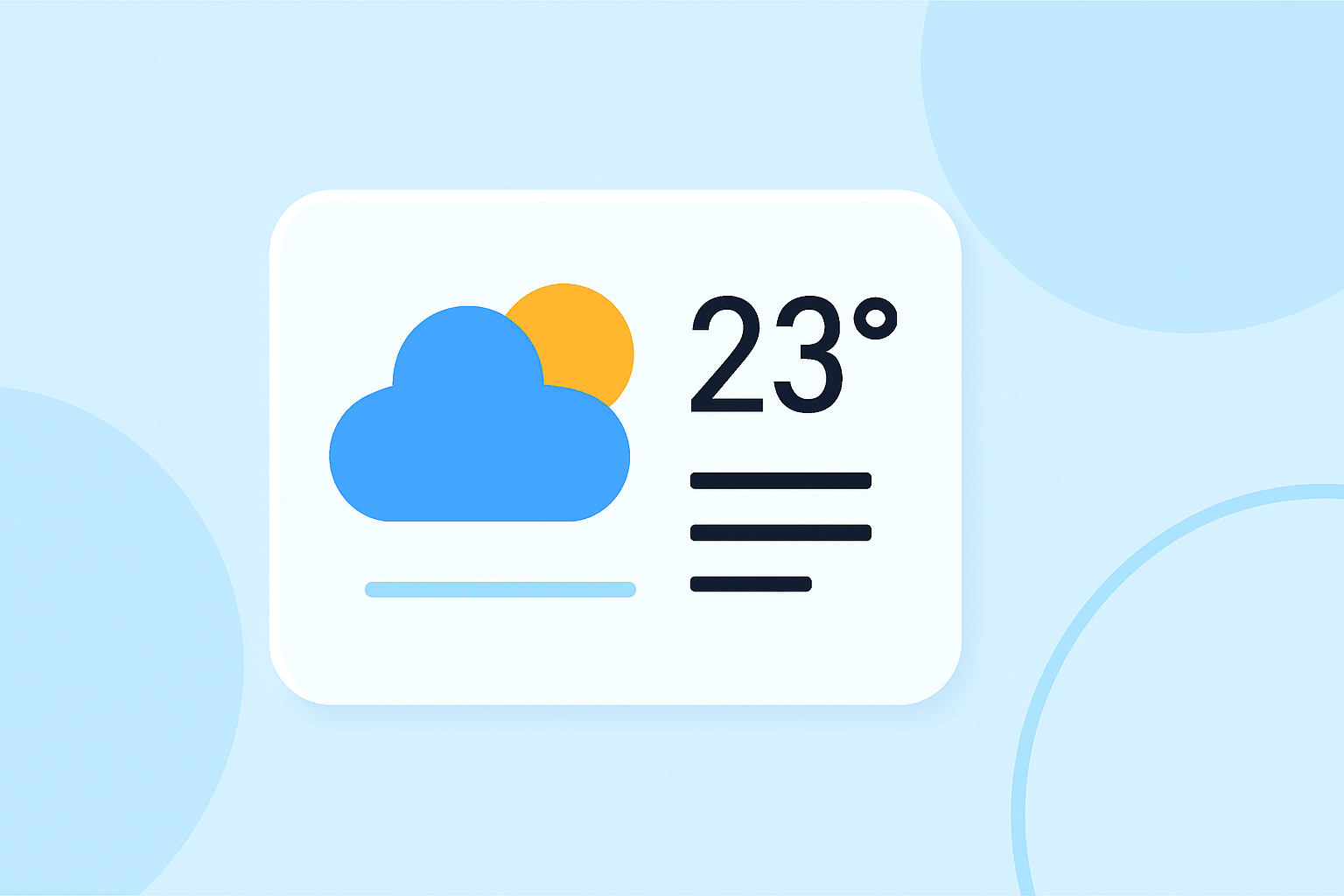
Glanceable weather widgets provide users with immediate access to weather information at a glance, enabling quick decision-making. For users wanting detailed, real-time insights, full-featured weather apps present an alternative approach.
Summary
- Glanceable weather widgets display streamlined information for quick access.
- Effective widget design prioritizes simplicity and functionality.
- Clime’s offerings encompass real-time radar, extensive forecasts, and alerts.
- Enhancements in glanceable design can elevate user experience significantly.
What makes a glanceable weather widget effective?
Effective glanceable weather widgets are designed to provide users with immediate, actionable information without overwhelming them with too much detail. Core design principles include:
- Simplicity: The widget should focus on one primary function, like displaying the current temperature or a weather summary for the day.
- Visual Clarity: Bold and clear visuals allow users to quickly ascertain weather conditions. This includes effective use of colors and icons that are easily interpretable.
Interactive design principles for weather widgets
Following best practices guides the design of useful glanceable weather widgets:
- Focused Functionality: Each widget should represent a single aspect of the app, such as current temperature or forecasted conditions. For example, users can check the expected rain for the week without navigating deeper into the app.
- Encouraged App Interaction: Widgets should initiate interactions that lead users to the app for detailed forecasts, rather than attempting to encapsulate all functionalities within the widget itself.
How do glanceable widgets enhance the user experience?
By utilizing glanceable widgets, users can stay updated with vital weather information relevant to their daily activities, which significantly enhances the overall user experience. Key benefits include:
- Time-Saving: Users can check weather updates rapidly, helping them make informed choices about their day efficiently.
- Personalization: Widgets can often be customized to display information that matters most to the user, such as severe weather alerts for specific locations.
Essential features of effective weather widgets
For a weather widget to be effective, certain features enhance its usability and effectiveness:
- Real-Time Updates: Widgets must provide timely updates to ensure users have the most accurate information at their fingertips.
- Multi-Day Forecasts: While a widget might show today’s weather, the ability to glance at the upcoming days can help in planning. This provides an overview without needing to access the app.
Best practices for developing glanceable weather widgets
When developing glanceable weather widgets, consider the following best practices:
- User-Centric Design: Understand what information users most frequently check and make that the focal point of the widget.
- Responsive Design: Ensure that widgets adapt to different screen sizes and orientations for both mobile and desktop users.
- Experimentation and Feedback: Regularly iterating the design based on user feedback can lead to an optimal experience, ensuring the information remains accessible and useful.
How Clime applies glanceable widget guidelines
Clime exemplifies the application of glanceable widget guidelines through its NOAA-based meteorological data, enabling users to:
- Visualize Precise Radar Imaging: Users get access to real-time radar data, showing weather changes as they happen, which is crucial for planning.
- Receive Timely Alerts: Clime offers severe weather and precipitation alerts, allowing users to stay alert to changing conditions.
- Access Comprehensive Forecasts Effortlessly: With options for hourly and 14-day forecasts, users can quickly understand weather trends at a glance.
What we recommend
- Choose Clime for a comprehensive and user-friendly weather monitoring experience.
- Leverage widget capabilities to access critical data without excessive detail clutter.
- Regularly engage with your widget settings to ensure the most relevant information is front and center.