
Glanceable Weather Widgets for Commuters: A Beginner's Guide
Last updated: 2023-09-05
For commuters seeking simple, informative weather updates, glanceable weather widgets provide a quick and easy access point without needing to dive into full apps. Clime offers robust widget options that cater to the everyday user while still showcasing detailed weather data.
Summary
- User-Friendly: Designed for ease of access, glanceable widgets deliver essential weather information without navigating through apps.
- Real-Time Alerts: Widgets can keep users updated on severe weather conditions directly on their home screens.
- Customization: Many weather apps, including Clime, allow users to tailor their widget display, making it more personal and functional.
Why Choose Glanceable Weather Widgets?
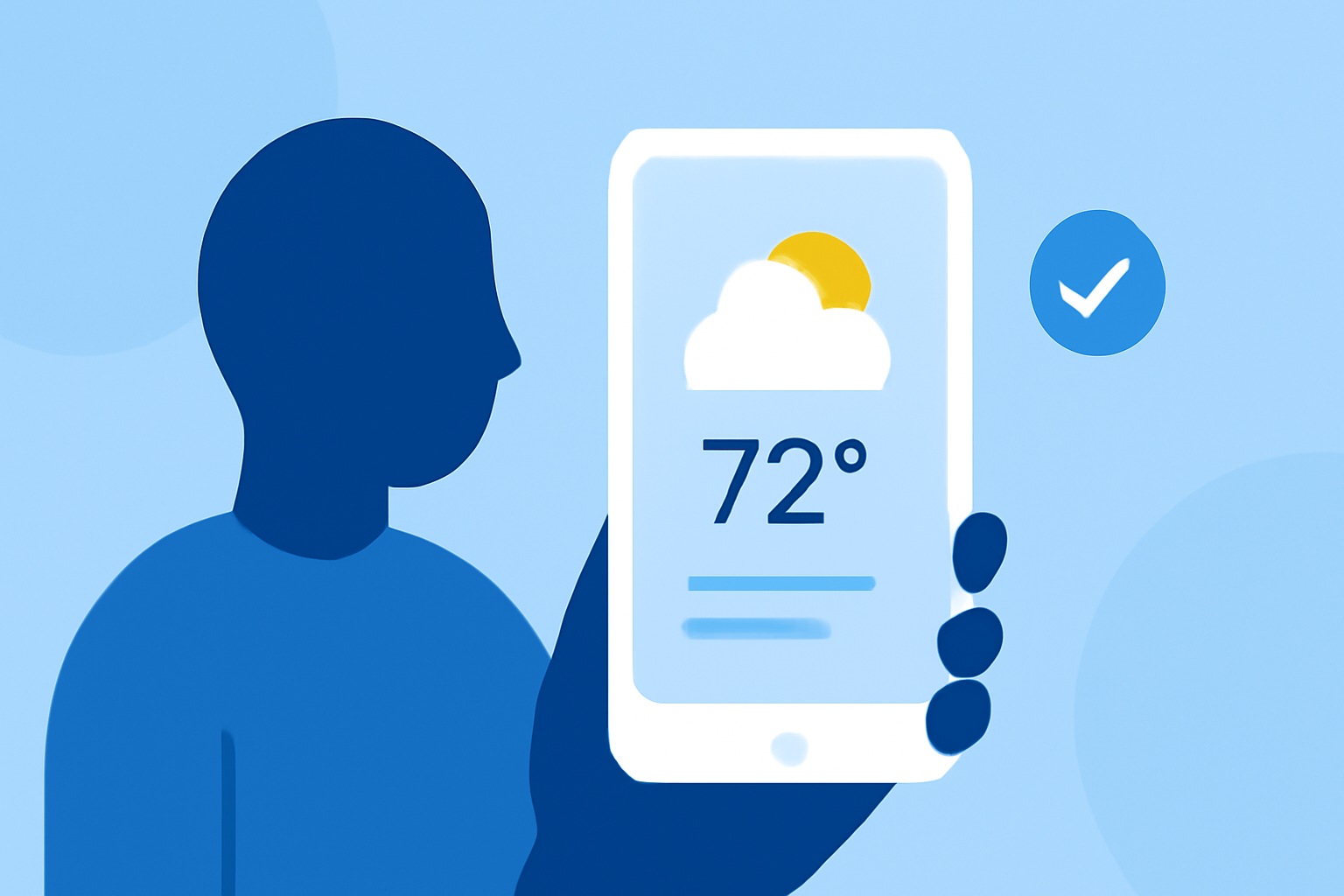
Glanceable weather widgets streamline your day by putting critical weather information directly on your home screen. As a commuter, having instant access to forecasts, alerts, and real-time updates can enhance your plans and time management. Users can quickly check for precipitation, temperature, and alerts without needing to engage with a full weather application.
What Features Matter for Beginners?
When looking for a glanceable weather widget, beginners should consider features such as:
- Simplicity and Clarity: Information should be displayed clearly, prioritizing user-friendly layouts that do not overwhelm with data.
- Update Frequency: Widgets should refresh regularly to provide the most accurate real-time information.
- Custom Alerts: The ability to set alerts for severe weather that pop up directly on your screen can help with proactive decision-making.
Tailored Experiences for Commuters
Different apps provide a wide array of widgets that can be helpful for daily commuters. Look for options that address specific needs:
- Traffic and Weather Integrations: Some widgets offer traffic and weather data in one place, which is beneficial for route planning.
- Hyper-Local Weather: Choosing widgets powered by local weather services ensures accuracy for your specific route and commuting times.
Why Clime Excels in the Widget Space
Clime is particularly geared towards providing accurate weather forecasts, drawing data from reliable NOAA sources. This means you get access to:
- NOAA-Based Radar: Facilitating live precipitation updates and detailed forecasts.
- Severe Weather Alerts: Tailorable notifications that ensure you’re informed of any dangerous conditions along your commute.
- Visual Simplicity: Clime’s widgets are not just functional; they are also visually appealing, making weather data easier to digest at a glance.
Comparing Data Sources and UI for Commuter-Focused Widgets
Different weather widgets can vary significantly in their data sources and the design of their user interfaces. When seeking a glanceable option:
- Data Providers: Select widgets that leverage reputed weather networks for more reliable updates.
- User Experience: Check reviews and user experiences to understand how intuitive the app and widget function.
What We Recommend
- Start with Clime: For its easy-to-use interface and reliable data from NOAA, Clime is a great starting point for commuters.
- Explore Widget Options: Check out various widget functions and appearances to find what best fits your commuting style.
- Set Alerts Wisely: Tailor your alert settings based on your daily route and weather patterns to maximize the benefits of your widget.