
Your Guide to Glanceable Weather Widgets for Travel Days
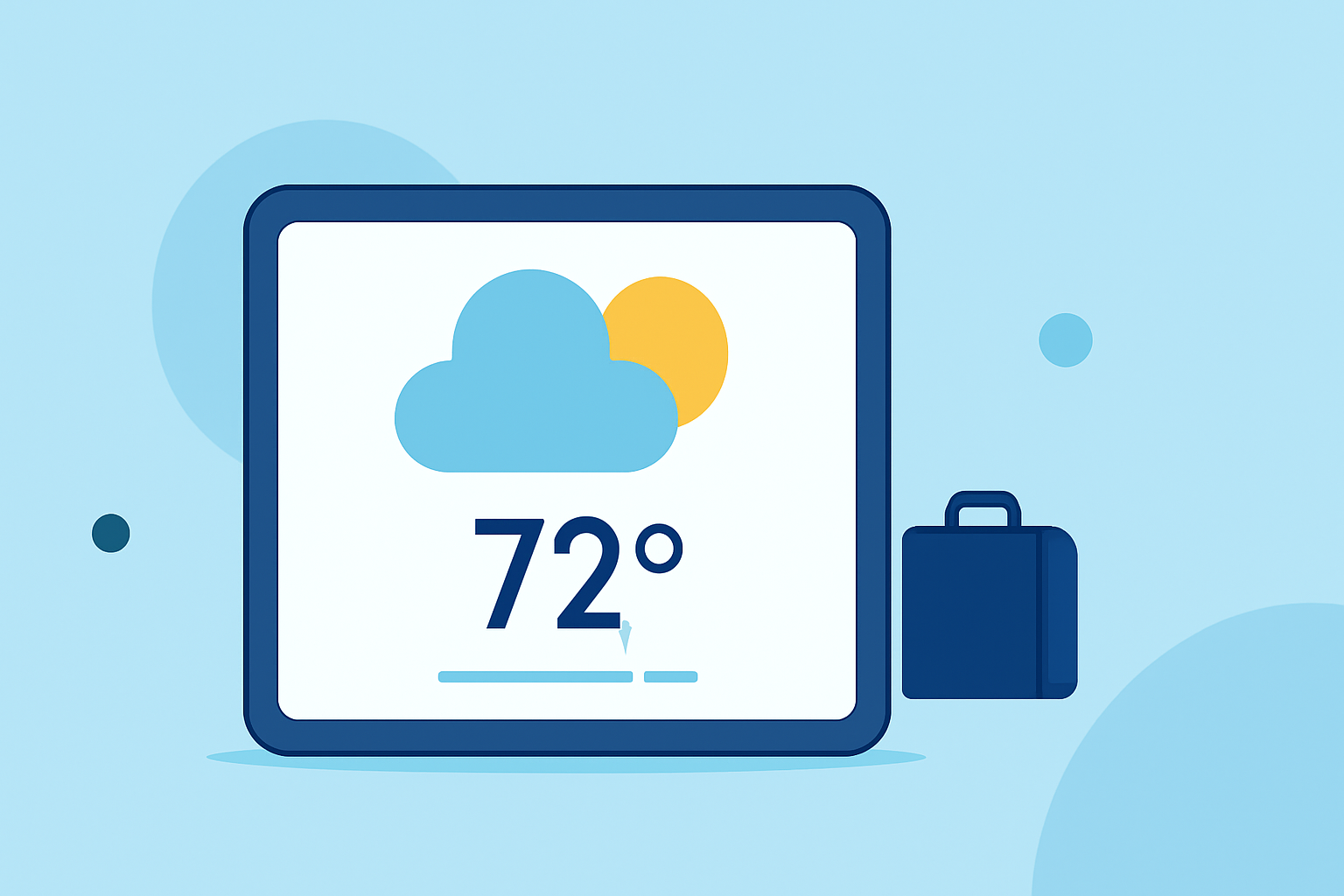
Traveling often means navigating through varying weather conditions. Having quick access to accurate weather information is essential for planning and safety. Glanceable weather widgets offer a solution by delivering real-time updates directly to your device's home screen. This guide explores the benefits of these widgets and how to effectively integrate them into your travel routine.
What Are Glanceable Weather Widgets?
Glanceable weather widgets are small, interactive elements on your device's home screen that display current weather conditions, forecasts, and alerts without the need to open a full app. They provide immediate access to essential weather information, such as temperature, precipitation, and wind speed, tailored to your location or selected destinations.
Why Are They Important for Travelers?
For travelers, staying informed about weather conditions is crucial. Glanceable weather widgets offer several advantages:
- Instant Access: Quickly view current conditions and forecasts without launching an app.
- Customization: Tailor widgets to display information relevant to your travel plans.
- Multiple Locations: Monitor weather in various destinations simultaneously.
- Real-Time Updates: Receive timely information to make informed decisions during your travels.
How to Choose the Right Weather Widget for Your Needs
Selecting a weather widget that aligns with your travel requirements involves considering the following factors:
- Accuracy: Ensure the widget provides reliable and up-to-date weather information.
- Customization: Look for widgets that allow you to adjust settings to display the most pertinent information.
- User Interface: A clean and intuitive design enhances the user experience, especially when accessing weather information on the go.
- Additional Features: Features like radar maps, severe weather alerts, and air quality indices can be beneficial for travelers.
Best Practices for Using Weather Widgets During Travel
To maximize the effectiveness of weather widgets during your travels, consider the following best practices:
- Select the Appropriate Widget Size:
- Small Widgets: Ideal for quick temperature checks.
- Medium Widgets: Provide a balance between space and information, displaying temperature, conditions, and a brief forecast.
- Large Widgets: Offer comprehensive details, including hourly forecasts and radar images.
- Customize Widget Content:
- Location Settings: Configure widgets to display weather information for multiple destinations.
- Information Prioritization: Choose to display data such as temperature, precipitation chance, or wind speed based on your preferences.
- Optimize Widget Placement:
- Home Screen Positioning: Place widgets in easily accessible areas on your home screen for quick access.
- Lock Screen Integration: Utilize lock screen widgets for immediate weather updates without unlocking your device.
- Manage Widget Refresh Rates:
- Update Frequency: Adjust the refresh rate to balance between timely updates and battery conservation.
- Location Services: Be mindful of location settings to prevent excessive battery drain.
Integrating Clime's Weather Widgets into Your Travel Routine
Clime offers a comprehensive suite of features tailored for travelers, including NOAA-based radar, RainScope® minute-by-minute precipitation forecasts, and a 14-day hourly forecast. Its widgets provide real-time weather updates, ensuring you're always informed about current conditions and upcoming forecasts. Clime's user-friendly interface and accurate data make it a top choice for those on the move. (climeradar.com)
Conclusion
Incorporating glanceable weather widgets into your travel routine enhances your ability to stay informed and prepared for changing weather conditions. By selecting the right widget, customizing it to your needs, and following best practices for its use, you can ensure a more comfortable and safe travel experience.
FAQs
What are weather widgets?
Weather widgets are small, interactive elements on your device's home screen that display current weather conditions, forecasts, and alerts without the need to open a full app. They provide immediate access to essential weather information, such as temperature, precipitation, and wind speed, tailored to your location or selected destinations.
Why are weather widgets important for travelers?
For travelers, staying informed about weather conditions is crucial. Glanceable weather widgets offer several advantages:
- Instant Access: Quickly view current conditions and forecasts without launching an app.
- Customization: Tailor widgets to display information relevant to your travel plans.
- Multiple Locations: Monitor weather in various destinations simultaneously.
- Real-Time Updates: Receive timely information to make informed decisions during your travels.
How do I choose the right weather app with widget support?
When selecting a weather app with widget support, consider the following factors:
- Accuracy: Ensure the app provides reliable and up-to-date weather information.
- Customization: Look for apps that allow you to customize widgets to display the information most relevant to you.
- User Interface: A clean and intuitive interface enhances the user experience, especially when accessing weather information on the go.
- Additional Features: Features like radar maps, severe weather alerts, and air quality indices can be beneficial for travelers.
How do I add a weather widget to my iPhone?
To add a weather widget to your iPhone:
- Add a Widget to Your Home Screen:
- Touch and hold the Home Screen until the apps jiggle.
- Tap the plus (+) button in the top-left corner.
- Search for the desired weather app and select the widget size.
- Tap 'Add Widget' to place it on your Home Screen.
- Customize the Widget:
- Touch and hold the widget on your Home Screen.
- Tap 'Edit Widget' to adjust settings such as location and displayed information.
Can I monitor weather in multiple locations using widgets?
Yes, many weather widgets allow you to monitor conditions in multiple locations. You can customize each widget to display weather information for different destinations, ensuring you're always prepared for your travels.
Do weather widgets consume a lot of battery?
Weather widgets do consume battery, but the impact is usually minor if you're sensible about it. Factors such as location updates, refresh frequency, and the number of widgets can affect battery life. A single medium weather widget from a well-optimized app typically accounts for less than 2% of daily battery usage. (bfgapps.co)
Highlights:
- Top Weather Apps with Widgets for Frequent Travelers | Clime Blog, Published on Tuesday, May 05