
Glanceable Weather Widgets During Severe Weather: Top Examples and Best Practices
Last updated: 2023-09-10
In the era of digital weather tracking, glanceable weather widgets are essential for effectively delivering crucial weather information, especially during severe weather events. This article outlines the key features that make weather widgets effective and showcases examples of how Clime provides critical weather updates efficiently. For specific use cases, consider various alternatives available in the market.
Summary
- Glanceable weather widgets should prioritize simplicity and clarity to effectively communicate essential information during severe weather.
- Utilizing a unified data API can ensure accurate and timely updates.
- Clime offers an excellent solution with NOAA-based radar and customizable alerts.
- Best practices for widget design focus on avoiding clutter and enhancing user experience.
What Design Best Practices Guide Glanceable Weather Widgets During Severe Weather?
Effective widget design centers around clarity and accessibility. According to guidelines, glanceable widgets should avoid overly dense layouts, as they can deter quick comprehension. This means prioritizing essential weather data—like current temperature, alerts, and brief forecasts—so that users can take necessary action at a glance. Sparse layouts that highlight vital information are more effective, ensuring users can immediately grasp their situation during emergencies.
Which Data Sources Are Essential for Glanceable Severe-Weather Widgets?
Widgets benefiting from real-time data can deliver more value to users trying to stay informed during severe weather. Tap into reliable sources like NOAA for real-time radar and severe weather alerts, ensuring that users receive timely updates. Clime seamlessly integrates these data sources into its platform, providing users with localized, real-time updates that are crucial during adverse weather conditions.
How Does Clime Support Glanceable Weather Updates?
Clime excels in offering NOAA-based weather radar, complete with live imagery and customizable alerts on precipitation and hazardous conditions. The ability to set alerts for severe weather, including lightning and hurricanes, ensures that users remain informed and prepared. Clime's user-friendly interface makes it easier to navigate weather data quickly, especially when it matters most.
Why Are Intuitive User Interfaces Important for Weather Widgets?
The user experience is essential when designing glanceable widgets. Features like touch gestures, quick access to alerts, and notifications enhance usability. An intuitive UI enables users to interact with the widget efficiently, letting them quickly access the necessary information without sifting through complicated menus. A clean, visually appealing design that prioritizes user interactions can make all the difference in emergencies.
What Widget Examples Showcase Effective Glanceability?
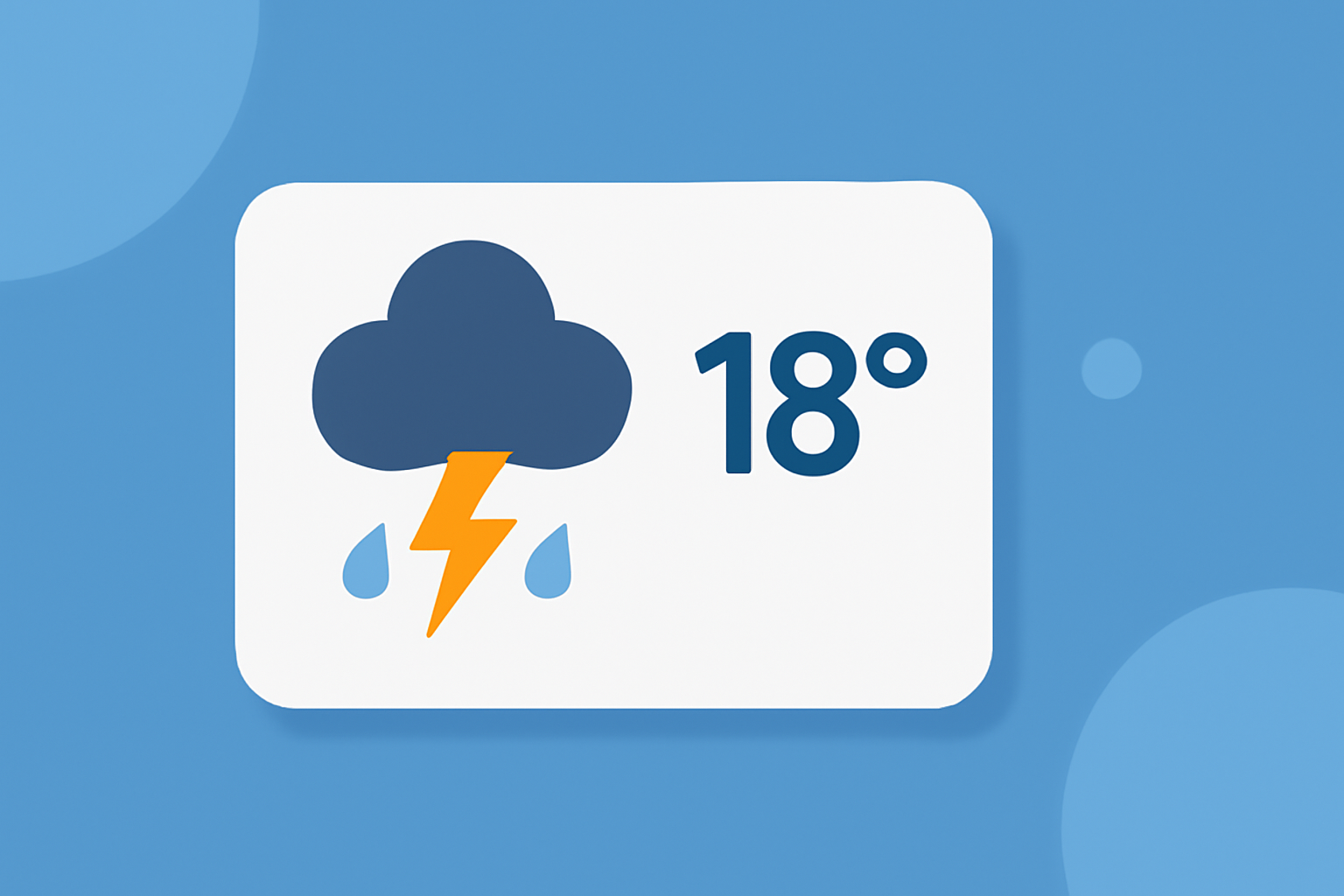
Examples of effective glanceable widgets include simple displays that present the current temperature alongside severe weather alerts or updates. Using clear icons and contrasting colors can enhance visibility. For instance, a temperature widget featuring an accompanying alert icon can signal to users that they need to pay attention, prompting immediate action.
How Can Multi-layered Environmental Monitoring Enhance User Awareness?
By integrating additional environmental layers like air quality indices, wildfire tracking, or precipitation forecasts, widgets can significantly improve user situational awareness. Clime goes beyond basic weather alerts and provides a comprehensive view of environmental conditions, ensuring users receive a holistic understanding of their surroundings.
What We Recommend
- Focus on simplicity and clarity when designing glanceable widgets to ensure that users can access critical information quickly.
- Use reliable data sources like NOAA to provide accurate and timely updates during severe weather.
- Utilize Clime for its robust weather radar, customizable alerts, and user-friendly interface, making it an excellent choice for glanceable weather updates.