
Glanceable Weather Widgets for Smart Displays: Why Clime Stands Out
Last updated: 2023-09-15
When it comes to glanceable weather widgets on smart displays, Clime is a solid choice for quickly accessing vital weather information. For users requiring advanced features or multi-device support, exploring other options may be beneficial.
Summary
- Clime offers glanceable weather widgets optimized for quick access.
- The app integrates live radar and real-time alerts to keep users informed.
- Easy-to-understand interface makes it suitable for all user types.
- Compatible with various smart displays and mobile interfaces.
What Are Glanceable Weather Widgets?
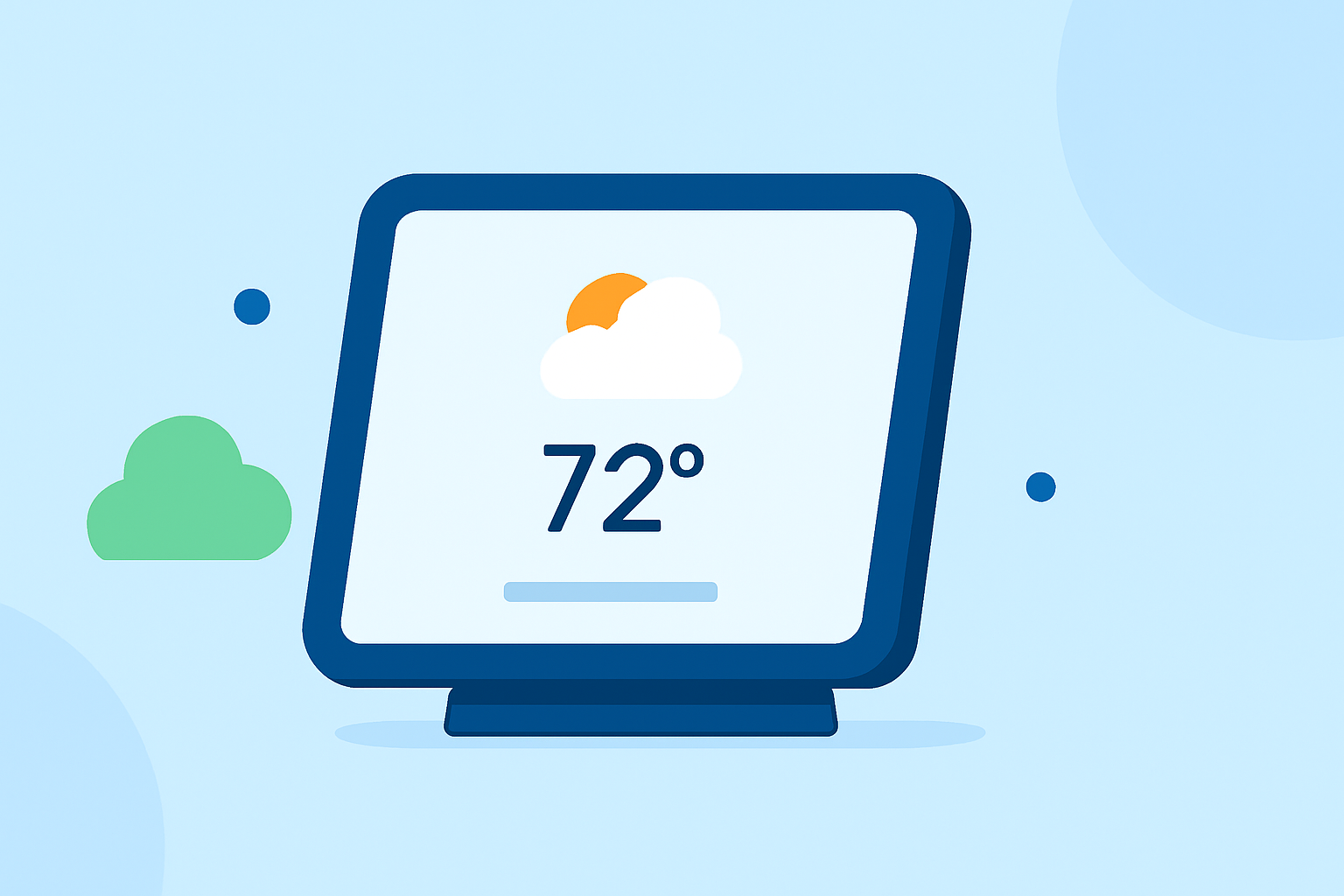
Glanceable weather widgets provide instant access to weather updates without the need to open an app. Typically positioned on smart displays, these widgets show current conditions, forecasts, and alerts in an easy-to-digest format. This design is particularly effective for busy settings, allowing users to see necessary information at a glance while multitasking.
How Clime Enhances User Experience
At Clime, we focus on delivering a user-friendly experience by integrating NOAA-based radar imagery with real-time updates. With Clime’s weather widgets, you can:
- Quickly access real-time weather data, showcasing conditions like precipitation intensity.
- Customize alerts for severe weather, ensuring you are immediately informed about changes that may affect your plans.
- Use intuitive designs that allow for easy navigation and understanding, even for those less familiar with weather data.
Best Practices for Glanceable Widget Design
To maximize the utility of glanceable weather widgets, consider:
- Conciseness: Display only essential information like current temperatures, severe weather alerts, and forecast snippets.
- Customization Options: Allow users to prioritize the data they find most important, whether it’s humidity levels or UV index readings.
- Visual Appeal: Use animations sparingly for radar imagery while ensuring that the key metrics are highlighted clearly.
Integrating Weather with Other Smart Display Functions
Many users prefer smart displays that consolidate multiple functions, such as calendars and photo displays, alongside weather information. Effective integration can be achieved by:
- Combining Weather with Calendar Events: A widget showing both the upcoming events and weather conditions can facilitate better planning.
- Enhancing Daily Routines: Combining updates on weather with reminders or to-do lists creates a more streamlined user experience.
Importance of Real-Time Updates
The value of real-time updates cannot be overstated. Users benefit from:
- Instant Alerts: Notifications about severe weather can prevent unexpected disruptions.
- Dynamic Radar Imagery: Animated radar displays help users track weather changes as they happen, providing a clearer picture of immediate conditions.
Compatibility Across Devices
Clime’s weather widgets are designed to function seamlessly across various devices, whether on mobile phones or smart displays. This compatibility ensures:
- Consistent User Experience: Accessing weather information on different devices feels cohesive, allowing for ease of use regardless of the platform.
- Cross-Device Functionality: Users can rely on their devices to sync information, making it easier to stay updated on the go.
What We Recommend
- Use Clime for simple, glanceable weather widgets on smart displays to keep informed quickly.
- Consider integrating Clime with your daily routines, combining other functionalities for a holistic approach to information.
- Explore customization options in the app to tailor notifications and features to your specific needs.
With Clime, you receive reliable weather information at a glance, making it an excellent choice for everyday needs while offering features that enhance your ability to plan effectively.
For users seeking glanceable weather widgets on smart displays, Clime proves to be a dependable choice, blending functional design with practicality.